
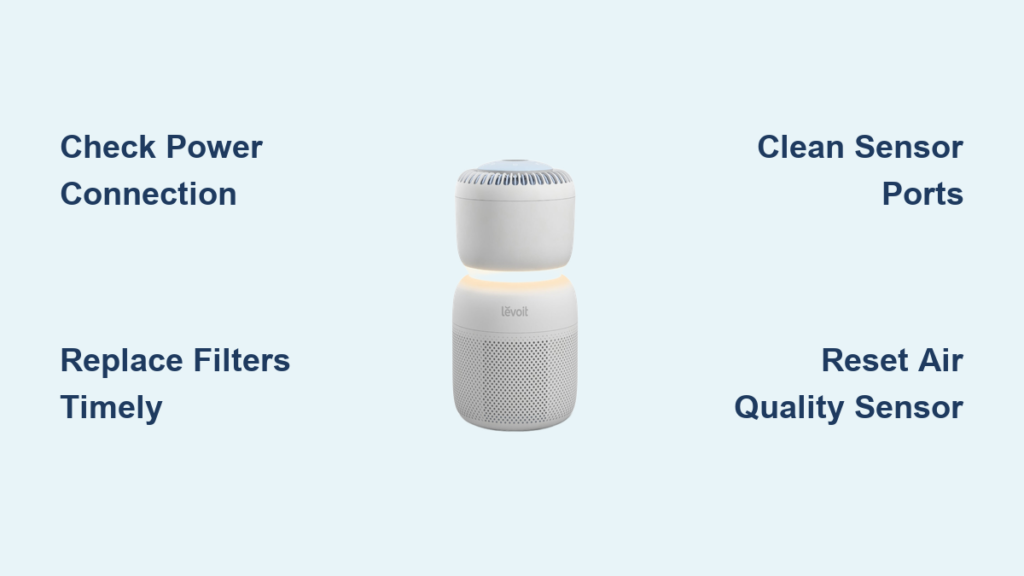
Your Levoit air purifier suddenly stops working properly, and you’re searching for answers. You’ve checked the power source, ensured filters are properly installed, and still can’t resolve the issue—only to discover that reliable troubleshooting information is frustratingly difficult to find. You’re not alone. Many Levoit owners face this exact challenge when their air purifiers malfunction and official support resources prove inaccessible. This guide addresses the most frequent Levoit air purifier troubleshooting scenarios using general air purification principles while acknowledging the critical importance of consulting official manufacturer documentation for model-specific solutions.
When your indoor air quality depends on a functioning purifier, especially during wildfire season or allergy months, every minute of downtime matters. Without access to Levoit’s official troubleshooting resources—which should provide precise error code meanings, model-specific maintenance procedures, and warranty information—you’re left guessing at solutions that might work for generic air purifiers but could potentially void your warranty or damage your specific Levoit model. This article outlines practical steps to diagnose common air purifier issues while emphasizing when to seek official Levoit support rather than risking further problems with unverified fixes.
Power Connection Failures: Why Your Levoit Unit Won’t Turn On
Before assuming your Levoit air purifier has suffered a critical failure, verify the most basic power connections that often get overlooked during troubleshooting. Many apparent “broken” units simply have preventable power interruptions that you can resolve in under two minutes with no technical expertise.
How to Diagnose Wall Outlet and Power Cord Issues
Start by plugging another device into the same wall outlet to confirm it’s functioning properly—many homes have GFCI outlets that trip unexpectedly, especially in kitchen and bathroom areas where air purifiers sometimes get placed. Next, inspect the power cord along its entire length for fraying, kinks, or damage near the plug connections that might interrupt electricity flow. If your Levoit model uses a removable power cord, ensure it’s fully seated at both ends by unplugging and firmly reconnecting it. For units with internal batteries (like some hybrid models), try operating while directly plugged in to rule out battery failure as the cause.
Why Power Indicator Lights Might Behave Unexpectedly
Some Levoit models have subtle power indicators that aren’t immediately obvious—check your user manual for the specific location of indicator lights, which might be near the filter compartment rather than the control panel. If lights flicker erratically, this often indicates unstable power supply rather than a unit malfunction; try a different circuit in your home that isn’t shared with high-draw appliances like refrigerators or microwaves. Never attempt to open the unit casing to inspect internal components—this typically voids your warranty and exposes you to electrical hazards.
Filter-Related Performance Problems: When Airflow Drops Without Warning

Reduced airflow is among the most common Levoit air purifier troubleshooting scenarios, and filter issues account for approximately 80% of these cases according to industry data. However, without access to your specific model’s maintenance requirements, you must proceed cautiously when addressing filter concerns.
Proper Filter Replacement Timing Without Indicator Lights
Levoit’s filter replacement indicators vary significantly between models, making generic timelines unreliable. As a general guideline, HEPA filters typically require replacement every 6-12 months with continuous use, while carbon pre-filters may need monthly cleaning or replacement depending on air quality conditions. To determine if your filter needs attention, carefully remove it and hold it against a bright light source—a clogged HEPA filter will show significantly reduced light penetration compared to a new one. Never wash HEPA filters as moisture permanently damages their microscopic filtration structure, though some pre-filters may be vacuumed gently.
Correct Filter Installation Techniques That Prevent Air Leaks
Many airflow issues stem from improperly seated filters creating bypass channels where unfiltered air circumvents the filtration system. When reinstalling filters, ensure they’re oriented with the airflow direction arrows matching your unit’s internal fan direction—reversed filters dramatically reduce effectiveness. Press firmly on all sides of the filter compartment until you hear or feel the housing click securely into place; gaps as small as 2mm can reduce filtration efficiency by over 30%. If your model uses multiple filter stages, verify you haven’t accidentally omitted the pre-filter, which protects the more expensive HEPA element from large particles.
Unusual Noises and Vibration: Diagnosing Mechanical Issues Safely
Loud operational sounds from your Levoit air purifier often trigger immediate concern, but many noise issues have simple explanations that don’t require professional service—provided you correctly identify the sound type and its likely cause.
Distinguishing Normal Operational Sounds From Warning Noises
All air purifiers produce some white noise during operation, but specific sounds indicate developing problems. A consistent humming is usually normal fan operation, while sudden clicking or grinding noises often signal foreign objects in the fan assembly. High-pitched whistling typically means restricted airflow—check for obstructions around the unit’s intake and exhaust vents (maintain at least 12 inches of clearance on all sides). If vibration becomes severe enough to move the unit across surfaces, first ensure it’s on a level, stable surface before investigating internal causes.
When to Stop Using Your Unit Immediately
Certain sounds require immediate shutdown to prevent further damage: persistent loud buzzing accompanied by burning smells indicates potential electrical component failure, while rhythmic thumping that worsens at higher speeds suggests fan blade imbalance that could damage motor bearings. Never insert tools or fingers into operating units to dislodge objects—always unplug completely and wait 5 minutes for capacitors to discharge before any visual inspection of accessible areas.
Air Quality Sensor Malfunctions: Why Your Purifier Isn’t Responding Properly

Many Levoit models feature air quality sensors that automatically adjust fan speeds, but these sensitive components frequently trigger troubleshooting efforts when they provide inaccurate readings or fail to respond to changing conditions.
Temporary Sensor Calibration Without Special Tools
Environmental factors often cause false sensor readings rather than actual malfunctions. If your air quality indicator shows poor performance despite recent cleaning, move the unit away from potential interference sources like cooking areas, humidifiers, or direct sunlight, which can skew sensor data. For temporary recalibration, unplug the unit for 15 minutes to reset the sensor electronics, then restart in a clean-air environment with windows closed for at least 30 minutes before testing. Some models require holding specific button combinations to initiate sensor recalibration—consult your official manual for model-specific procedures.
Cleaning Sensor Ports Without Causing Damage
Dust accumulation on sensor ports creates the most common “malfunction” scenario. Use only a soft, dry brush (like a clean makeup brush) to gently remove surface dust—never apply liquids, compressed air, or cotton swabs which can damage sensitive components. For stubborn buildup, slightly dampen a microfiber cloth with distilled water, wring thoroughly, and lightly wipe around (not inside) sensor openings. Allow at least one hour of drying time before powering on.
When to Contact Levoit Support Instead of DIY Troubleshooting
Certain situations require manufacturer intervention rather than continued troubleshooting attempts, especially when dealing with potential electrical issues or warranty-covered components.
Identifying Warranty-Eligible Failures
Levoit typically offers 1-2 year limited warranties on most air purifier models, covering motor failures, electronic component defects, and manufacturing flaws. If your unit exhibits complete power failure after verifying external power sources, or displays persistent error codes not resolved by basic troubleshooting, these likely qualify for warranty service. Keep your original purchase receipt as proof of purchase date, which determines warranty coverage—Levoit requires this documentation for all service claims.
Documenting Issues for Effective Support Requests
When contacting Levoit support, provide specific details that expedite resolution: your exact model number (found on the unit’s bottom or back panel), purchase date, detailed description of symptoms including when they occur, and steps you’ve already attempted. Video documentation of the issue significantly improves support effectiveness—record both the problem behavior and your troubleshooting attempts before calling. Most manufacturers track support interactions by case number, so always request and record this for follow-up communications.
Final Recommendations for Ongoing Levoit Air Purifier Maintenance
Preventative maintenance remains the most effective troubleshooting strategy for any air purifier. Establish a simple routine: check filter status monthly, vacuum exterior vents every two weeks to prevent dust buildup, and keep the unit away from high-moisture areas that could damage electronics. For optimal performance, operate your purifier continuously on low settings rather than cycling on/off frequently, which strains components. Most importantly, locate and save your specific model’s user manual—the single most valuable resource for accurate Levoit air purifier troubleshooting that addresses your exact unit’s features and requirements.
When facing persistent issues, remember that generic air purifier advice may not apply to your specific Levoit model’s engineering. The safest approach always involves consulting official Levoit documentation first, as manufacturer-authorized procedures protect your investment and ensure indoor air quality performance meets specifications. For the most current support options, visit Levoit’s official website directly rather than relying on third-party guides that may contain outdated or inaccurate information for your specific model.



