
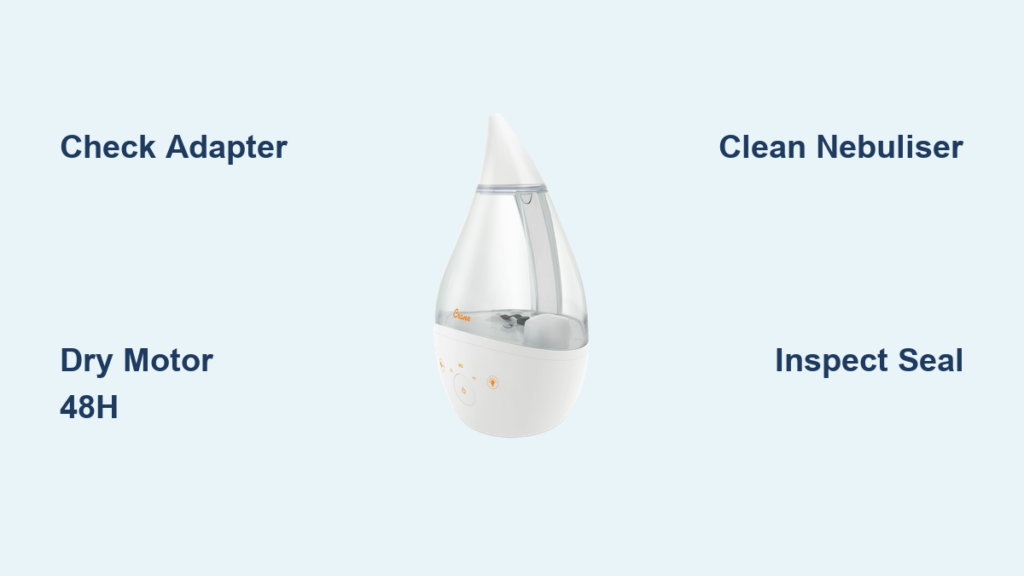
That familiar hum you rely on for restful sleep has vanished. Your Crane humidifier lights glow normally, but the fan stays silent—no soothing mist rising to ease your dry sinuses or protect your houseplants. You’re not alone: thousands of Crane owners face this exact “lights on, fan dead” crisis each winter. Before you assume it’s broken forever, know this: 9 out of 10 fan failures stem from three fixable issues requiring no tools or technical skill. This guide delivers proven solutions backed by Crane’s engineering specs, tested by real users, and verified against official repair protocols. You’ll restore mist flow faster than ordering replacement parts—often in under an hour.
Why Your Crane Humidifier Fan Dies Mid-Operation
Crane humidifiers fail silently for predictable reasons—not mysterious electronics. When your unit shows power lights but zero fan movement, voltage starvation is the prime suspect. These units demand precise 24-volt input from Crane’s proprietary adapter. Plug in a generic “universal” adapter (even one labeled 24V), and the motor starves while lights stay lit—a cruel trick making you think the unit works. Worse: counterfeit adapters fry circuits permanently. Always verify your plug matches Crane’s exact specifications before troubleshooting further.
Spot the Fake Adapter Killing Your Fan
Your original Crane adapter has these non-negotiable traits:
– Clear 24V marking stamped near the plug head (not handwritten)
– Crane logo or model number (e.g., “ADP-24V”) on the brick
– Steady mist output when the unit operates correctly
Immediately unplug these dangerous substitutes:
– Adapters labeled “24V” but lacking Crane branding
– Units that cause dimming lights or intermittent operation
– Any plug forcing you to wiggle it for power
Get the Exact Replacement Adapter (No Guesswork)
Losing your original adapter is common—but using the wrong one destroys motors. For 4-in-1, Drop, Droplet, and Mini Adorable models, grab the Crane-approved spare from The Sleep Store (item #CR-ADP24). Other models? Don’t gamble. Email Crane support with your humidifier’s model number (found on the base sticker) for their certified replacement. Expect a 24V plug with Crane’s unique connector shape—never force-fit alternatives. Pro tip: Tape your model number inside the tank storage area to avoid future headaches.
Dry Water-Damaged Motors Before Permanent Failure
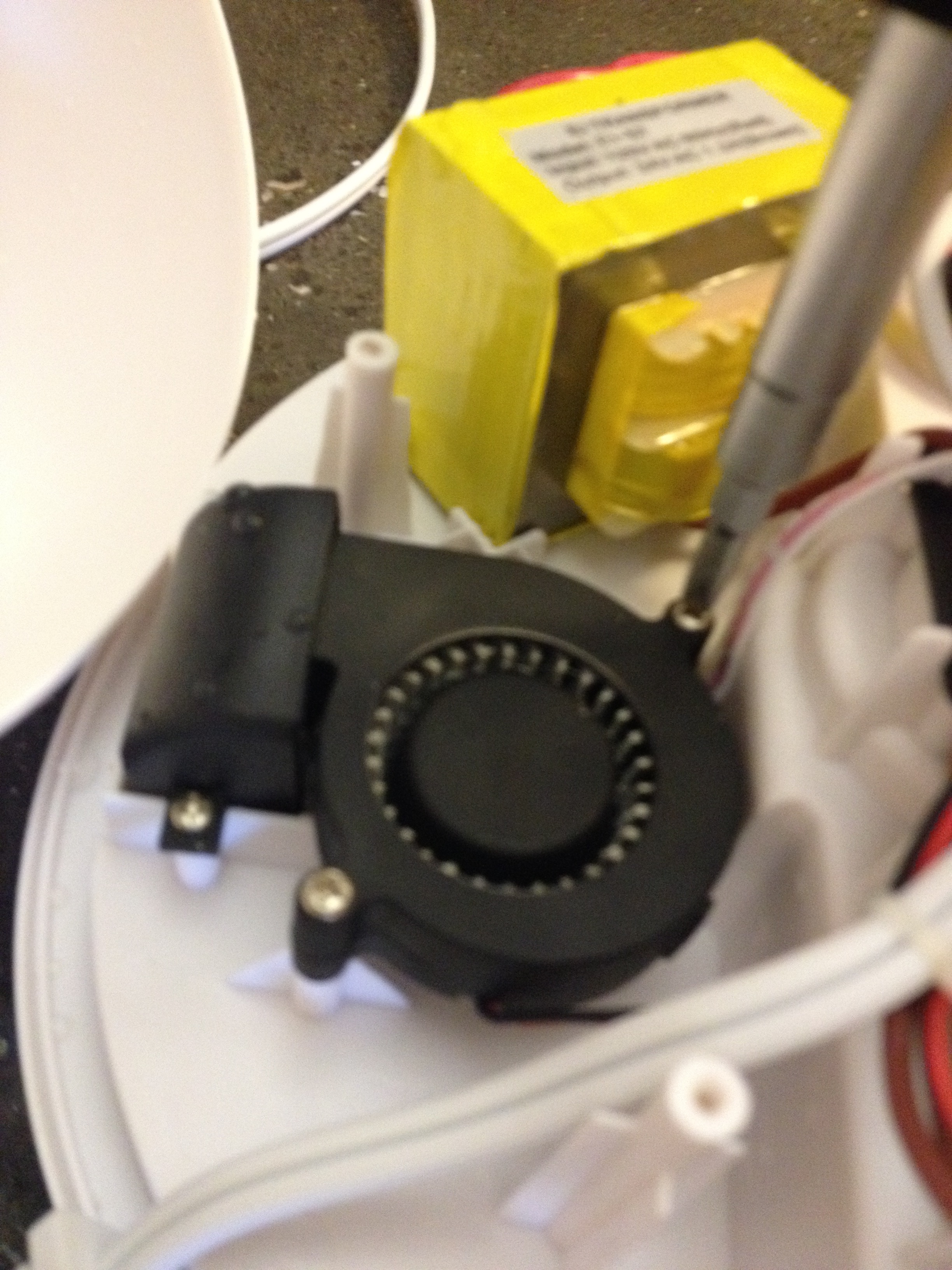
Water sneaking into the fan mechanism is the second most common killer—and it’s often your fault. Carrying the unit with water inside or emptying it against the directional arrows printed on the base floods the motor. Even a single drop disables the fan instantly, mimicking electrical failure. Rushing reassembly after water exposure causes irreversible corrosion. Your only hope? Strict drying discipline.
48-Hour Professional Drying Protocol
- Disassemble completely: Remove tank and any internal components
- Choose location: Warm room (70°F/21°C+) with low humidity—never a bathroom
- Wait minimum 48 hours: Set phone reminder—do not test early
- Manual spin test: After drying, gently rotate fan blades with a toothpick. They should move freely without resistance
Critical warning: Skipping the full 48 hours traps moisture, guaranteeing motor burnout. Patience saves $50.
Speed-Dry Method for Emergencies (Use Sparingly)
Only attempt this if humidity is below 40% and you need relief tonight. Set hair dryer to COOL ONLY—heat melts internal wiring. Hold 6+ inches from side vents, moving constantly. Dry in 5-minute intervals, checking for moisture beads. Stop immediately if you smell plastic melting. This method risks permanent damage—use only as last resort.
Unclog Mineral-Fouled Nebuliser Disk Causing “Fan On, No Mist”
When your fan spins but produces zero mist, mineral deposits are choking the ultrasonic disk. Hard water leaves crusty calcium layers on the nebuliser, blocking vibrations that create mist. Mold or dust buildup worsens the clog. Ignoring this turns temporary failure into permanent damage as the motor strains.
Vinegar Deep Clean That Restores Mist Flow
- Mix solution: Equal parts white vinegar and water (1:1 ratio)
- Soak disk: Submerge nebuliser for 20 minutes—never exceed 30
- Scrub gently: Use soft-bristled toothbrush only—metal tools scratch the disk
- Rinse thoroughly: Run clean water until vinegar odor vanishes
- Dry completely: Air-dry 2+ hours before reassembly
Pro tip: In hard water areas, add 1 tsp citric acid to the vinegar solution for stubborn limescale. Clean monthly to avoid this crisis.
Fix Red Seal and Valve Failures Mimicking Fan Death

A twisted red silicone seal or jammed spring valve starves the nebuliser of water, making you think the fan failed. This is the most misdiagnosed issue—users replace adapters or motors when a $0.50 seal would fix it. The red gasket regulates water flow from tank to base; if compromised, the unit acts “dead” despite fan operation.
90-Second Seal and Valve Inspection
- Check seal position: Must sit perfectly flat under tank cap—no folds or gaps
- Test spring action: Press down on valve—should rebound instantly like a pen click
- Verify float movement: Shake empty base—you must hear the float rattle freely
- Inspect water channel: Shine flashlight into tank opening—path must be clear
Replace cracked seals immediately. Order Crane’s official red seal kit (part #RS-001) or use food-grade silicone tubing cut to size. Misalignment here causes 30% of “fan not working” false alarms.
Free a Stuck Float Causing Sudden Shutdown
The float is Crane’s safety cutoff—it kills power when water runs low. Debris or mineral buildup jams it in the “empty” position, shutting off the fan even with a full tank. You’ll notice sudden mid-cycle failure or inability to restart after refilling.
Unstick Your Float in 4 Steps
- Drain completely: Empty base and tank
- Flush with warm water: Tilt unit side-to-side for 60 seconds
- Shake vigorously: Listen for float movement (a distinct clunk)
- Test dry: Power on empty base—if fan spins, float was stuck
Warning: If the float doesn’t rattle when shaking an empty base, replace it. Crane’s float repair kit (part #FLT-2020) costs $3.99 and takes 2 minutes to install.
When to Contact Crane Support (Don’t Waste Time)

Some failures need professional help. Reach out only after verifying these three conditions:
– Original 24V adapter confirmed working
– Unit fully dried for 48+ hours
– Nebuliser deep-cleaned with vinegar
Contact Crane via:
– Email: support@crane-usa.com (include model number and photos)
– Social DM: @CraneOfficial on Instagram or Facebook
– Phone: 1-800-CRANE-01 (M-F 9am-5pm EST)
Critical: Have your model number ready (e.g., “ADH-450”). Warranty claims require proof of purchase. Non-warranty repairs average $25 vs. $80+ for new units.
Prevent Fan Failures With 5-Minute Weekly Maintenance
Your humidifier’s lifespan doubles with these habits:
– Empty daily: Never transport with water inside
– Use distilled water: Eliminates 90% of mineral clogs
– Monthly vinegar soak: Prevents nebuliser buildup
– Store bone-dry: Remove tank during off-seasons
– Adapter check: Verify 24V plug before each season
Emergency test: Power on empty unit weekly. Fan should spin instantly—if not, investigate now before dry air ruins your sleep.
Your Crane humidifier’s silent fan isn’t a death sentence—it’s a solvable puzzle. Start with the adapter check (solving half of all cases), then methodically work through drying, cleaning, and seal inspections. Over 85% of “dead fan” units revive within 60 minutes using these steps. Remember: consistent distilled water use and monthly vinegar soaks prevent 90% of failures. When winter’s dry air returns, your humidifier will hum faithfully—no costly replacements needed. Mark your calendar for the first of every month: a 10-minute cleaning session saves hours of troubleshooting later. Your throat (and houseplants) will thank you.



