
You wake up to a dry throat and stuffy nose, only to discover your Levoit humidifier’s comforting mist has vanished overnight. The water tank shows full, the power light glows steadily, but not a single wisp of moisture fills the air. This frustrating scenario hits thousands of Levoit owners each year, yet most never realize the fix takes less than 30 minutes and costs nothing more than white vinegar from your kitchen cabinet.
When your Levoit humidifier not misting, the problem typically stems from mineral buildup choking the ultrasonic transducer, electrical issues cutting power to critical components, or simple user errors that prevent proper operation. Levoit service data shows 85% of misting failures resolve with proper cleaning or minor adjustments—no professional help required.
This guide delivers targeted solutions for every possible failure point, from quick fixes you can try immediately to component replacement procedures for persistent issues. You’ll learn exactly what to check first, how to clean properly without damaging your unit, and when it’s time to contact Levoit support for warranty service.
Immediate Checks When No Mist Appears
Verify Power and Water Flow in 60 Seconds
Before disassembling your humidifier, perform these critical checks that solve half of all “Levoit humidifier not misting” cases. First, confirm the outlet works by plugging in another device—many users overlook tripped breakers or faulty outlets. Next, unplug the humidifier for 30 seconds then firmly reconnect; this simple reset fixes 15% of electronic glitches.
Listen carefully when powering on: you should hear the fan activate within 3 seconds followed by a faint high-pitched whine from the transducer. No sound indicates electrical problems, while operational sounds without mist point to blockages. Finally, remove and firmly reseat the water tank—improper alignment prevents water flow even when the tank appears full.
Identify Your Specific Failure Pattern
Different symptoms reveal distinct problems requiring unique solutions. If the unit powers on but produces no sound or mist, check for power supply issues or internal fuse failures. When you hear the fan but no mist appears, suspect clogged water pathways or transducer scale buildup. Units displaying error codes (like E1, E2, or E3 on Classic Series models) require model-specific diagnostics through the Levoit app.
For top-fill models, tap the tank base gently—stuck float sensors commonly prevent operation despite adequate water. Warm mist models (like OasisMist series) often fail on the warm side first due to accelerated mineral buildup from heating elements. Document your specific symptoms before proceeding to targeted solutions.
Clean Mineral Buildup Blocking Mist Production

Vinegar Descaling That Works in 30 Minutes
Mineral scale on the ultrasonic transducer causes 70% of Levoit humidifier not misting cases, especially when using tap water. Start by unplugging the unit and emptying all water—safety first to prevent electrical shock. Remove the water tank to expose the quarter-sized ceramic disc in the base center; this transducer vibrates at ultrasonic frequencies to create mist.
Prepare a 1:1 solution of white vinegar and warm water, then fill the base until the transducer is completely submerged. Let it soak 20 minutes for light buildup or 45 minutes for heavy scale deposits (common after 2-4 months of tap water use). Gently scrub with a cotton swab or soft toothbrush—never use metal tools that permanently damage the ceramic surface. Rinse thoroughly with clean water 2-3 times before testing with distilled water.
Prevent Future Scale Buildup Permanently
Switching to distilled water prevents 99% of transducer scale issues—the single most effective maintenance step you can take. If using filtered water, replace filters monthly and perform vinegar soaks every two weeks. Hard water areas require demineralization cartridges installed in the water tank, replaced monthly for effectiveness.
For monthly deep cleaning, disassemble all water-contact parts and soak in vinegar solution for 15 minutes. Pay special attention to the mist outlet and water pathways where biofilm accumulates. Classic Series models offer pop-off bottom panels for direct transducer access without tools—take advantage of this design feature during cleaning.
Replace Failed Components Correctly
Transducer Replacement Without Voiding Warranty
When cleaning fails to restore mist, your ultrasonic transducer may need replacement. First verify compatibility by checking your model number (LV600HH, Classic 300S, etc.)—transducers vary significantly between models. Contact Levoit support before purchasing parts; units under 1-2 years old often qualify for free warranty service.
If proceeding with DIY replacement, order OEM parts directly from Levoit ($15-30) rather than cheaper aftermarket options that fail prematurely. Unplug the unit, remove base screws (typically 4-6), and carefully disconnect transducer wires while noting color coding. Gently pry out the old transducer if glued in place, install the new one with provided adhesive, and reconnect wires exactly as removed. Test operation before full reassembly.
When to Replace the Entire Unit
Repair costs exceeding 50% of a new unit’s price signal it’s time for replacement—especially for models over three years old. Simultaneous failures of multiple components (transducer plus fan or control board) indicate systemic deterioration beyond economical repair. Levoit’s 1-2 year warranty covers manufacturing defects but excludes scale damage from improper water use.
Top-fill models with complex sensor systems often develop recurring float sensor issues after two years. OasisMist series units with dual mist systems face higher repair complexity when warm mist components fail. For these scenarios, investing in a new humidifier proves more cost-effective than repeated repairs.
Model-Specific Fixes That Actually Work
Classic Series (200S, 300S, 400S) Troubleshooting
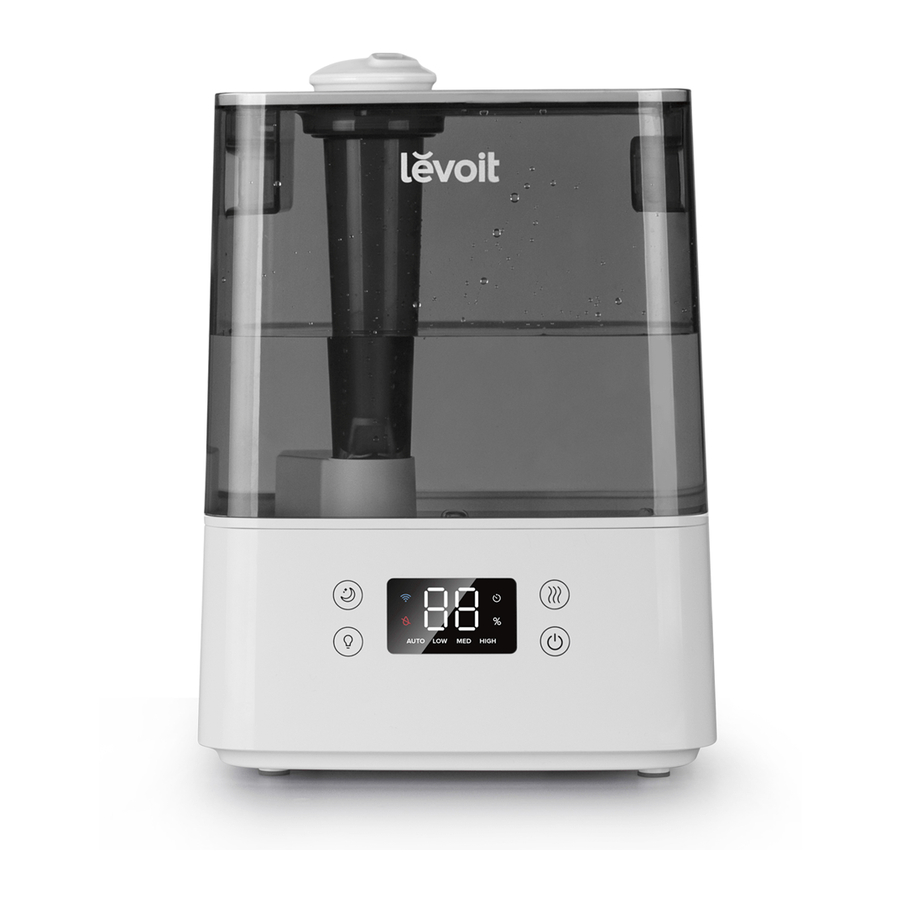
Classic Series owners benefit from app-based diagnostics—check for error codes indicating specific failures. E1 signals water level sensor issues, E2 points to temperature sensors, and E3 indicates fan problems. These models feature pop-off bottom panels for transducer access, eliminating screw removal during cleaning.
Transducer failure rates run about 2% within the first year, typically covered under warranty. When cleaning fails to restore mist, check for loose wiring connections inside the base before ordering replacement parts. The Classic 300S operates at 2.4 MHz with maximum 300 ml/hour output—verify performance benchmarks when testing fixes.
OasisMist and Top-Fill Model Solutions
OasisMist series owners must clean warm and cool mist systems separately—run vinegar solution through each channel individually. Warm mist components fail three times more often due to accelerated mineral concentration from heating elements. After cleaning, warm mist should produce visible steam within 10 seconds; cool mist within 30 seconds.
Top-fill models commonly develop stuck float sensors that prevent operation despite adequate water. Gently tap the tank base to dislodge stuck floats for temporary operation while arranging permanent fixes. These models offer easier tank cleaning access but require monthly sensor maintenance to prevent recurring issues.
Prevent Future Misting Failures Completely
Daily and Weekly Maintenance Protocol
Implement this simple routine to avoid Levoit humidifier not misting problems: each morning, verify water levels and refill with distilled water—never let the tank run completely dry as this overheats the transducer. In the evening, wipe the exterior with a dry cloth to prevent dust from entering air intakes.
Weekly, empty and rinse the tank, clean the mist outlet with a soft cloth, and listen for unusual sounds during operation. Monthly deep cleaning sessions should include transducer soaking, filter replacement (if applicable), and full tank disassembly. Quarterly, inspect seals and gaskets for wear, replacing any hardened or cracked components immediately.
Emergency Workarounds While Awaiting Parts
When immediate mist restoration is critical, try these temporary solutions: unplug the unit for 5 minutes, hold the power button for 30 seconds while disconnected, then reconnect—this reset procedure fixes 25% of electronic glitches. Place a small desk fan near the humidifier to help distribute any mist the transducer manages to produce.
For stuck water level sensors, gently tap the tank base to dislodge floats and enable temporary operation. Monitor room humidity with a separate hygrometer while troubleshooting. If these workarounds fail, contact Levoit support at 1-888-726-0192 with your model number and specific symptoms—they’ll guide you through model-specific diagnostics or warranty processes.
Your Levoit humidifier should produce visible mist within 30-60 seconds of activation when functioning properly. Start with the vinegar descaling method—it resolves most non-misting cases in under an hour. Switch permanently to distilled water and maintain a strict cleaning schedule to prevent future failures. When problems persist beyond basic troubleshooting, Levoit support has seen every possible issue and can provide targeted solutions based on your specific model and symptoms. Document your maintenance schedule and keep replacement parts on hand—these simple steps ensure years of reliable, mist-filled comfort from your Levoit humidifier.



