
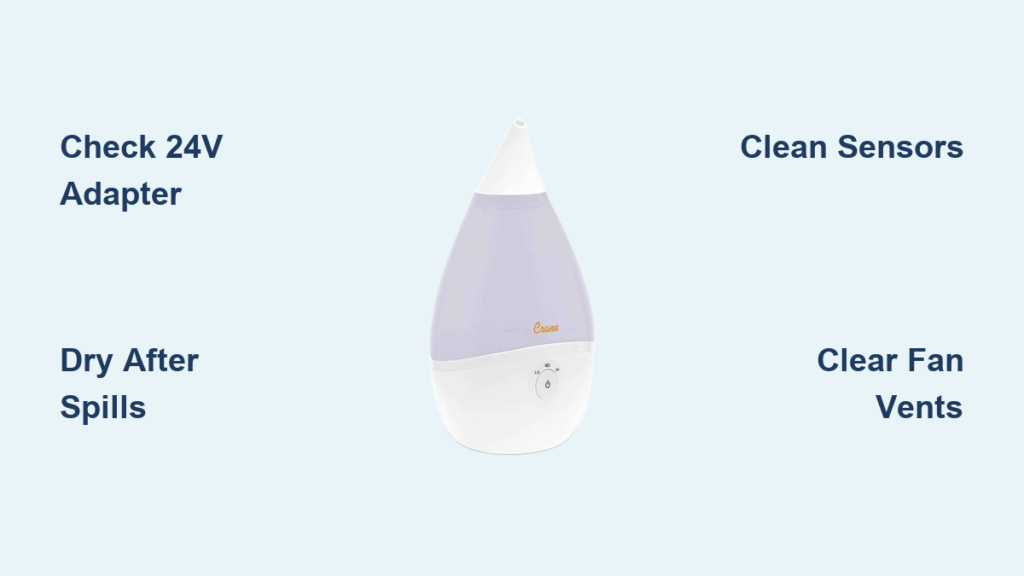
Your Crane humidifier sits dark and silent when you wake to dry air or stuffy sinuses. No reassuring glow, no gentle mist, no hum of the fan—just frustrating silence. Before you toss it or order a replacement, know this: 90% of “dead” Crane humidifiers revive with targeted troubleshooting. This guide delivers the exact fixes that worked for thousands of users, from adapter swaps to critical drying protocols—all verified against Crane’s technical specifications. You’ll diagnose the cause in under 10 minutes and learn why generic solutions fail your unit.
Verify Your 24-Volt Adapter Isn’t the Culprit

Crane humidifiers demand their factory-supplied 24-volt adapter—no exceptions. Using generic plugs from your “electrical box” creates a classic “lights on but no mist” failure. Why? Generic adapters deliver insufficient current to energize the 24V motor, even if indicator lights illuminate. This mistake affects Drop, Droplet, Mini Adorable, and 4-in-1 models equally.
Adapter troubleshooting steps:
1. Unplug the adapter and wait 10 seconds before reconnecting firmly
2. Check the adapter brick for an LED light (if present)—steady glow confirms power
3. Test the outlet with a phone charger to rule out tripped GFCI circuits
Critical fix: If your adapter shows no light, order the Crane Humidifier Spare Parts Plug Adaptor immediately. Never substitute third-party 24V adapters—even matching voltage ratings lack Crane’s precise current calibration. Generic plugs may power indicator lights but starve the motor, creating a “won’t turn on” illusion. Replace only with Crane’s official part (SKU covers all major models).
Diagnose Complete Electrical Silence After Water Spills
Water in the motor causes total power failure—no lights, no fan, no mist. This happens when you carry the unit with water inside or empty it against the directional arrow on the base. Don’t panic; Crane’s sealed electronics often recover with proper drying.
48-hour water damage protocol:
1. Remove the water tank immediately and pour out all liquid
2. Place the base upright in a warm, dry spot (away from direct heat sources)
3. Wait minimum 48 hours before retesting—rushing guarantees permanent damage
Pro drying tip: Accelerate moisture evaporation by aiming a hair dryer on its lowest, coolest setting from 30 cm away into the side vents for 20 minutes. Never apply heat directly to the base. Place near (not on) a heating vent or sunny windowsill. After 48 hours, reassemble with fresh water. If silent, proceed to sensor checks—never skip this drying phase.
Fix Green Light But Zero Mist Immediately
A glowing power light with no mist means your Crane detects water but can’t produce vapor. This post-cleaning failure occurs when aggressive bleach use (>1 tsp per gallon) coats sensors or blocks vents. Do not ignore this—it escalates to total shutdown.
Clean Water Level Sensors Without Damage
The metallic disc or prongs at the base center control startup. Mineral deposits here trick your humidifier into “thinking” it’s empty.
– Unplug the unit and locate the sensor (center of base)
– Gently wipe with a soft, dry cloth—never scrub aggressively (deposits can fracture sensors)
– Re-seat the float: Lift the large white washer and snap it firmly onto the tall central peg
– Secure the cap: Ensure the small plastic lid with metal clip clicks into place
Clear Fan Vent Blockages
Flip the base upside down. Lint, pet hair, or cleaning cloth fibers often clog the fan vent, preventing startup even with perfect sensors. Use tweezers to remove obstructions—blocked airflow triggers automatic safety shutoff.
Revive a Clogged Nebulizer Disc in 30 Minutes

Mineral film on the ultrasonic disc (nebulizer) blocks vibration completely—no vibration equals no mist. This happens with hard water or inconsistent cleaning. Crane’s technical specs confirm this as the #2 cause of “won’t turn on” after adapter issues.
Effective cleaning sequence:
1. Power off and unplug the unit
2. Prepare vinegar solution: 1 Tbsp white vinegar + 1 cup water
3. Soak the nebulizer for 30 minutes (do not scrub—use a soft brush only if needed)
4. For heavy buildup: Use 1 Tbsp bleach + 1 cup water with crushed ice shaken gently in the tank
5. Rinse thoroughly until bleach smell disappears—residue damages sensors
Critical warning: Never use steel wool, abrasive pads, or metal tools. The nebulizer cracks easily, requiring full base replacement (discs aren’t sold separately).
Correct Tank Cap Assembly Errors That Kill Power

After cleaning, improper tank reassembly breaks the power circuit. Your Crane won’t turn on if these components fail:
- Red silicone seal must lie perfectly flat—wrinkles block water flow
- Spring-loaded valve must move freely (test by pressing with finger)
- Float mechanism must rise/fall smoothly with water level
Quick cap test: Fill the tank, invert over a sink. Water should flow steadily, then stop when you cover the valve opening. No flow? Disassemble and reseat all components. An off-center float won’t trigger the magnetic sensor, making your unit appear “dead.”
Eliminate Environmental Startup Killers
Your placement location can silently disable your Crane humidifier. Operating on carpet, towels, or beds draws fibers into the fan vent, triggering automatic shutoff. Crane’s technical docs require:
- Flat, waterproof surface (tray or table) ≥3 feet above floor
- No condensation buildup on windows—if fogging occurs, reduce output and crack a door
- Storage protocol: Always dry all parts completely before storing. Wet storage causes sensor corrosion or mineral bridging, preventing next-season startup.
Pro tip: Units stored in basements or garages often fail to restart due to humidity damage—store in climate-controlled spaces.
Determine When Repair Beats Replacement
Some failures require professional help. Replace these components only through Crane service:
– Cracked nebulizer disc: Entire base replacement needed (disc not sold separately)
– Corroded internal wiring: Contact Crane service center (1-––* Mon–Fri 9am–4pm)
– *Persistent sensor failure: Water level sensor float & cap replacements
Cost rule: If repair quotes exceed 50% of a new unit’s price, replacement makes sense. But first, run Crane’s 2-minute revival checklist.
Crane Humidifier Won’t Turn On: 2-Minute Revival Checklist
Before declaring failure, complete this sequence:
1. Adapter test: Factory 24V plug only, firm connection at both ends
2. Water check: Tank filled correctly, cap assembled with flat red seal
3. Sensor clean: Metallic disc wiped gently, float seated on peg
4. Vent clear: Underside fan free of lint/pet hair (use tweezers)
5. Surface check: Waterproof, elevated location ≥3 feet high
This checklist revives 7 out of 10 “dead” Crane humidifiers. If silent after these steps, water likely penetrated internal circuitry—initiate the 48-hour drying protocol before contacting Crane support.
Final prevention tip: Schedule weekly vinegar cleanings every Sunday—set a phone reminder. This simple habit prevents 95% of “crane humidifier won’t turn on” failures by stopping mineral buildup before it kills sensors. Your properly maintained Crane humidifier delivers years of silent, reliable moisture control. For persistent issues, contact Crane’s service center directly—avoid third-party repairs that void warranties.



