
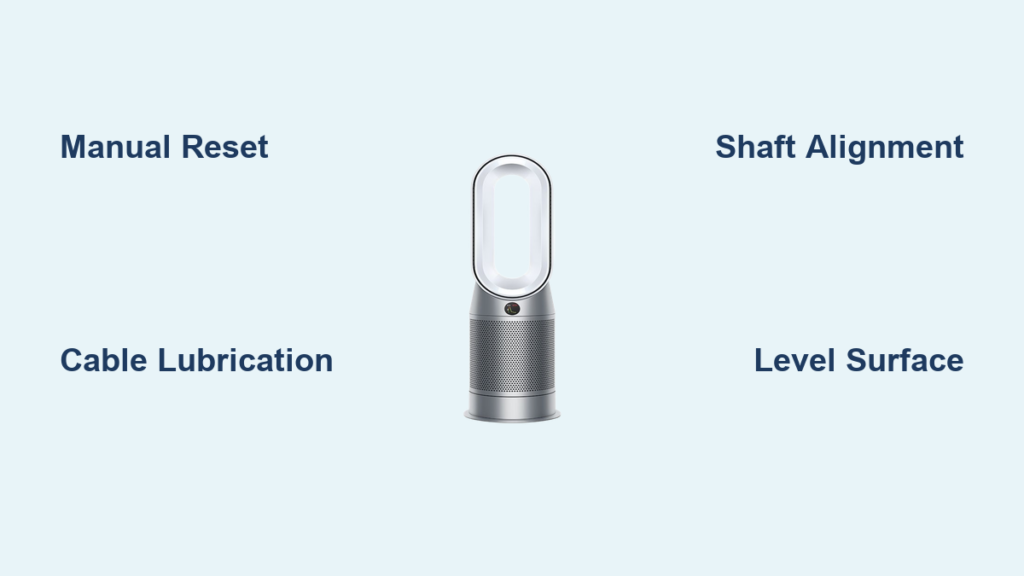
That persistent clicking from your Dyson air purifier is more than annoying—it’s a sign that something inside the oscillation mechanism needs attention. What should be a whisper-quiet device for your bedroom has become a distracting nuisance, and you’re not alone. This clicking problem affects multiple Dyson models including the AM09, TP04, and HP02, and typically appears within weeks of purchase. The good news is that most clicking issues can be resolved without professional repair, and several fixes require nothing more than a simple manual adjustment.
This guide walks you through diagnosing the exact cause of your clicking noise, applying proven solutions that other Dyson owners have successfully used, and knowing when it’s time to contact Dyson support or pursue a warranty claim. By the end, you’ll understand exactly what’s causing that annoying sound and how to restore your purifier’s silent operation.
Identify Your Clicking Pattern
Before attempting any fix, you need to pinpoint exactly when and how the clicking occurs. This diagnostic step saves time and guides you toward the right solution. The pattern of the noise reveals whether you’re dealing with a simple calibration issue or something requiring deeper intervention.
Clicking that happens precisely when your purifier reaches the end of its rotation and changes direction points to tolerances within the oscillation mechanism itself. This pattern indicates metal-on-metal contact as the mechanism hits its limit and reverses—completely normal from a mechanical standpoint but annoying in practice. You’ll hear a single, distinct click at both end positions of the cycle, and the sound remains consistent every time the rotation reverses.
If your clicking sounds more like a rattle or series of clicks occurring throughout the rotation rather than specifically at end positions, the cause likely involves internal components like cables or clips moving against housing. This pattern often correlates with intermittent noise that comes and goes during operation, sometimes starting immediately and other times developing after the unit has been running for a while.
One-sided clicking that occurs only when the unit reaches one particular side of its rotation suggests misalignment of internal components. You’ll notice the sound happens at one end position but not the other, or the noise quality changes depending on which direction the purifier is facing. This asymmetry indicates that something inside is crooked or worn unevenly.
Quick Manual Reset Technique
The simplest and safest fix requires no tools and involves no risk of voiding your warranty. This manual oscillation reset has resolved clicking issues for numerous users, often within moments of application. The technique works by repositioning the oscillation mechanism’s internal calibration, eliminating whatever tension or misalignment was causing the noise.
First, turn off your Dyson air purifier and unplug it from the wall. This ensures no electrical activity during the adjustment. Place one hand firmly on the base of the unit to hold it steady in place. With your other hand, gently grasp the upper portion of the purifier—the part that oscillates—and slowly move it through a portion of its rotation range. You’re not forcing it to swing fully; you’re simply repositioning it slightly off-center from its current resting position. A few inches of movement in either direction is sufficient.
After repositioning, plug your unit back in and turn it on. Allow it to run through several complete oscillation cycles while you listen carefully. Most users report that the clicking disappears immediately after this simple adjustment. If the noise returns after a day or two of operation, repeat the process—this time experimenting with moving the upper body to a different position before powering on. Some users find that their unit requires an additional adjustment to find the “sweet spot” where the oscillation mechanism operates silently.
Cable Lubrication for Friction Noise
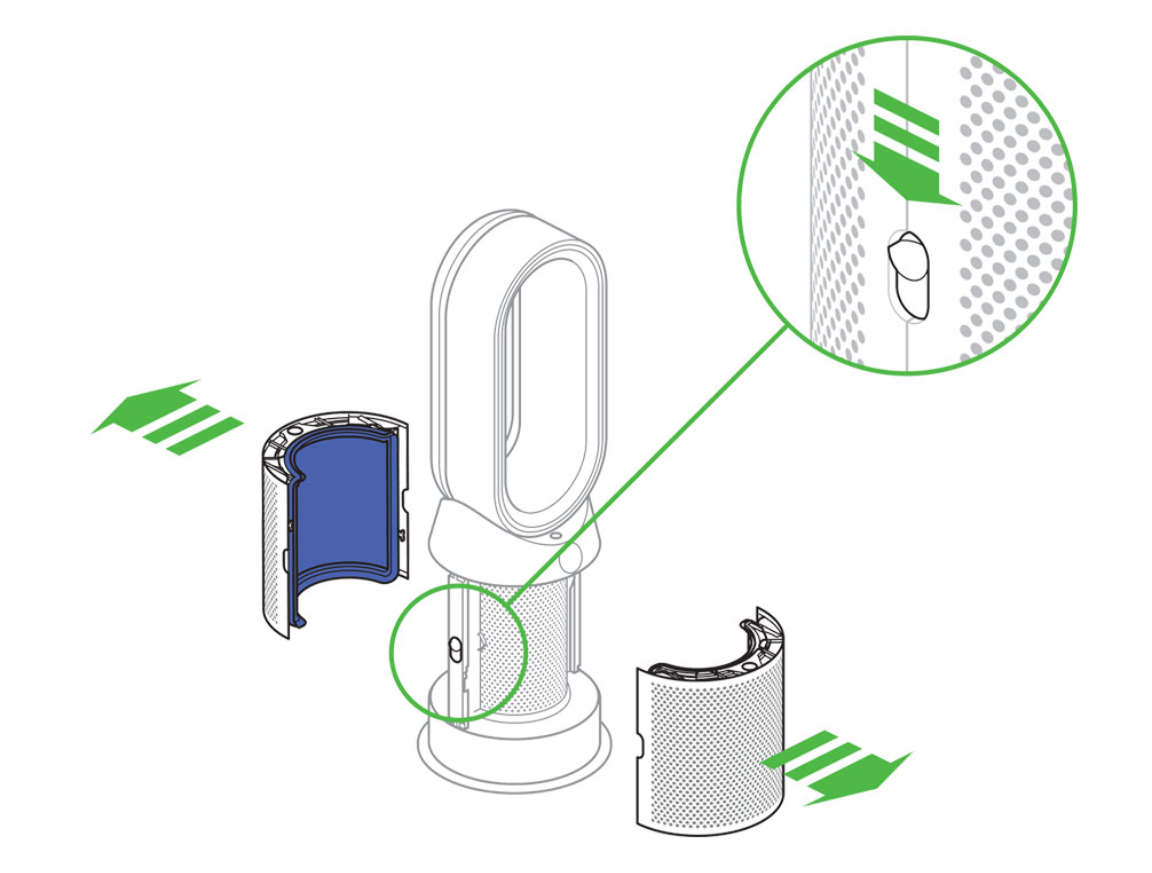
When clicking or squeaking results from internal cables rubbing against housing components, lubrication provides an effective solution. This method addresses the specific problem of cables—particularly the one connecting the motor to the mainboard—creating friction noise as they bend during oscillation. This fix requires opening your unit, so it may void warranty coverage and should only be attempted if you’re comfortable with basic electronics disassembly.
Begin by unplugging your unit and laying it on its side to access the bottom of the base. Locate the T20 center screw at the bottom and remove it with a Torx bit. This screw typically secures the base plate, but additional clips or points may hold the housing together, so work carefully and avoid forcing anything apart. Once the base plate is removed, you’ll see the internal cabling running from the motor to the mainboard.
Examine where the cable bends during oscillation—particularly the areas where it curves around internal components and where it contacts the plastic clamp on the mainboard. Apply a small amount of silicone spray lubricant to these friction points. A little goes a way; you want just enough to reduce friction without creating a mess. Move the upper portion of the unit through its oscillation range by hand while observing the cable movement, ensuring the lubricant reaches all contact points.
Before reassembling, test the oscillation manually to confirm smooth movement without binding or new noises. Replace the base plate, secure the T20 screw, and power on your unit. Run it for at least 24 hours while monitoring for the return of clicking or squeaking. Users who have applied this method report complete elimination of noise, with some describing the result as “absolutely quiet” operation.
Correcting Shaft Misalignment
More substantial clicking issues—particularly one-sided noise accompanied by uneven gap spacing between components—often result from a crooked drive shaft connecting the upper body to the base unit. This manufacturing defect occurs when the affixing plate bolts the shaft at an angle, creating a wobble that produces binding sounds during oscillation. Fixing this requires a shim adjustment and complete disassembly of your unit.
Remove the base plate as described in the cable lubrication section, then continue disassembling until you reach the affixing plate located at the very bottom of the top tower, beneath the motor. This plate bolts the drive shaft to the upper body assembly. Examine how the shaft aligns with the base unit’s bearing—you’ll likely notice it’s installed at an angle rather than perfectly straight.
To correct this, place a small washer beneath one of the plate screws to offset the crooked installation angle. The goal is to tilt the plate slightly until the shaft aligns properly with the base bearing. This adjustment requires experimentation; you may need to try different washer placements and thicknesses to achieve proper alignment. The gap spacing between the filter basket and base should become even all around when the shaft is correctly aligned.
Reassemble your unit carefully, ensuring all cables are properly positioned and not pinched between housing components. Test the oscillation mechanism manually before final assembly—it should move freely without any binding or resistance. Tighten all screws firmly but avoid over-tightening, which can crack plastic housings or strip threads. Power on your unit and verify that the clicking has been eliminated across multiple oscillation cycles.
Environmental and Placement Factors

Sometimes the solution involves your floor rather than your purifier. Uneven surfaces create mechanical stress in the oscillation mechanism that manifests as clicking, particularly at end positions where the mechanism already experiences maximum stress. If your clicking started after moving the unit to a new location—or if the noise varies depending on where in your home you place the unit—leveling may resolve the problem.
Check whether your floors are level by placing a simple spirit level on top of your Dyson when it’s positioned in its usual spot. If the bubble is off-center, your surface is contributing to the problem. Small wooden shims, folded paper, or purpose-made furniture levelers placed beneath the base can compensate for uneven flooring. Focus on the low points—areas where the base doesn’t make full contact with the floor.
Users have reported that positioning their units on visibly tilted surfaces, such as floors in older homes with settled foundations, consistently produces clicking that disappears when the unit is moved to a level surface. This environmental factor is particularly relevant for owners of older homes where floor settling is common. If leveling eliminates the noise, you’ve found an inexpensive solution that requires no disassembly and poses no risk to your unit.
When to Contact Dyson Support
Some clicking issues require professional intervention, and recognizing when to involve Dyson support saves time and frustration. If your unit is still under warranty and the clicking began within the warranty period, you may be eligible for a replacement without any out-of-pocket expense. The key is documenting the problem and communicating clearly about how the noise contradicts the product’s advertised quiet operation.
Contact Dyson through their official support channels, providing your model’s serial number, the specific nature of the clicking (when it occurs, what it sounds like, and how long it’s been happening), and any troubleshooting steps you’ve already attempted. U.S. customers can reach support via email at askdysonUS@dyson.com. Representatives have demonstrated willingness to assist customers experiencing persistent clicking, particularly when the problem began shortly after purchase.
If your unit is past the warranty period or you purchased directly from Dyson, support may still offer guidance or recommend service options. However, the cost-benefit analysis often favors purchasing a new unit rather than paying for professional repair of consumer-grade appliances. For units within retail return policies—typically 14 to 30 days—returning or exchanging the unit may be simpler than troubleshooting, especially if the clicking began shortly after you received the product.
Preventing Future Clicking Issues
Once you’ve eliminated the clicking noise, a few preventive measures help ensure it doesn’t return. Avoid placing your Dyson on uneven surfaces, even if they seem level to the eye—small inclines that wouldn’t affect other furniture can stress the oscillation mechanism over time. If you must position the unit on a surface you’re uncertain about, check with a level before extended operation.
When moving your unit, turn it off and allow the oscillation to come to a complete stop before repositioning. Jerking or forcing the upper body while the mechanism is in motion can knock components out of alignment or stress internal connections. Similarly, avoid placing objects on or near the unit that could contact the oscillating housing during operation.
Regular dusting of the exterior and periodic inspection of the oscillation range—watching for any reduction in smooth movement—helps catch developing issues before they produce noise. If you notice any resistance or grinding during oscillation that wasn’t present before, address it promptly before the mechanical stress causes more significant damage.
Summary of Solutions

The clicking noise from your Dyson air purifier most likely stems from one of four causes: oscillation mechanism tolerances producing end-position clicks, internal cable friction creating throughout-rotation rattling, shaft misalignment causing one-sided binding, or environmental factors related to uneven placement. Start with the manual reset technique, which requires no tools and poses no risk—it resolves many cases immediately and costs nothing but a minute of your time.
If the reset doesn’t help, examine when your clicking occurs to narrow down the cause. Throughout-rotation rattling responds well to cable lubrication, while one-sided clicking with uneven gaps suggests misalignment requiring the shim adjustment. Environmental clicking disappears when you level the unit on a proper surface. When all else fails or your unit is under warranty, Dyson support can assess whether a replacement or repair is appropriate.
Most importantly, you don’t have to live with a noisy air purifier. The solutions exist, and with patience and careful attention to your specific clicking pattern, you can restore the silent operation that made you choose Dyson in the first place.



