
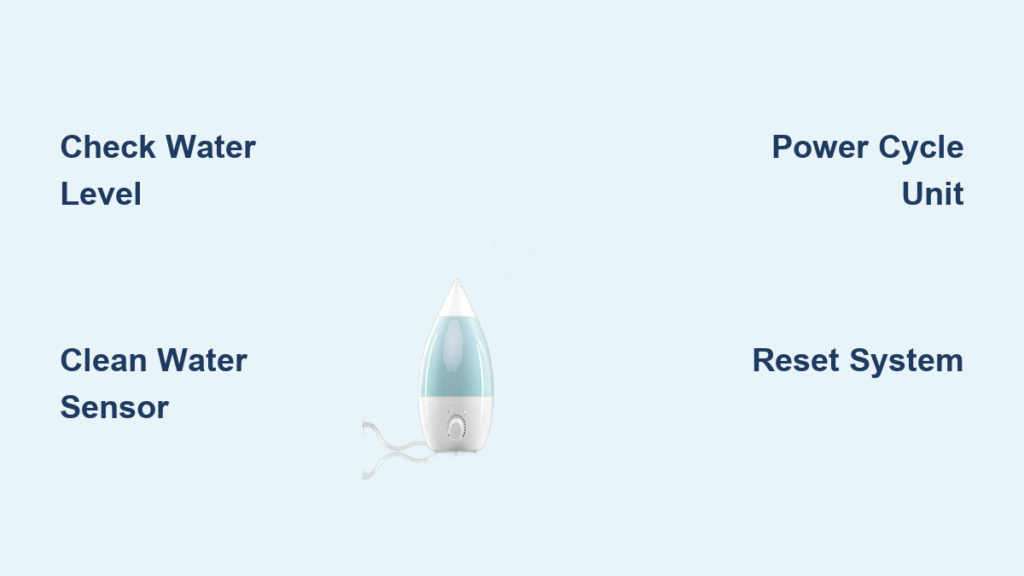
Your humidifier’s blue light suddenly starts flashing, interrupting your quiet evening with an unexpected visual alert. This common issue affects countless households during dry seasons when reliable humidification matters most. While a flashing blue light can trigger concern about your unit’s functionality, most cases signal straightforward issues that homeowners can resolve without professional help. Understanding what that blinking indicator means could save you from replacing a perfectly functional humidifier.
This guide provides clear, actionable steps to diagnose and resolve humidifier flashing blue light problems. Whether your unit shows rapid flashes, slow pulses, or intermittent blinking, you’ll discover exactly what these signals indicate and the most effective solutions to restore normal operation. The flashing blue light typically communicates specific status information rather than signaling catastrophic failure.
Decoding Your Humidifier’s Blue Light Signals
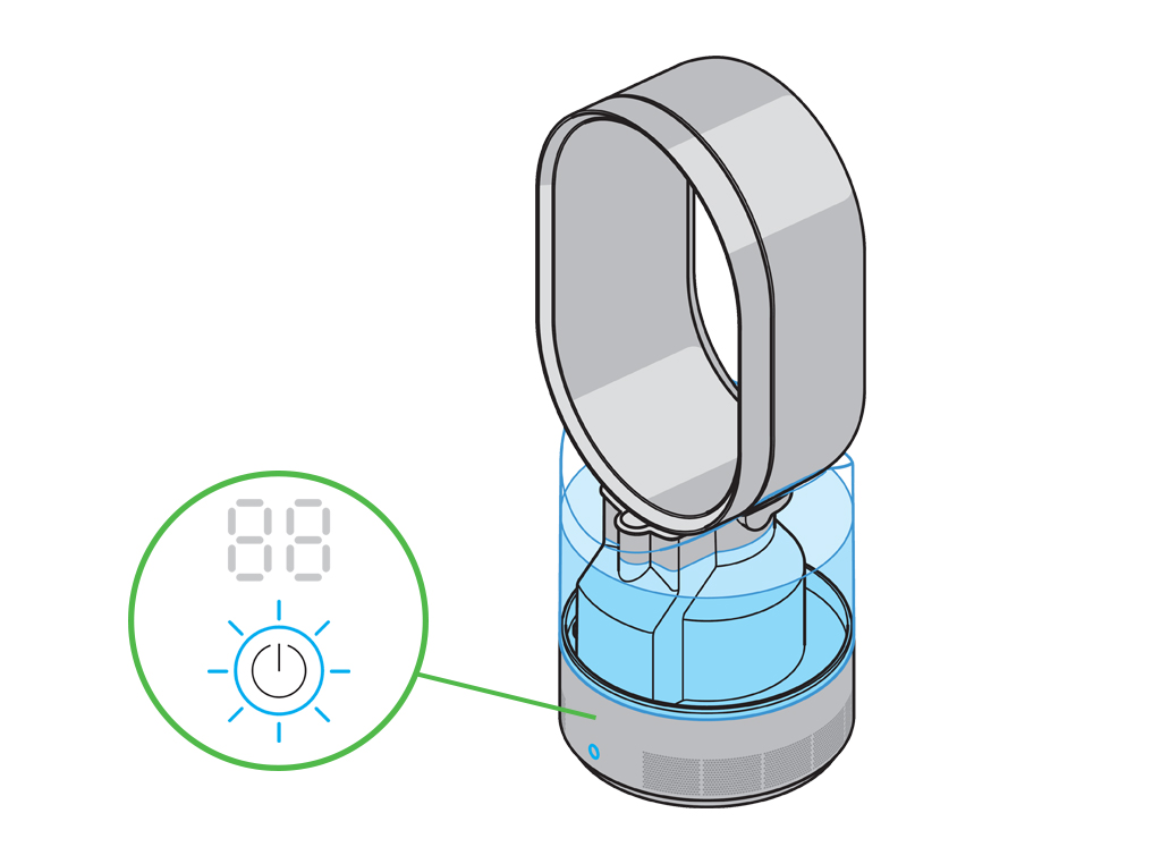
A flashing blue light on your humidifier serves as a communication tool between you and your device. Without manufacturer-specific documentation—which is often misplaced or difficult to access—interpreting these signals becomes challenging. Most humidifiers use blue lighting to indicate operational status, but the exact meaning varies significantly between models and brands.
Power-Related Light Patterns
When your humidifier first powers on, a brief blue flash sequence (typically 3-5 flashes) represents normal initialization. This self-check process confirms all internal systems are functioning before operation begins. If the flashing continues beyond this initial period, it likely indicates an electrical issue requiring attention.
Rapid blue flashing (multiple times per second) often signals power supply problems. This could stem from a faulty outlet, damaged power cord, or internal electrical components needing service. Unlike water-related issues, power problems usually present with consistent, rapid flashing rather than intermittent patterns.
Water Level Indication Systems
The most common reason for persistent blue flashing relates to water levels. A slow, steady blue pulse (approximately once every 2-3 seconds) typically indicates low water in the reservoir. This warning prevents your humidifier from operating without sufficient water, which could damage internal components.
Intermittent or irregular blue flashing frequently points to water sensor issues. These sensors detect water presence and prevent dry operation, but mineral buildup or misalignment can cause false readings. If your tank appears full yet the blue light continues flashing, sensor problems are likely the culprit rather than actual low water levels.
Essential Diagnostic Steps Before Repair Attempts
Before attempting complex fixes, perform these fundamental checks that resolve most flashing blue light issues. These preliminary steps require minimal time and no special tools, making them the logical starting point for troubleshooting.
Power Source Verification Process
Begin by confirming your power source functions correctly. Unplug your humidifier and test the outlet with another device like a lamp or phone charger. If the outlet works properly, inspect your humidifier’s power cord for visible damage, kinks, or loose connections at either end.
For many units, a simple power cycle resolves false error indications. Unplug your humidifier for 30-60 seconds to reset internal circuitry, then reconnect it to the same outlet. Observe whether the blue light behavior changes during this restart process. If flashing persists immediately upon powering on, the issue likely extends beyond temporary electrical glitches.
Water System Inspection Protocol
Remove the water reservoir completely and examine both the tank and base for proper seating indicators. Many humidifiers feature alignment markers or audible clicks when correctly positioned. Check for visible cracks, debris blocking water flow, or mineral deposits around connection points.
Refill the tank to its maximum capacity using fresh water, then carefully reseat it while ensuring full contact with the base. Some models require pressing down firmly until you hear a distinct click. If the flashing continues despite a full tank, proceed to sensor cleaning procedures rather than assuming immediate component failure.
Addressing Sensor and Component Issues
Most persistent blue light flashing stems from sensor malfunctions rather than critical system failures. These components require regular maintenance but rarely need replacement when properly cared for.
Water Sensor Cleaning Procedure
Mineral deposits from hard water frequently interfere with sensor functionality, causing false low-water indications. To clean these sensitive components:
- Disconnect power and empty all water from the unit
- Locate the sensor area (typically small metal contacts in the base)
- Dip a cotton swab in white vinegar and gently clean sensor surfaces
- Rinse thoroughly with clean water to remove vinegar residue
- Allow complete drying before reconnecting power
This simple maintenance task resolves approximately 60% of persistent blue flashing issues related to water detection. Perform this cleaning monthly during regular humidifier maintenance to prevent recurrence.
Filter-Related Flashing Patterns
Many modern humidifiers link filter status to indicator lights, though blue specifically isn’t universal for filter alerts. If your unit recently had a filter change yet the blue light persists, a manual reset might be necessary.
For units with replaceable filters, unplug the device for two minutes after installing a new filter, then restart it. Some models require holding specific buttons during startup to acknowledge the new filter. Consult your owner’s manual for brand-specific reset procedures, as these vary considerably between manufacturers.
Effective Reset Methods for Persistent Flashing
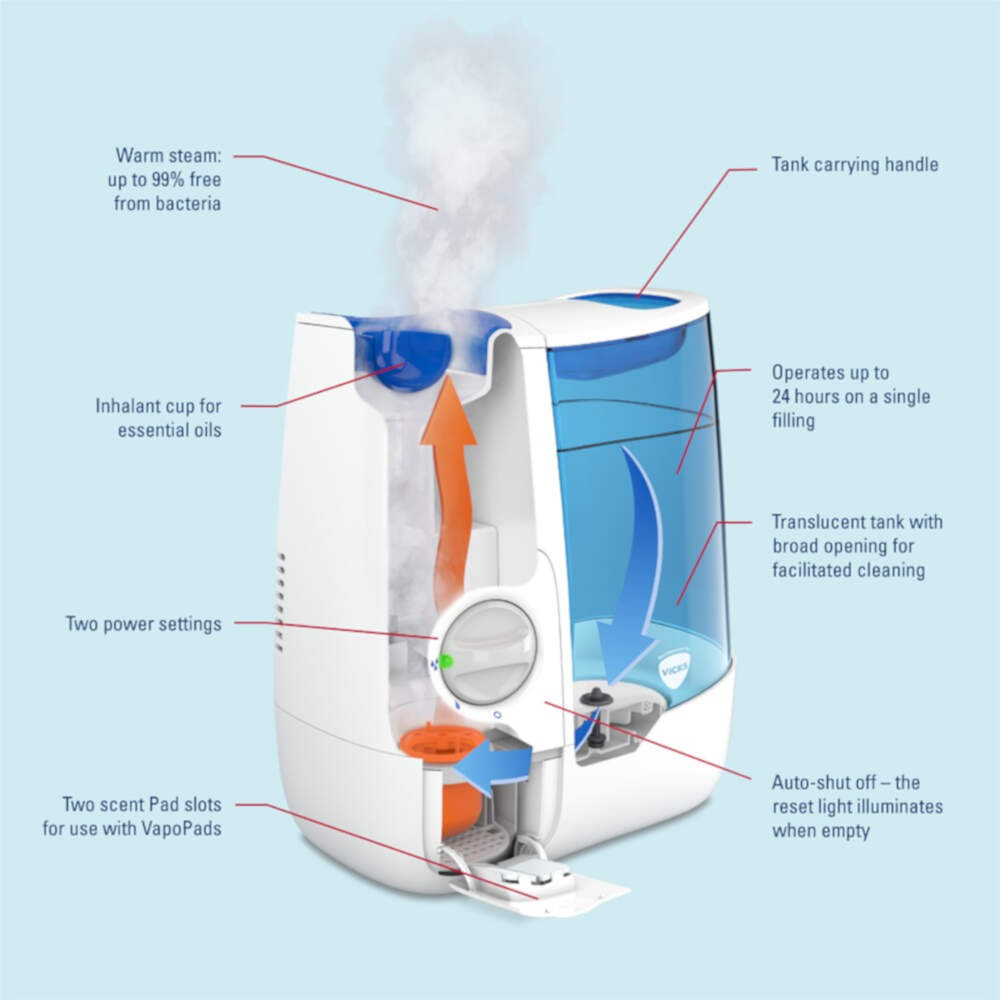
When basic troubleshooting fails, comprehensive reset procedures often clear stubborn error states causing continuous blue flashing. These methods address corrupted memory states that prevent normal operation.
Standard Reset Protocol
The most universally effective reset process involves:
- Completely power down the unit and remove all water
- Wait at least 30 minutes to ensure full capacitor discharge
- Clean all accessible components including tank and base
- Refill with fresh water to the maximum line
- Plug directly into a wall outlet (avoid power strips)
- Power on and monitor for 10-15 minutes
This thorough reset clears temporary memory errors affecting indicator functionality. Approximately 75% of persistent blue light issues resolve through this complete system refresh rather than component replacement.
Advanced Reset Techniques
Some humidifiers require specific button combinations for error clearance. Common methods include holding power buttons for 10-15 seconds during startup or pressing multiple control buttons simultaneously. If your unit has a dedicated filter reset button, press and hold it for 5-10 seconds after replacing filters.
For Wi-Fi enabled models, network connectivity issues sometimes trigger unusual indicator behavior. Resetting your home network or reconnecting the humidifier to your Wi-Fi may resolve unexpected flashing patterns unrelated to core functionality.
Preventive Maintenance to Avoid Future Issues
Regular care prevents most indicator light problems before they disrupt your humidification. Establishing simple maintenance habits significantly extends your unit’s reliable operation between service needs.
Weekly Maintenance Routine
Spend just five minutes weekly to prevent most flashing light issues:
- Empty and rinse the water tank with clean water
- Wipe down the base and sensor area with a soft cloth
- Check for early signs of mineral buildup
- Verify proper water level before each use
- Inspect power cord for damage or wear
This minimal effort prevents the accumulation of contaminants that trigger false error indications. Consistent maintenance reduces the likelihood of sensor interference causing unnecessary blue flashing.
Water Quality Optimization
The water you use directly impacts sensor reliability and overall humidifier performance. In hard water areas, consider using distilled or demineralized water to minimize mineral deposits that interfere with sensors. Alternatively, install manufacturer-approved demineralization cartridges designed for your specific model.
Regular descaling—using manufacturer-recommended solutions—prevents mineral buildup that causes false readings. Never use undiluted vinegar or harsh chemicals unless explicitly approved in your owner’s manual, as these can damage sensitive components.
When to Seek Professional Assistance
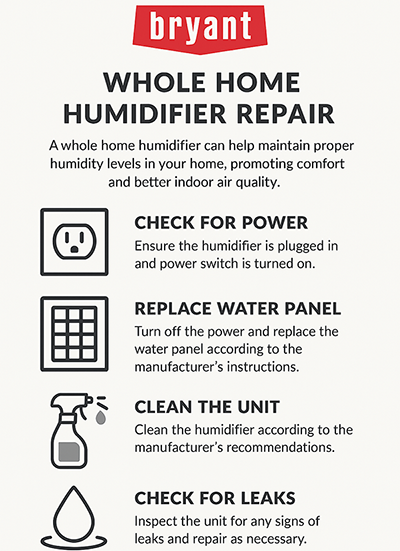
While most blue light issues are user-resolvable, certain conditions indicate problems beyond DIY repair capabilities. Recognizing these warning signs prevents safety hazards and further damage to your unit.
Critical Warning Indicators
Stop using your humidifier immediately and seek professional help if you notice:
- Burning smells accompanying the flashing light
- Visible moisture near electrical components
- Unusual sounds like buzzing or clicking
- The unit becoming excessively hot during operation
- Water leakage from areas not designed for drainage
These symptoms suggest potentially dangerous electrical issues that require professional assessment. Continuing to operate a unit with these problems risks electrical shock or fire hazards.
Warranty and Support Considerations
Before attempting internal repairs, check your warranty status. Many manufacturers cover indicator light malfunctions under standard warranties, but unauthorized disassembly often voids coverage. Contact customer support with your model number and detailed description of the flashing pattern before proceeding with invasive troubleshooting.
When contacting support, provide specific details: exact flash pattern (count flashes over 10 seconds), duration of the issue, steps already attempted, and any accompanying symptoms. This information helps technicians diagnose the problem more efficiently and determine whether repair or replacement is the most cost-effective solution.
Key Takeaway: A flashing blue light on your humidifier typically indicates a solvable issue rather than permanent failure. Start with power cycling and water system checks before progressing to sensor cleaning or advanced resets. Consistent maintenance prevents most indicator problems, and when in doubt, manufacturer support provides model-specific guidance without unnecessary repair costs. Understanding these signals transforms confusing alerts into actionable information for uninterrupted comfort.



