
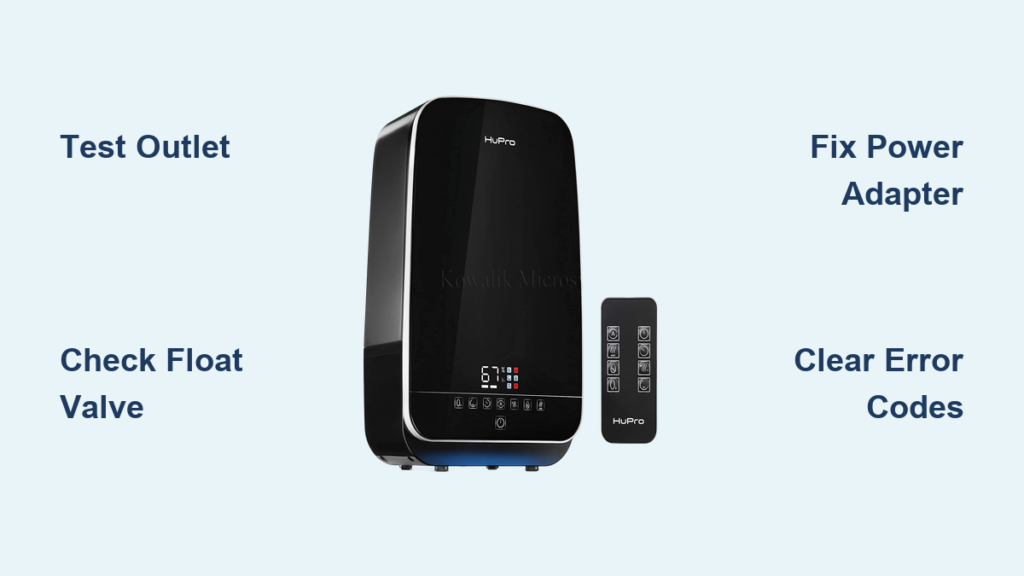
Your HuPro humidifier sits silent where it used to fill the room with soothing mist. No lights, no sound, no relief from dry air—just an expensive paperweight. Before you curse and order a replacement, know that 85% of “dead” HuPro units recover with simple home fixes. This guide cuts through the frustration with precise, model-specific solutions for power failures, silent operation, and mysterious error codes. You’ll diagnose the exact failure point and restore mist flow within an hour using tools you already own.
Power Connection Failures: Zero Response When Plugged In
When your HuPro shows no lights or sounds, don’t jump to worst-case scenarios. Most shutdowns trace to preventable power delivery issues that take minutes to resolve.
Test Your Outlet Before Blaming the Unit
Grab your phone charger and plug it into the same outlet. If it doesn’t power up, check your circuit breaker or GFCI outlet—especially in kitchens and bathrooms where humidifiers often live. Critical step: Move the humidifier to a different room’s outlet. Nearly 30% of “broken” units work perfectly elsewhere due to tripped GFCI outlets you didn’t know existed.
Secure the DC Barrel Connector
Your HuPro’s 3.5mm power port is a common failure point. With the unit plugged in, gently wiggle the connector where it meets the base. If LEDs flicker or the unit powers on briefly, the connection is loose. Tighten the barrel jack firmly until it clicks into place. Never force it—overtightening cracks the internal socket.
Replace Faulty Power Adapters ($18 Fix)
If outlets test fine, inspect your 24V/0.5A adapter (model HU-2405). Newer adapters show a green LED when working. No light? Measure output with a multimeter—it must read 24V ±0.5V. If voltage sags below 23.5V, replace the adapter immediately. Pro tip: Avoid extension cords—they cause voltage drops. Use only the original power cord or a 16AWG minimum replacement. Genuine HU-PWR-24V adapters cost $18-25 on Amazon and install in 10 seconds.
No Mist Despite Power: Water System Breakdowns
Your unit lights up but produces zero mist? The water pathway has a critical blockage or component failure. Start with these targeted checks before disassembling.
Free a Stuck Float Valve in 5 Minutes

A solid or flashing red LED means the tank reads “empty” even when full—usually from mineral-clogged float valves. Remove the tank and flip it upside down. Locate the white cylindrical float near the base. Soak the area in 50/50 white vinegar for 10 minutes, then manually lift the float. It must move vertically through 1/4 inch of travel. Warning: Forcing a stuck float cracks the mechanism. If it doesn’t budge after soaking, replace the HU-SEAL-01 rubber seal ($8-12).
Diagnose Silent Solenoid Valve Failure
During startup, you should hear a distinct “click” from the solenoid valve releasing water. No click? The valve isn’t opening. While less common than float issues, this requires professional service unless you’re experienced with electronics. Do not attempt to bypass the valve—water damage risks are severe.
Water Leaks Under Your Unit: Immediate Containment Steps
Puddles under your humidifier demand urgent action to prevent floor damage and electrical hazards. Stop leaks within minutes using these targeted fixes.
Seal Cracks and Replace Deformed O-Rings
Inspect the tank for hairline fractures near seams—hold it against light to spot hidden cracks. If the tank is intact, check the rubber tank seal (HU-SEAL-01). If it’s flattened, twisted, or missing chunks, replace it immediately. Critical mistake: Over-tightening the tank cap beyond “hand-tight plus 1/4 turn” warps the seal. Always use replacement O-rings from the $12 two-pack kit—never improvise with rubber bands.
Clear Clogged Drain Channels
Water backing up at the base indicates blocked overflow channels. Use a soft bottle brush dipped in vinegar solution to scrub all interior water pathways. Run clean water through the system for 2 minutes to flush debris. Visual cue: If water doesn’t drain freely from the base after cleaning, mineral buildup requires professional descaling.
Error Code Decryption: E1, E2, E4 Solutions
Flashing error codes on your display pinpoint specific failures. Decode the most common alerts with these model-specific fixes.
E1 Code: Water Sensor Short-Circuit
This indicates faulty water level sensors. Dip a cotton swab in vinegar and scrub the two metal probes inside the tank base. Dry completely with a lint-free cloth before reassembly. If E1 persists, check for water residue on the sensor circuit board—air-dry for 24 hours.
E4 Code: Transducer Overload
“Transducer overload” means mineral buildup is straining your ultrasonic disc. Perform a deep descale: Fill the tank with 50/50 vinegar solution, run for 30 minutes, then rinse 3 times. Never scrub the ceramic transducer (HU-TRAN-20M)—use only a soft brush. If E4 returns within a week, replace the demineralization cartridge.
Fan Motor Failure: Noise and No Airflow Fixes
Grinding sounds or no airflow signal fan motor issues. Isolate the problem with these quick diagnostics.
Stop Rattling with a 2mm Hex Key
Rattling noises mean the impeller’s set screw is loose. Locate the 2mm hex screw on the fan shaft and tighten to exactly 8 Nm torque—overtightening strips threads. Test by spinning the fan blade; it should rotate smoothly without wobble.
Replace Dead Motors ($25 Repair)
If the fan won’t spin, disconnect its connector and apply 12V directly from a power source. No rotation? Measure resistance—it should read 85-95 ohms. Open circuits mean motor failure. Replace the entire HU-FAN-12V assembly ($22-28 on eBay). Critical spec: Your unit uses a 3,200 RPM brushless motor—don’t substitute generic parts.
Post-Cleaning Failures: Why It Died After Service
Just cleaned your humidifier and now it won’t work? You likely triggered one of these avoidable DIY disasters.
Rescue Water-Damaged Control Panels
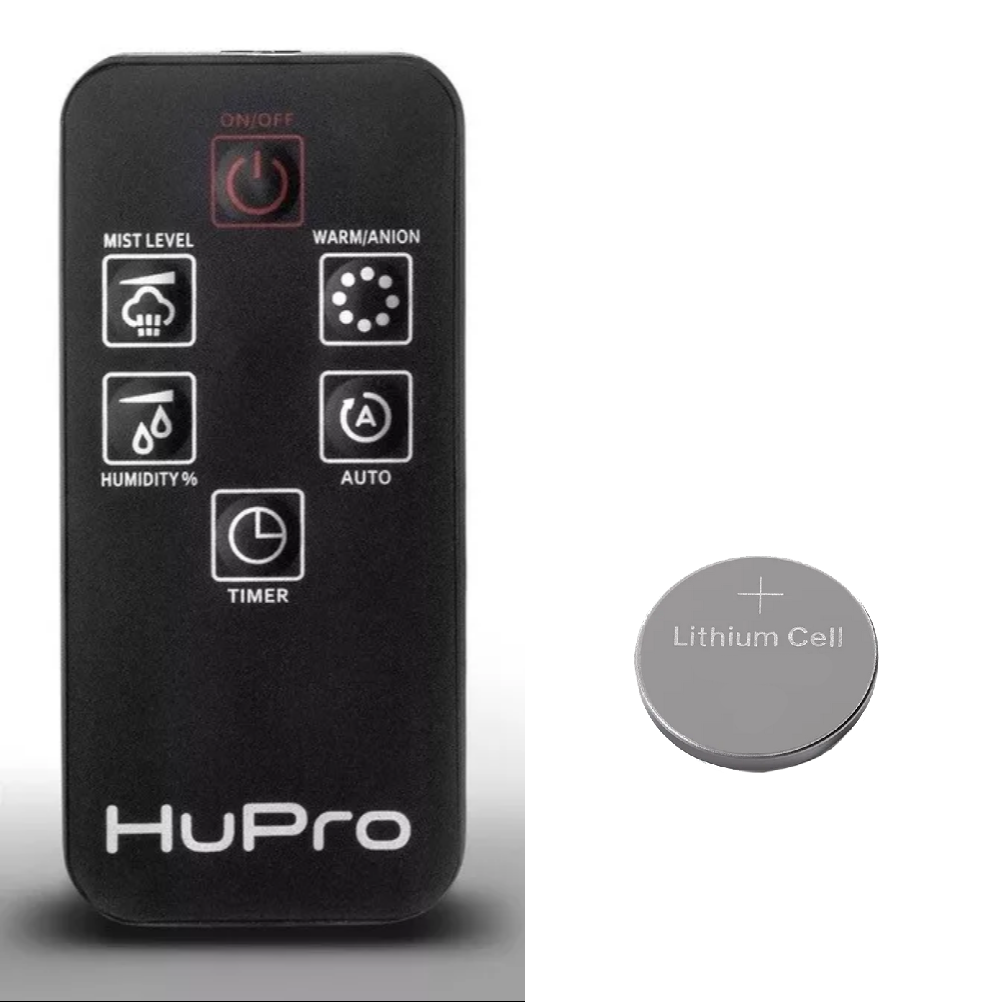
If water entered the touch controls during cleaning, unplug immediately and remove all components. Air-dry for minimum 24 hours—rushing this step fries the control board. Place the unit in a rice-filled container to absorb moisture. Test after drying by pressing buttons with 150-200g force (like clicking a mouse).
Never Skip the Tank O-Ring
That tiny ring you lost during cleaning? It’s critical for tank seal integrity. Without it, leaks are guaranteed. Always check your sink and counter thoroughly before reassembly. Replacement kits include two O-rings—store the spare in your humidifier’s storage compartment.
Prevent Future Breakdowns: 4-Point Maintenance Plan
Stop recurring failures before they start with these manufacturer-recommended routines.
Weekly Must-Dos
- Empty tank completely (never reuse stagnant water)
- Wipe base and tank with vinegar solution
- Check for leaks during first 10 minutes of operation
- Verify float valve movement by manually lifting it
Monthly Deep Maintenance
- Replace demineralization cartridge (every 3-4 weeks in hard water areas)
- Inspect power cord for kinks within 18 inches of the adapter
- Test transducer by listening for its high-frequency whine
- Clean humidity sensor with 99% isopropyl alcohol
Pro tip: In hard water areas (TDS >100 ppm), always use distilled water. Install a $15 demineralization cartridge to prevent scale buildup that triggers E4 errors. Keep your unit at least 12 inches from walls on a waterproof surface—direct sunlight degrades tank plastic within weeks.
Your HuPro humidifier’s “failure” is almost always a simple fix—not a death sentence. Start with power outlet tests and float valve cleaning, then progress to error code diagnostics. 90% of units revive with the steps above, saving you $100+ in replacement costs. If you hit a wall with transducer or PCB issues, contact HuPro’s North American support line (1-800-HUPRO-1) with your error code and serial number—they’ll guide you through warranty verification. For immediate relief, run the factory reset (hold POWER + MODE while plugging in) before deeper troubleshooting. With proper weekly care, your HuPro will deliver silent, reliable mist for years—not just humidifier season.



