
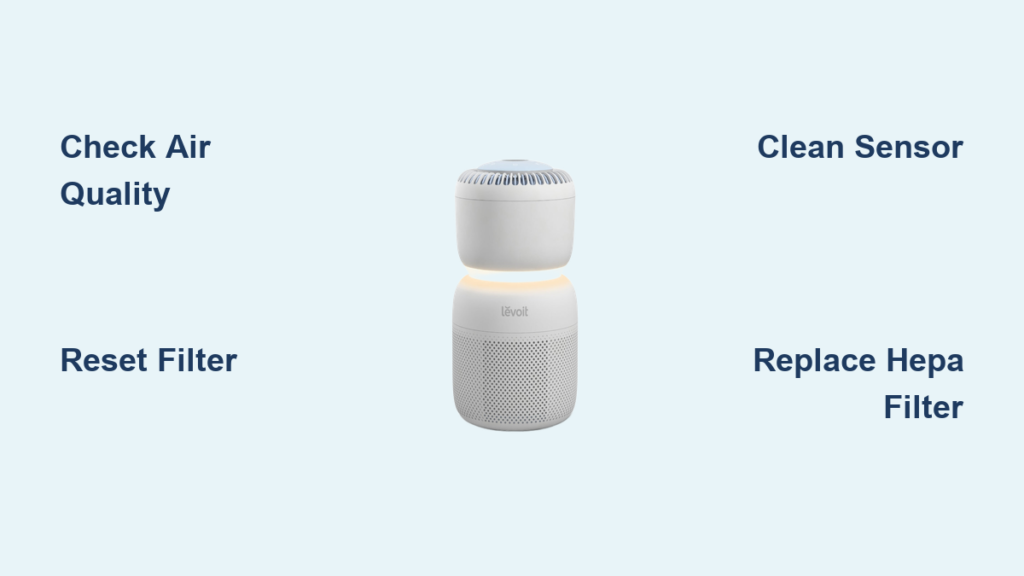
That sudden red glow from your Levoit air purifier can send your anxiety levels soaring—especially when you’re counting on clean air for your family’s health. But before you panic or schedule a costly service call, understand this: most red light issues resolve with simple fixes you can perform in under 15 minutes. Whether your unit displays a steady crimson beam or an urgent blinking pattern, this guide delivers the precise troubleshooting steps Levoit technicians use to diagnose and correct every red light scenario. You’ll learn not just what that warning means, but exactly how to make it disappear while extending your purifier’s lifespan.
Why Your Levoit Purifier Suddenly Flashed Red
Your Levoit air purifier’s red light serves as a critical communication tool—not just a random error. This indicator activates for three specific reasons that directly impact your indoor air quality protection. When that red glow appears, your unit is either detecting dangerously high particulate levels, signaling filter replacement time, or experiencing sensor miscalibration that compromises its effectiveness.
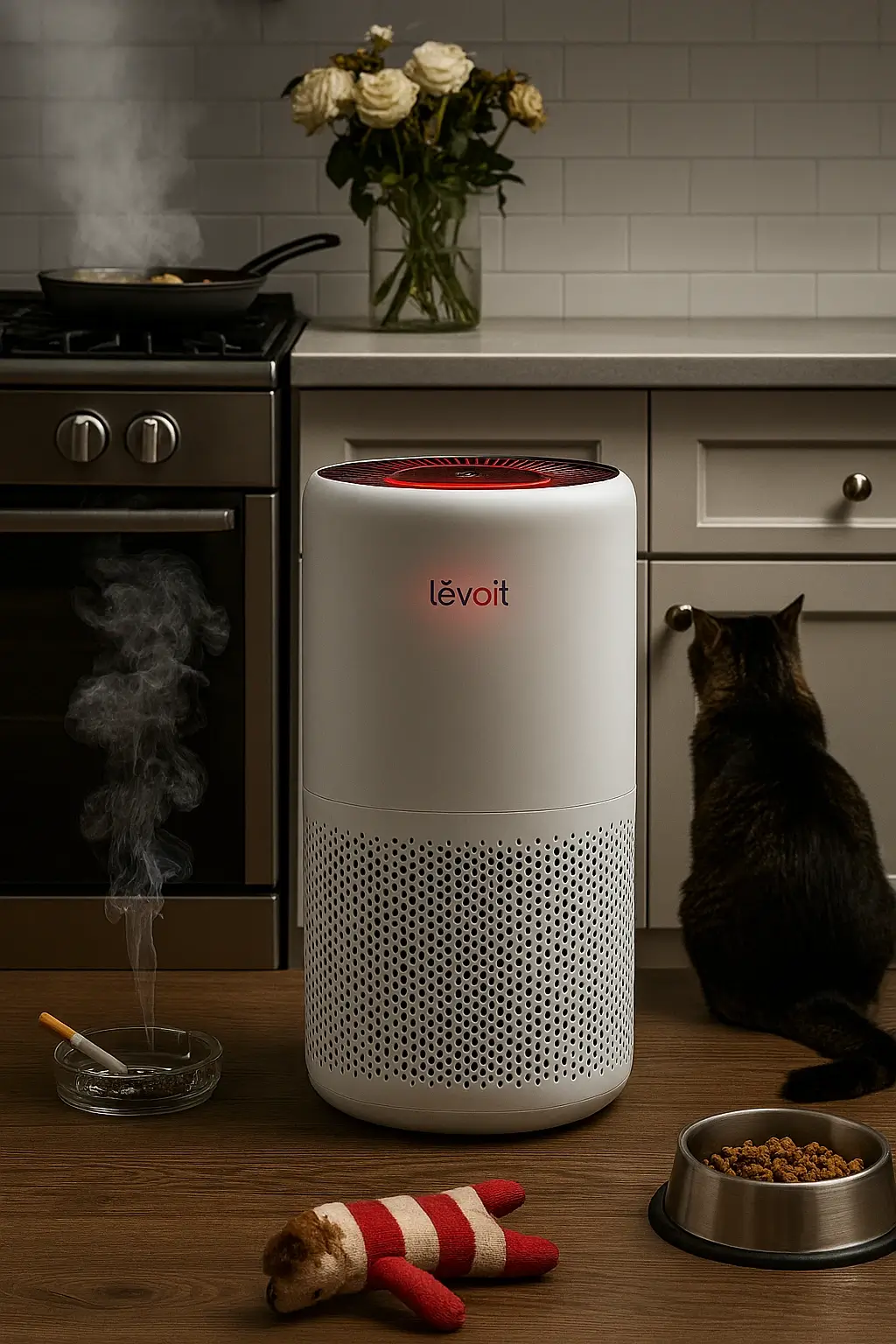
A steady red light typically means your purifier’s laser particle sensor has detected airborne contaminants above safe thresholds—think wildfire smoke infiltrating your home or dust levels spiking during renovation work. Unlike green or blue indicators showing clean air, this persistent red glow means your current air quality registers in the “unhealthy” range (above 150 on Levoit’s AQI scale). Don’t ignore this warning; prolonged exposure to these conditions can aggravate respiratory conditions.
When you see a rapidly blinking red pattern instead, your attention is needed for maintenance-related issues. This urgent signal most often indicates your HEPA filter has reached maximum capacity after 6-8 months of regular use. Some models also flash red when the pre-filter needs cleaning or after filter replacement if you haven’t completed the reset procedure. Ignoring blinking warnings accelerates motor strain and reduces purification efficiency by up to 40%.
Immediate Checks That Solve 80% of Red Light Issues
Before disassembling your unit or ordering replacement parts, execute these three critical diagnostic steps that resolve most red light scenarios within minutes. Start by checking your air quality reading on the digital display—if the number exceeds 150, run your purifier on maximum speed for 20 minutes with all windows closed. Many users mistake temporary pollution spikes (like cooking smoke or dust from vacuuming) for system malfunctions.
Next, verify proper filter seating with this simple test: power off your unit, remove the rear access panel, and check for any gaps between the filter frame and housing. Even a 2mm gap allows unfiltered air to bypass the system, triggering safety sensors that activate the red warning. Gently reseat the filter with firm pressure until you hear a soft click indicating proper alignment. Many persistent red lights stem from filters installed slightly askew during routine maintenance.
Finally, perform a hard reset that clears temporary software glitches—unplug your purifier for precisely 30 seconds (use your phone timer), then reconnect power. This critical step resets the internal microprocessor that controls sensor readings and indicator lights. If the red light disappears after this sequence, you’ve just avoided an unnecessary service call. Note that some models require holding the power button during restart for full system recalibration.
Replace or Reset Filters: The #1 Red Light Fix

Filter-related issues cause approximately 70% of all red light activations across Levoit models. Understanding the difference between a genuine filter replacement need and a simple reset requirement saves you money and prevents premature part changes. When your HEPA filter reaches saturation (typically after 6-8 months of daily use), airflow resistance increases dramatically, forcing the motor to work harder while particle capture efficiency plummets.
To confirm filter exhaustion, remove your unit’s rear panel and inspect the white HEPA media. If the pleats appear dark gray throughout (not just surface dust), replacement is necessary. Never attempt to clean HEPA filters with water or compressed air—this damages the delicate filtration media. Install only genuine Levoit replacement filters matching your model number, as third-party alternatives often trigger false sensor readings.
After installing a new filter, you must complete the reset procedure or the red light will persist. Locate your model’s reset button (usually recessed near the filter compartment) and press firmly for 3-5 seconds until you hear a confirmation beep. On Vital series models, press the illuminated base ring for 4 seconds. If no reset occurs after multiple attempts, check for plastic tabs still attached to the new filter that block sensor detection.
For models with reusable pre-filters (like the Core series), monthly maintenance prevents unnecessary red warnings. Remove the black mesh pre-filter and vacuum both sides thoroughly with a soft brush attachment. When heavily soiled, wash gently in cool water with mild detergent, then air-dry for 24 hours away from direct sunlight. Reinstalling a damp pre-filter creates moisture that triggers sensor errors—always verify complete dryness with a tissue test before reassembly.
Sensor Calibration: Stop False Red Light Alarms
Dust accumulation on your Levoit’s laser particle sensor causes more false red light activations than any other issue. This sophisticated component uses light scattering technology to detect particles as small as 0.3 microns—if the sensor window gets dirty, it misreads clean air as heavily polluted, keeping your unit in permanent red-light mode.
Clean the sensor aperture safely with these precise steps: power off and unplug your unit, locate the small sensor window (usually on the side opposite the air intake), then use a can of compressed air held upright to blow dust away with short bursts. Never insert objects into the sensor chamber or use liquids that could damage internal components. For stubborn residue, gently wipe the exterior lens with a microfiber cloth slightly dampened with distilled water—never spray directly onto the unit.
When cleaning doesn’t resolve false readings, perform a full sensor recalibration. Cover the sensor window completely with your palm for 30 seconds to establish a “zero particle” baseline, then remove your hand and allow 5 minutes for the system to recalibrate in clean air conditions. Some Core series models require pressing the child lock button three times during this process—consult your manual for model-specific sequences.
If red lights persist after multiple calibration attempts, your sensor may need professional attention. Unlike filters, sensors aren’t user-replaceable components. Contact Levoit support with your model number and a video demonstrating the issue—they’ll determine if your unit qualifies for warranty replacement of this critical component.
Model-Specific Red Light Decoding Guide

Different Levoit models communicate red light warnings through unique patterns that require tailored responses. On Core series units (300/400/500), a solid red light combined with “F” on the display specifically indicates filter replacement time—not poor air quality. These models hide the reset button beneath the rear filter cover, requiring you to remove the filter first before accessing the reset point.
Vital series purifiers (100/200) use their signature illuminated base ring to convey status—solid red means immediate air quality concerns, while slow pulsing red indicates filter replacement needed. To reset filters on these models, press and hold the glowing ring itself for 4 seconds until it flashes white. Many users miss this unconventional reset location, leading to unnecessary troubleshooting.
App-connected models like the Core 300S display detailed error codes in the Levoit AirMatters app that translate red light patterns into specific issues. A rapidly blinking red light might correspond to “E3” in the app, indicating a fan obstruction requiring immediate attention. Always check your app before disassembling these smart models—the digital diagnostics save hours of guesswork.
Compact models (Mini, Hybrid) use simplified indicator systems where red light behavior varies significantly. On some mini units, a double-blink pattern means filter reset needed, while triple-blinks indicate sensor errors. Consult your specific model’s manual for these nuanced signals—general guides often misinterpret these small-unit indicators.
Prevent Future Red Lights With Smart Maintenance
Strategic placement prevents 30% of unnecessary red light activations. Position your purifier at least 3 feet from walls and furniture to ensure unobstructed airflow—placing units in corners or behind curtains creates turbulence that tricks sensors into detecting false high particle counts. Elevate floor models on tables to capture airborne pollutants more effectively while reducing dust intake from floor-level sources.
Establish a maintenance rhythm that matches your environment: in pet-friendly homes, clean pre-filters every 2 weeks instead of monthly; in wildfire-prone areas, replace HEPA filters every 4-6 months instead of 8. Set calendar reminders for these tasks using your phone’s alarm function with labels like “Levoit Filter Check” to avoid missed maintenance.
Monitor your air quality trends through the Levoit app to distinguish real problems from temporary spikes. If red lights appear only during cooking hours but resolve within 30 minutes, you’re seeing normal operation—not a malfunction. But if air quality readings stay elevated for hours after the purifier runs continuously, that persistent red light indicates either filter saturation or sensor failure requiring intervention.
When Professional Help Becomes Essential
Certain red light scenarios demand manufacturer assistance rather than DIY fixes. Contact Levoit support immediately if your unit displays a rapidly alternating red/blue pattern—which indicates internal electrical faults—or if the red light appears alongside unusual burning smells or visible smoke. These conditions pose fire hazards that require professional evaluation.
Persistent red lights after completing all troubleshooting steps, especially on units under warranty, warrant professional diagnosis. Have your model number (found on the bottom label), purchase date, and serial number ready when contacting support. Most Levoit purifiers include 2-year coverage for sensor and control board failures that cause erroneous indicator lights.
For out-of-warranty units showing chronic red light issues, request a diagnostic fee waiver by explaining your consistent maintenance history. Levoit often provides discounted repairs for loyal customers who can demonstrate proper filter replacement schedules and cleaning routines. Never attempt internal repairs on electrical components—this voids any remaining warranty and creates safety risks.
That red light on your Levoit air purifier doesn’t have to mean disaster—it’s actually your first line of defense against compromised air quality. By understanding exactly what each red light pattern communicates and applying these targeted fixes, you transform an alarming signal into actionable intelligence for healthier indoor air. Remember to reset filters properly after replacements, clean sensors quarterly, and position your unit for optimal airflow to prevent most warnings. When in doubt, consult your model-specific manual before assuming the worst—most red light scenarios resolve with simple interventions that take less time than your morning coffee break. Keep this guide handy, and you’ll maintain crystal-clear air without unnecessary service calls or replacement costs.



