
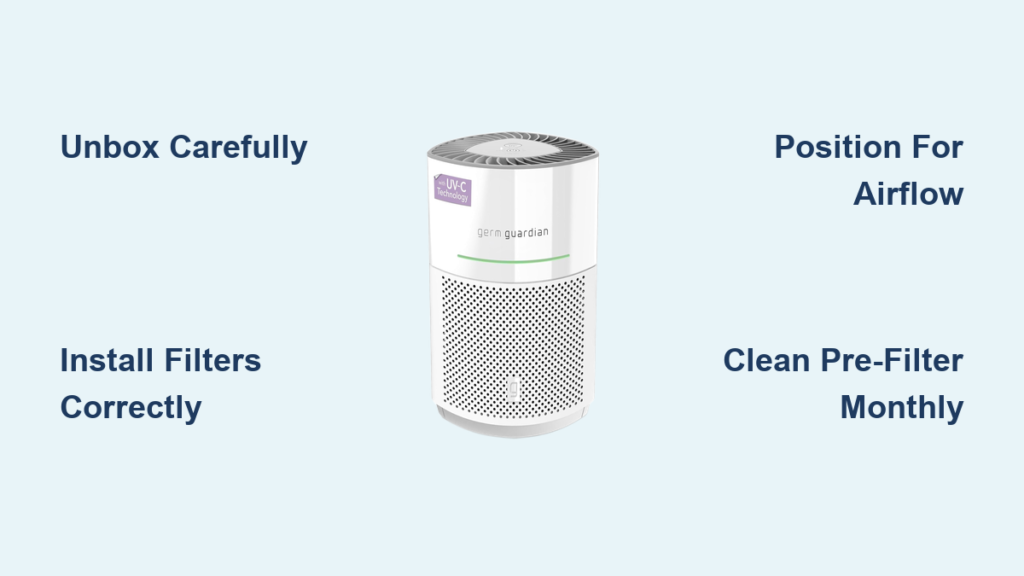
Your GermGuardian air purifier can transform the air quality in your home, but only if you set it up correctly and use it properly. Many owners purchase these devices expecting immediate results, only to discover that proper placement, filter preparation, and mode selection dramatically impact performance. Whether you just unboxed a new unit or received one as a gift, understanding how to use your GermGuardian air purifier correctly will help you breathe easier and extend the life of your device.
This guide walks you through everything from initial setup to daily operation and long-term maintenance. You’ll learn where to place your unit for maximum effectiveness, how to prepare and install filters correctly, which settings work best for different situations, and how to maintain your purifier for years of reliable service. By the end, you’ll know exactly how to optimize your GermGuardian air purifier to address allergies, pet dander, odors, or general air quality concerns in your specific living space.
Unbox and Prepare Your GermGuardian
Before you can enjoy clean air, you need to properly unbox and prepare your GermGuardian air purifier. This initial setup phase takes about 15-20 minutes but determines how well your device performs from day one. Rushing through this process leads to common mistakes like improper filter installation, damaged components, or reduced airflow that plague many new owners.
Remove all packaging materials carefully, including any plastic wraps covering the exterior and filters. GermGuardian units typically come with the filter pre-installed but secured with packaging foam or tape that must be removed before operation. Locate the filter compartment—usually on the back or bottom of the unit—and remove the packaging material completely. Check your specific model to understand its filter configuration as designs vary across the product line.
Inspect all components for damage during unboxing. Check the power cord for any kinks or tears, ensure the filter media isn’t torn or misshapen, and verify that all buttons and displays function when you press them. Take this opportunity to locate your user’s manual for reference throughout the life of the product. Most GermGuardian models include essential setup instructions specific to that unit’s features and capabilities.
Install Filters Correctly

Proper filter installation forms the foundation of effective air purification. Even the most advanced GermGuardian air purifier fails if filters are installed incorrectly, damaged, or missing entirely. Understanding your specific filter configuration and installation sequence ensures your device captures particles efficiently from the first use.
Most GermGuardian air purifiers use a multi-layer filtration system working in sequence. The pre-filter captures large particles like dust, hair, and pet fur while extending the life of deeper filters. The activated carbon filter layer absorbs odors, smoke, cooking smells, and volatile organic compounds. The True HEPA filter—the critical component—captures 99.97% of airborne particles down to 0.3 microns, including pollen, mold spores, dust mites, and some bacteria.
When installing filters, always match the tabbed edges correctly and ensure layers sit flush against each other without gaps. Press filters firmly into place but avoid forcing them, as damaged filter edges create air bypass channels where pollutants travel through without purification. Some models use a filter reset procedure after installation—consult your manual for specific reset instructions, as this often involves holding a button combination for several seconds until an indicator light confirms the reset.
Position Your Unit Strategically
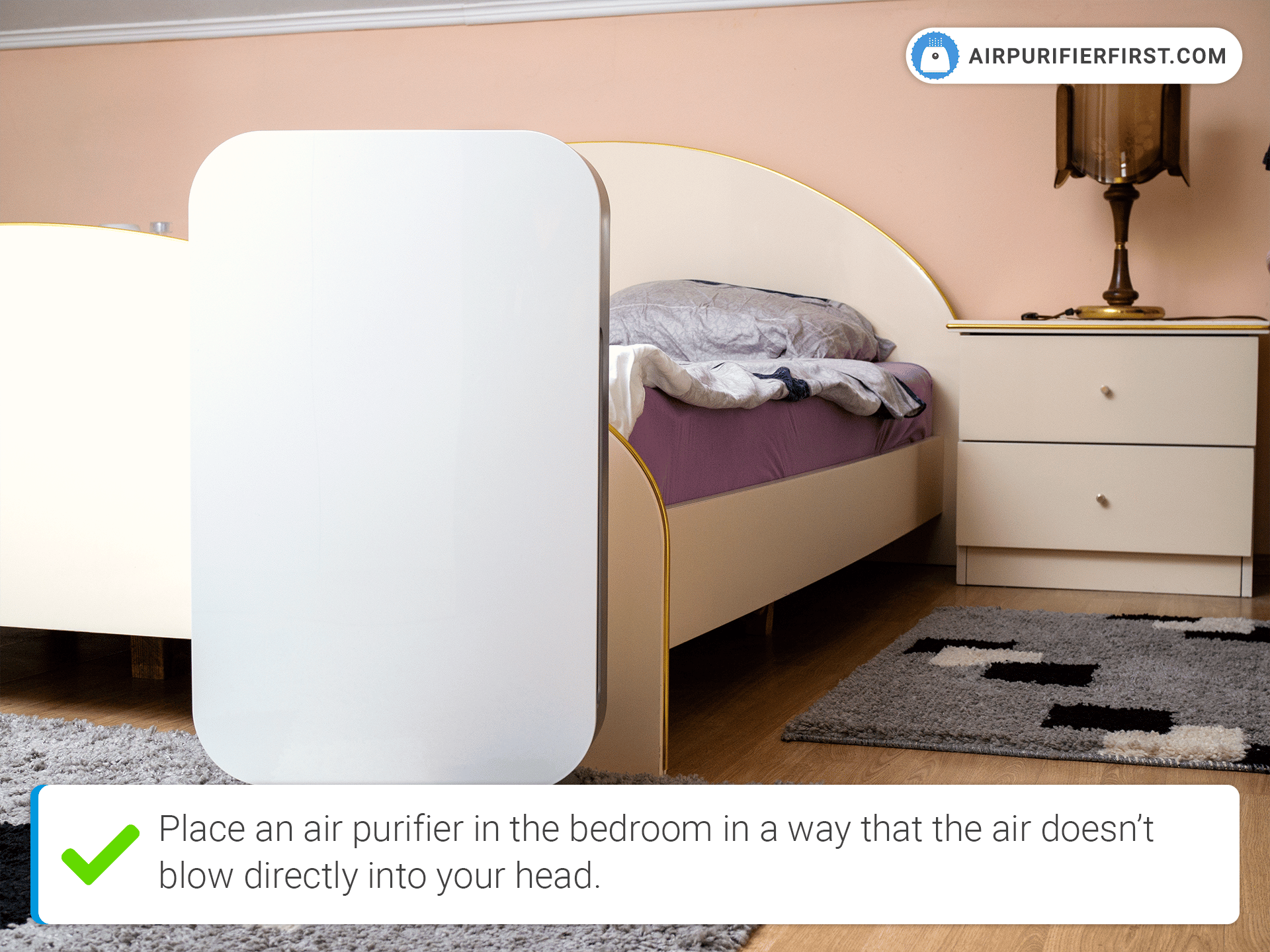
Where you place your GermGuardian air purifier dramatically affects its performance and your breathing experience. Many owners make the mistake of tucking units into corners or behind furniture, but this restricts airflow and reduces the device’s effective range. Strategic placement ensures your purifier can draw in polluted air and distribute cleaned air throughout your room efficiently.
Place your GermGuardian air purifier in an open area with at least one to two feet of clearance on all sides, particularly on the air intake and output vents. Avoid positioning directly against walls, in corners, or under cabinets where airflow becomes restricted. The ideal location allows the unit to draw air from multiple directions and circulate cleaned air back into the room without obstruction.
Consider your primary air quality concern when selecting placement. For allergies, place the unit in your bedroom where you spend significant time sleeping. For pet odors, position it in the room where pets spend most time. For general household air quality, choose a central location like a living room or hallway where air naturally flows between rooms. Keep units away from heat sources like radiators, heating vents, or direct sunlight, as excess heat can damage electronic components and affect sensor accuracy.
Understand Control Panel Functions
GermGuardian air purifiers feature varying control panel designs depending on your model, but most include similar core functions you’ll use regularly. Learning to navigate these controls empowers you to optimize settings for different times of day, activities, or air quality conditions.
Basic control panels typically include a power button, fan speed selector, and timer function. More advanced models add air quality indicator lights, auto mode activation, filter change reminders, and oscillation control. The power button usually requires a sustained press of one to two seconds to prevent accidental activation—don’t be concerned if the unit doesn’t respond immediately to a quick press.
Fan speed options generally range from low (quiet operation for bedrooms) through medium (general daily use) to high (maximum purification for pollution spikes). The timer function allows automatic shutdown after specified hours, typically ranging from 2 to 12 hours depending on your model. This proves invaluable for running the purifier during sleep hours without leaving it operating wastefully all day.
Select Optimal Speed Settings
Choosing the right fan speed balances air purification effectiveness with noise levels and energy consumption. Many GermGuardian owners default to maximum speed, not realizing that continuous high-speed operation reduces filter lifespan unnecessarily and creates disruptive noise.
Low speed provides quiet, continuous operation ideal for bedrooms during sleep, offices during focused work, or nurseries where noise disrupts rest. At this setting, your GermGuardian draws air through filters slowly but continuously, gradually building air quality improvements that sustain throughout the night or workday.
Medium speed serves as the default setting for general household use during active hours. This balance provides noticeably faster air purification without generating disruptive noise—conversation remains comfortable, and television or music listening isn’t significantly affected.
High speed or “turbo” mode delivers maximum airflow for rapid air quality improvement when needed. Activate high speed after cooking particularly smoky or aromatic meals, following home renovation work that generates dust, during high pollen days when allergies flare, or when returning to a home that has been closed up with stale air. Run high speed for 30-60 minutes, then return to medium or low speed for sustained operation.
Maintain Your GermGuardian Regularly

Consistent maintenance keeps your GermGuardian air purifier performing at peak efficiency while extending the life of filters and components. Establishing a maintenance routine takes minimal time and delivers consistent results.
Check the pre-filter monthly, vacuuming or washing it depending on your model type. Washable pre-filters can be rinsed under running water and dried completely before reinstallation—never operate the unit with a damp filter, as this promotes mold growth and reduces efficiency. Even washable pre-filters eventually require replacement, typically every three to six months depending on household conditions.
Monitor the HEPA and activated carbon filters through the filter change indicator or by visual inspection. HEPA filters generally require replacement every 6-8 months with regular use, while activated carbon filters may need replacement every 3-6 months if odor removal is a primary concern. In households with pets, smokers, or high pollution levels, filter replacement intervals shorten significantly.
Troubleshoot Common Issues
Even properly maintained GermGuardian air purifiers occasionally develop issues that interrupt operation or reduce effectiveness. Understanding common problems and their solutions saves you time, money, and frustration.
If your unit fails to turn on, first verify the power cord is securely connected to both the unit and a functioning outlet. Test the outlet with another device to confirm it’s providing power. Check for tripped circuit breakers, particularly if other outlets or devices on the same circuit also lost power.
Reduced airflow typically indicates filter obstruction requiring replacement or cleaning. Remove and inspect filters—if they appear heavily loaded with visible debris, replacement is necessary even if the filter change indicator hasn’t activated. Ensure no objects block intake or output vents, and verify filters are installed correctly without gaps around edges.
Maximize Efficiency and Performance
Getting the most from your GermGuardian air purifier involves operating habits and environmental adjustments that complement the device’s inherent capabilities. Small changes in how you use and position your unit, combined with attention to room conditions, yield noticeable improvements in air quality and device efficiency.
Run your purifier continuously rather than intermittently for best results. Starting and stopping the unit allows air quality to degrade between operating periods, while continuous operation maintains consistent purification. Modern air purifiers consume remarkably little electricity—even running 24/7, typical units add only a few dollars monthly to your energy bill.
Seal your home against external pollution sources to reduce the load on your air purifier. Close windows during high pollen days or when outdoor air quality is poor. Use range hoods when cooking to capture smoke and odors at the source rather than relying entirely on room air purification. Place doormats at entries to reduce tracked-in dirt and allergens.
When to Replace Filters and Components
Understanding proper filter replacement timing prevents both premature replacement that wastes money and delayed replacement that compromises air quality. While general guidelines exist, your specific replacement interval depends on usage patterns, household conditions, and the specific pollutants you’re attempting to control.
HEPA filters show visible discoloration and accumulated debris as they approach replacement needs. Hold filters up to a light source—if you can’t see light passing through the media, the filter has reached capacity and requires replacement regardless of stated lifespan. Activated carbon filters lose effectiveness as their adsorption sites fill, typically indicated by returning odors despite continued operation.
Summary and Key Takeaways
Mastering your GermGuardian air purifier involves proper initial setup, strategic placement, appropriate speed selection, and consistent maintenance. Take time during first use to unbox carefully, install filters correctly, and position the unit for optimal airflow. Understanding your specific model’s control panel functions empowers you to use all available features effectively.
Run your purifier continuously at appropriate speeds for your room size, using high speed only when rapid purification is needed. Maintain your unit monthly by checking and cleaning pre-filters, and replace HEPA and carbon filters according to usage rather than relying solely on indicator lights. Troubleshoot common issues systematically before assuming device failure, and optimize your home environment to reduce the purification burden on your unit.
With proper use and care, your GermGuardian air purifier provides years of reliable service, removing allergens, odors, and airborne particles to help you breathe easier in your home. Regular maintenance not only maintains performance but extends the life of your investment, making the modest time spent on upkeep well worth the consistent air quality benefits you’ll enjoy.



