
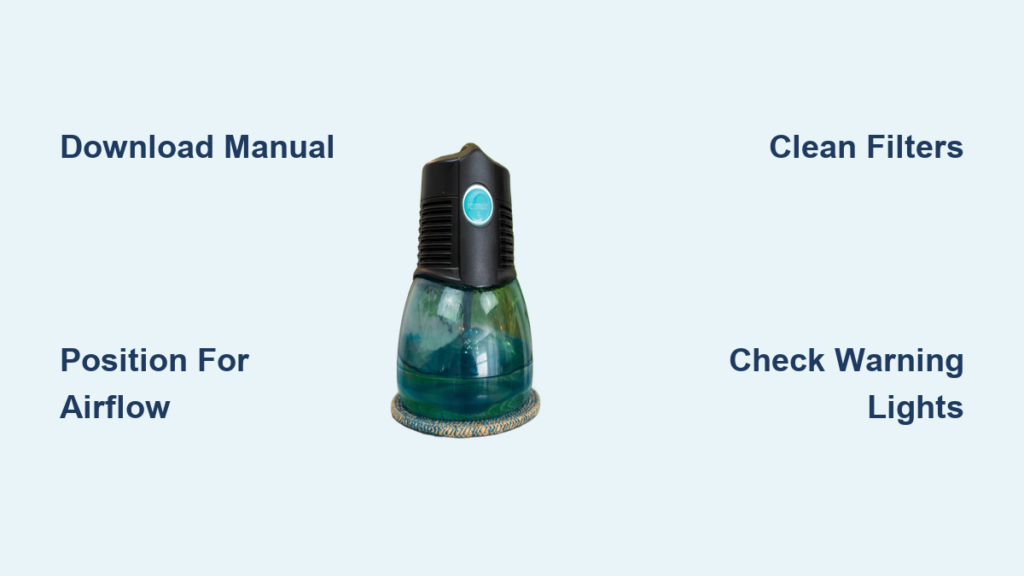
Your Rainbow air purifier represents an investment in cleaner, healthier indoor air for your home or workspace. Understanding how to properly set up, operate, and maintain this device ensures you get the maximum benefit from its air purification technology. While the complete step-by-step instructions for your specific model are available in the official Rexair manual, this guide provides the essential framework for getting started with your Rainbow air purifier, covering everything from initial unboxing to daily operation and ongoing maintenance.
Before diving into the operational details, it’s worth noting that Rainbow purifiers have been trusted by millions of owners worldwide since Rexair first introduced the product line in 1936. The company’s decades of experience in indoor environmental solutions means their purification systems are designed with both performance and user convenience in mind. Whether you’ve just purchased a RainMate model or are preparing to use one for the first time, following proper setup and operation procedures will help you achieve the clean air results you’re looking for.
Download Your Specific Rainbow Model Manual First
The most critical step in learning how to use your Rainbow air purifier is obtaining the correct documentation for your specific model variant. Rexair provides comprehensive product manuals in PDF format through their official customer resource portal, and these documents contain the detailed, model-specific instructions that supersede any general guidance.
Every Rainbow product category has its own manual, and even slight variations in model numbers can mean differences in assembly procedures, control functions, or maintenance requirements. The RainMate, which serves as the dedicated air purification model within the Rainbow lineup, has its own specialized documentation available in multiple languages to accommodate the product’s global user base. Downloading and reviewing your specific manual before attempting operation ensures you have accurate information tailored to your exact device configuration.
If you encounter questions during setup or operation that aren’t fully addressed in general guides like this one, the official manual remains your definitive resource. Rexair’s manual portal allows you to select your precise model variant, guaranteeing that the instructions you follow match your device’s actual configuration. This approach eliminates confusion and reduces the risk of operational errors that could affect performance or void warranties.
Complete RainMate Assembly in Three Key Steps
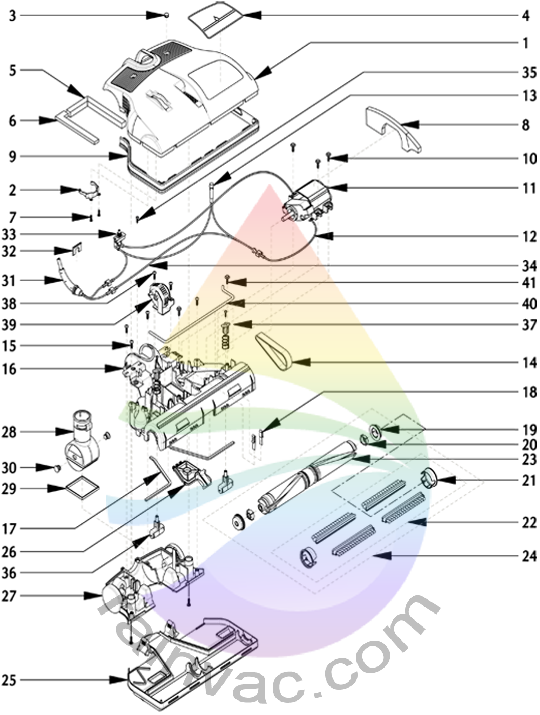
Proper initial setup forms the foundation for effective air purification performance. When you first receive your Rainbow air purifier, the assembly process begins with careful unpacking and component identification. Lay out all pieces and verify against the parts list in your manual to ensure nothing is missing or damaged before proceeding.
Position Your Rainbow Purifier for Maximum Airflow
Placement recommendations in your official manual will specify optimal positioning for your particular model, but general principles apply across most Rainbow air purifier configurations. The unit should be positioned to allow adequate air circulation around its intake and output vents, typically requiring several inches of clearance from walls or large furniture pieces. Placing the purifier in a central location within the room you wish to treat typically yields the most effective air cleaning, though your manual may provide specific guidance based on your model’s airflow design.
Connect Power and Prepare Water Components
Power connection requirements vary by model, so consult your documentation for voltage specifications and recommended outlet types. Some Rainbow purifier models feature water-based filtration systems that require initial basin preparation before operation. If your model includes this technology, your manual will provide specific instructions for filling the water basin with the appropriate water level and any recommended additives. Taking time during this initial preparation phase ensures your purifier operates as designed from the first moment you turn it on.
Master RainMate Control Functions for Daily Use
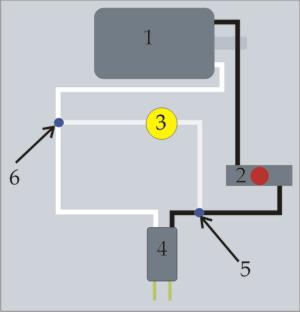
Once your Rainbow air purifier is properly set up, understanding its daily operation becomes your next priority. Most models feature straightforward control interfaces, though the exact functions and their locations vary by variant. Your manual will identify which buttons or switches activate power, control speed settings, and access different operating modes.
Adjust Speed Settings Based on Air Quality Needs
Speed setting selection allows you to adjust purification intensity based on your needs and the current air quality conditions. Standard operation typically includes multiple speed options ranging from quiet, continuous operation suitable for bedrooms or workspaces to higher settings for rapid air cleaning when needed. Your documentation will specify recommended runtime for various scenarios, helping you balance effective purification with energy consumption considerations.
Establish an Optimal Operating Schedule
Many users find that establishing a regular operating schedule enhances both convenience and consistent air quality. Running the purifier continuously during occupied hours provides the most thorough ongoing treatment, while some users prefer automatic cycling based on specific timers or air quality triggers if their model includes such features. Understanding your model’s capabilities through the official manual lets you customize operation patterns that fit your lifestyle and maximize the health benefits of cleaner indoor air.
Essential Maintenance Procedures for Peak Performance
Regular maintenance ensures your Rainbow air purifier continues operating at peak efficiency throughout its lifespan. The specific procedures vary based on your model’s filtration technology, but general maintenance categories include filter care, water basin maintenance (for water-based systems), exterior cleaning, and proper storage recommendations.
Clean or Replace Filters According to Schedule
Filter maintenance represents perhaps the most critical ongoing care task. Depending on your model, this may involve regular cleaning of washable filter components or scheduled replacement of disposable filter elements. Your manual will specify cleaning methods, replacement intervals, and any indicators that suggest maintenance is needed before scheduled intervals. Keeping filters clean and functional directly impacts air purification effectiveness and overall unit performance.
Maintain Water-Based Systems Properly
Water-based systems like the Aquamate that may integrate with your Rainbow setup require periodic basin cleaning to prevent mineral buildup and maintain hygienic operation. Your documentation provides guidance on cleaning frequency, appropriate cleaning solutions, and procedures for maintaining water quality within the system. Exterior surfaces typically require only periodic wiping to remove dust and maintain appearance, though specific cleaning recommendations for control panels and displays may apply to certain models.
Troubleshoot Common Rainbow Air Purifier Issues Quickly

Even with proper setup and maintenance, questions about operation occasionally arise. Common operational issues often have straightforward solutions outlined in your manual’s troubleshooting section, which typically covers diagnostic indicators, resolution procedures, and guidance on when professional service may be required.
Decode Warning Lights and Error Messages
Diagnostic indicators on your Rainbow air purifier may include indicator lights, display messages, or audible alerts that communicate unit status or potential issues. Understanding what these signals mean allows you to respond appropriately, whether that means adjusting operation settings, performing maintenance, or contacting customer support. Your manual provides the specific interpretation for your model’s indicator system.
Resolve Reduced Airflow Problems in Minutes
Before contacting support, reviewing the troubleshooting section of your documentation often reveals simple fixes you can perform yourself. Issues like reduced airflow, unusual noises, or intermittent operation frequently have causes that users can address with basic troubleshooting steps. However, when professional service is needed, your manual provides appropriate support contacts and guidance on warranty coverage for various repair scenarios.
Maximize Purification Effectiveness With Proper Usage
Learning how to use your Rainbow air purifier effectively transforms this device from a simple appliance into a powerful tool for improving your indoor environmental quality. The combination of correct initial setup, informed daily operation, consistent maintenance, and appropriate troubleshooting creates a framework for years of reliable service and cleaner, healthier air throughout your space.
Your Rainbow system integrates with other products in the Rainbow ecosystem, including the Aquamate water-based cleaning system and various attachment models like the RainJet and MiniJet. Understanding how these components work together can enhance your overall indoor air quality strategy, though each requires its own specific operating procedures documented in the respective manuals.
Remember that your specific model’s official manual remains the authoritative source for all operational guidance. The framework provided here offers general direction, but the detailed procedures, specifications, and recommendations in your documentation are tailored to your exact configuration. Taking the time to download and review your manual represents a small investment that pays dividends through optimal performance and proper care of your Rainbow air purification system. For the most current information and model-specific guidance, always refer to the official Rexair resource portal where manuals receive regular updates based on user feedback and technical improvements.



