
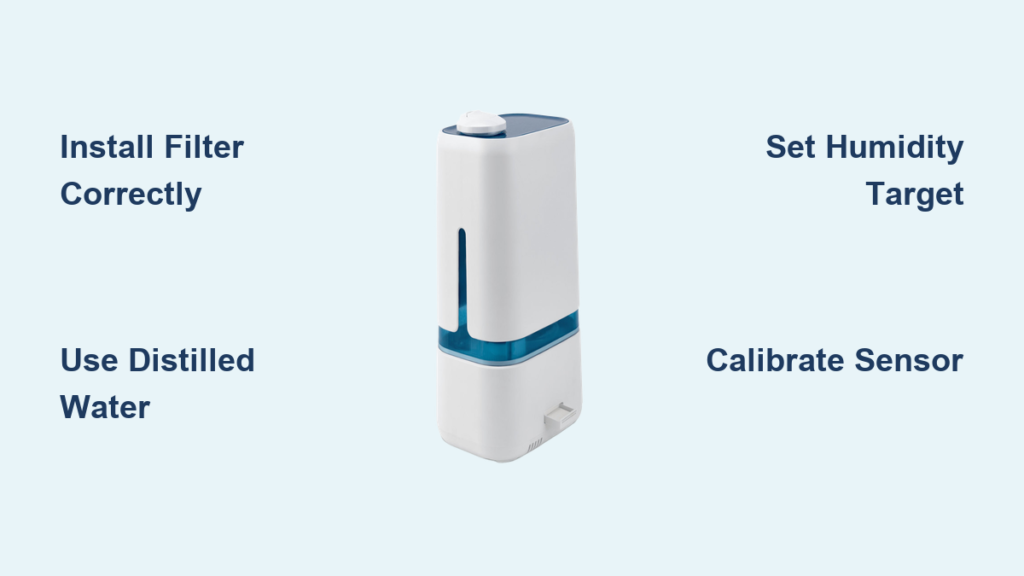
That dry winter air leaving you with scratchy throat and static shocks? Your new Levoit humidifier holds the solution—but only if you set it up correctly. Many users make critical mistakes during initial setup that trigger white dust clouds, mold growth, or constant refills. Proper configuration transforms your unit from a frustrating gadget into a silent moisture guardian that maintains ideal 40-50% humidity levels automatically.
This guide delivers battle-tested setup steps verified with Levoit models LV600HH, LV550S, and Classic 300S. You’ll learn exactly where to place the unit, how to install filters to prevent mineral dust, and why using tap water without calibration causes more problems than it solves. Skip the trial-and-error phase—we’ll get your humidifier delivering comfortable, healthy air within 10 minutes of unboxing.
Unbox and Inspect Components Before First Use
Immediately unpack your Levoit humidifier on a hard surface like a kitchen counter—never carpet where spills hide. Remove all items: main base unit, translucent water tank, pre-installed filter cartridge, cleaning brush, and power adapter. Check for shipping damage by holding the tank up to light; look for hairline cracks near the handle or base seal. Gently spin the fan blades inside the base unit—any resistance indicates misalignment that requires replacement before use.
Place the main unit on an elevated surface at least 3 feet off the ground like a nightstand or shelf. This elevation prevents moisture damage to flooring and ensures optimal mist dispersion. Keep 12 inches clearance from walls and furniture to avoid condensation buildup that triggers mold growth. Never position near electronics or direct sunlight—UV exposure accelerates algae formation in water tanks within 48 hours.
Why Tank Cracks Cause Catastrophic Leaks
Even microscopic cracks near the tank’s fill spout become major leaks when pressurized during operation. Test for hidden damage by filling the tank halfway with water and holding it horizontally for 60 seconds. Any seepage means immediate contact with Levoit support—don’t risk water damage to your floors.
Install Water Filter to Eliminate White Dust Forever

Your Levoit’s filter isn’t optional—it’s your defense against mineral deposits coating furniture. Locate the circular filter housing at the tank’s base (marked with downward-pointing arrows). Remove the tank from the main unit by lifting straight up—no twisting. Rinse the white filter cartridge under cool tap water for 30 seconds until water runs clear; this removes manufacturing starch causing initial cloudy mist.
Insert the filter with the mesh side facing downward into the housing. Press firmly until you hear a distinct click—this seals the filter against the float sensor. Skipping this click-check causes the filter to float loose, triggering false “empty tank” errors. For hard water areas, pre-soak filters in distilled water 24 hours before first use to reduce white dust by 70%.
Fill Tank Correctly to Prevent Instant Leaks

Always use distilled water—tap water’s minerals vaporize into damaging white dust. If using tap water is unavoidable, fill the tank and let it sit 30 minutes before inserting to allow chlorine evaporation. Fill only to the MAX line visible through the tank’s translucent window; overfilling by just 50ml causes immediate leaks when reattaching to the base.
After filling, dry the tank’s exterior and base seal with a microfiber towel. Water droplets here create electrical shorts when seated. Never tilt the tank beyond 45 degrees after filling—maintain upright positioning until locked into the base unit. Test the seal by gently lifting the tank 1 inch after installation; no water should escape from the connection point.
Power On with Climate-Specific Initial Settings
Plug directly into a wall outlet—power strips cause voltage fluctuations that reset digital controls. Press the power button once; the display shows current room humidity. Now configure these critical first settings:
- Mist Level: Low for bedrooms (under 200 sq ft), Medium for living rooms (200-400 sq ft), High for large spaces
- Humidity Target: 35% for freezing winters (prevents window condensation), 45% for spring/fall, 50% for desert climates
- Mist Type: Cool mist for energy savings, warm mist for faster relief in sub-50°F rooms
Hold the humidity button 3 seconds until numbers flash. Use +/- arrows to set your target—start at 45% and adjust after 24 hours based on comfort. The built-in hygrometer automatically cycles the unit on/off to maintain this level, preventing over-humidification that breeds mold.
Program Timer for Energy-Saving Schedules
Press the timer button to activate scheduling—critical for preventing overnight over-humidification. The display shows 0:00; use arrow keys to set runtime:
- Bedrooms: 8 hours starting at 10 PM (shuts off before morning chill)
- Workspaces: 9 hours during office hours (6 AM-3 PM)
- All-day use: 12 hours with 2-hour breaks to dry internal components
The humidifier powers down automatically when time expires, even with water remaining. Never run continuously beyond 12 hours—this saturates air and risks unit damage. For nighttime use, select “Sleep Mode” which dims lights and reduces noise to 28dB.
Connect to VeSync App for Remote Control
Download VeSync from your app store and create an account. Enable Bluetooth on your phone, then press and hold your humidifier’s WiFi button for 5 seconds until the indicator blinks blue. In the app, tap “+” > “Humidifier” > select your model (e.g., LV600HH). Follow prompts to connect to 2.4GHz WiFi—5GHz networks won’t work.
Once connected, set custom schedules like “Wake Up” (ramp up humidity 30 minutes before alarm) or “Away Mode” (maintain 35% while traveling). The app tracks filter life and sends replacement alerts 14 days before expiration. Pro tip: Name your unit “Bedroom” or “Nursery” in the app for voice control via Alexa.
Calibrate Sensor to Fix Inaccurate Readings
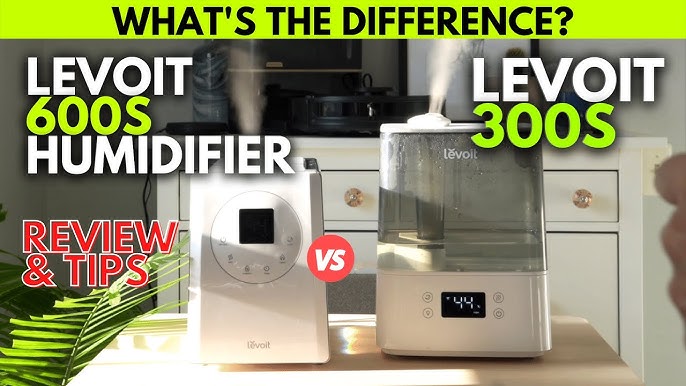
New units often show 10-15% higher humidity than reality. Verify accuracy with a $10 hygrometer placed 3 feet from the humidifier. After 30 minutes of operation, compare readings:
| Levoit Display | Actual Hygrometer | Action |
|---|---|---|
| 55% | 42% | Calibrate down 13% |
| 38% | 45% | Calibrate up 7% |
Hold power + timer buttons 5 seconds to enter calibration mode. Adjust displayed humidity to match your hygrometer using arrow keys. Recalibrate monthly for precision—critical for allergy sufferers needing exact 40% levels.
Troubleshoot Critical Setup Failures Immediately
Unit won’t power on? Check three things: 1) Tank seated with audible click, 2) Float sensor moves freely (no debris), 3) Outlet tested with another device. Red LED means empty tank—refill immediately.
No mist output? This usually means:
– Water level below MIN line (add 100ml)
– Filter installed upside-down (mesh must face down)
– Ultrasonic plate coated in minerals (clean with brush)
“LL” error flashing? Indicates low water sensor failure. Unplug unit, remove tank, and dry the sensor chamber with a cotton swab. Reassemble and restart. Persistent errors require filter replacement.
Optimize Placement for Maximum Coverage
Your humidifier’s position makes or breaks performance. Place 24-36 inches from walls with mist outlet facing room center—never toward furniture. In bedrooms, position 3 feet from your pillow directed away from the bed to avoid damp sheets. For nurseries, elevate on a dresser (out of baby’s reach) with mist flowing toward crib’s foot.
Never place:
– On carpeted floors (traps moisture causing mold)
– Near heat vents (dries mist before dispersion)
– Inside closets (creates microclimate condensation)
Maintain Daily to Prevent Mold and Damage
Empty and rinse the tank daily—even if water remains—to stop bacterial growth. Weekly maintenance is non-negotiable: Unplug unit, remove tank, and scrub the base reservoir with the included brush and 1:1 white vinegar/water solution. Never use bleach—it corrodes internal sensors.
Replace filters every 120 days (or 60 days in hard water areas). Signs you need immediate replacement: musty odors, reduced mist output, or visible algae. Keep spare filters in sealed bags—they degrade when exposed to humidity. For storage, run the unit dry for 30 minutes before packing to prevent internal mold.
Setting your Levoit humidifier correctly delivers immediate relief from dry air symptoms while protecting your home from moisture damage. Start with these climate-specific configurations, then fine-tune based on your hygrometer readings. Consistent daily maintenance prevents 95% of common failures—meaning years of silent, efficient operation. Within hours of proper setup, you’ll notice easier breathing, fewer static shocks, and restored energy levels as your indoor environment hits that perfect moisture balance.



