
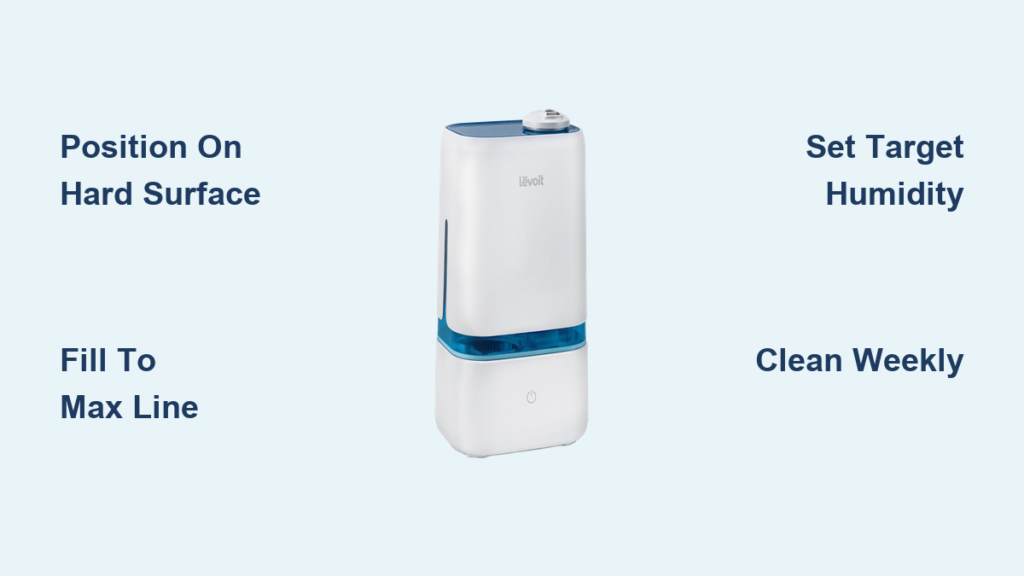
Your throat feels raw, static shocks zap you at every turn, and your skin cracks like desert earth. These brutal signs of dry air hit hardest during winter, sending you straight to your new Levoit humidifier—only to stare at confusing controls and cryptic symbols. Getting your Levoit set correctly separates soothing relief from a slippery floor disaster. This guide cuts through the manual confusion with precise steps to achieve ideal humidity levels within 30 minutes. You’ll master every dial, button, and setting specific to your model, transforming your space from parched to perfectly balanced.
Position Your Levoit on Stable Surface
Place your humidifier on a hard, level surface at least 4 feet from walls and furniture. Never set it on carpet, wood, or near electronics—water spills cause irreversible damage. Ensure the area has good airflow around all sides, especially near the vents. This positioning prevents condensation buildup on walls and ensures even mist distribution throughout your room.
Avoid Common Placement Mistakes
Never place your Levoit near heat sources like radiators or direct sunlight. These locations cause rapid evaporation that tricks the sensor into under-humidifying. Keep it away from curtains or bedding that could block vents or get damp. For nurseries, position it at least 6 feet from the crib to maintain safe moisture levels without overexposure. Always use a waterproof tray underneath—this catches accidental spills during refills.
Verify Surface Compatibility
Test your chosen spot by placing a paper towel under the unit overnight. If it’s damp in the morning, move the humidifier to a more ventilated location. Hardwood floors need extra protection: use a dedicated humidifier mat or silicone baking sheet. Tile or vinyl floors are ideal since they resist water damage. Remember—your Levoit must sit perfectly level; an uneven surface causes leaks and triggers error codes.
Fill Water Tank Without Leaks
Carry the empty tank to your sink using both hands under the base. Twist the cap counterclockwise to open, then fill with cool water up to the MAX line—never above it. Overfilling forces water into the base unit during operation, causing immediate leaks and voiding your warranty. Leave the cap slightly loose while filling to prevent airlocks.
Select Optimal Water Type
Tap water works for most homes, but hard water areas (with white mineral deposits on faucets) require filtered or distilled water. This prevents “white dust”—mineral particles that coat furniture and damage internal components. Never add essential oils directly to the tank; only use Levoit’s designated aroma pad compartment if your model supports it. Bottled spring water is acceptable but check mineral content—high calcium causes faster buildup.
Secure Tank with Correct Technique
After filling, hand-tighten the cap until resistance stops—do not force it. Wipe the tank exterior completely dry with a microfiber cloth. Align the tank’s grooves with the base unit and press straight down until you hear a distinct click. Test by gently lifting the tank; if it moves, reseat it firmly. A loose connection triggers the E1 error and stops mist production immediately.
Activate Humidifier and Calibrate
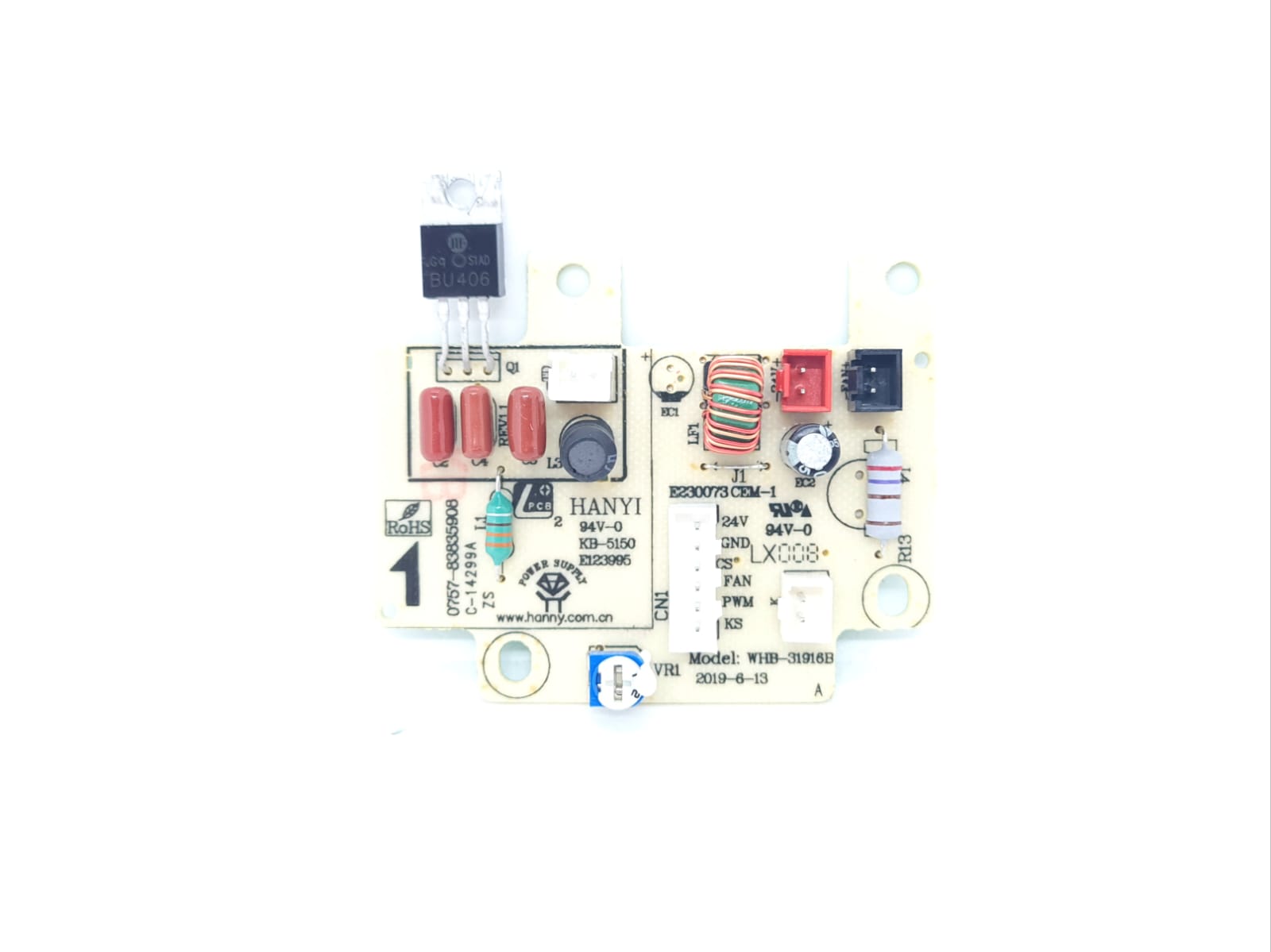
Plug the power cord directly into a wall outlet—never use extension cords or power strips. Press the power button once; the display lights up after 10 seconds. Allow 30 minutes for the built-in hygrometer to stabilize before adjusting settings. During this calibration phase, run the unit on high mist to clear factory residues.
Navigate Model-Specific Controls
Classic models (100/200S): Press the mist button to cycle through low (1 drop), medium (2 drops), and high (3 drops). Hold the humidity button to set target levels.
Smart models (300S+): Lightly tap the touch panel—swipe left/right adjusts humidity in 5% increments. The display shows current room humidity after 30 seconds of operation.
Complete First-Run Procedure
Run your Levoit continuously on high mist for 15 minutes. This initial cycle burns off manufacturing oils, causing a faint plastic smell that disappears within 60 minutes. Check for leaks around the tank base during this period. If you detect moisture, power off immediately, dry all components, and reseat the tank following the secure technique above.
Adjust Mist Output by Room Size
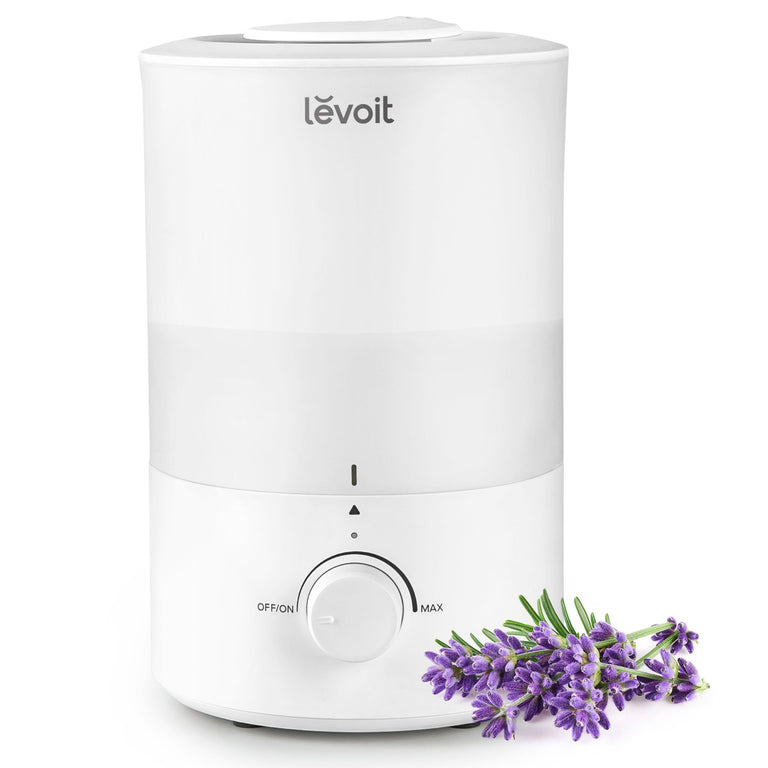
Match mist intensity to your space: low for bedrooms (100-200 sq ft), medium for living rooms (300 sq ft), high for large areas (500+ sq ft). Start at medium setting and adjust based on how quickly humidity rises—ideal increase is 5% per hour. Never max out a single unit in oversized rooms; this strains the motor and creates uneven moisture.
Optimize for Specific Scenarios
For nurseries, use low mist to maintain 45-50% humidity without over-saturating air. In dry climates, run high mist for the first hour then drop to medium. Open floor plans need dual units placed at opposite ends—never push one humidifier beyond its capacity. Pro tip: Place a hygrometer 3 feet from the unit to verify actual room humidity versus sensor readings.
Use Smart Features for Precision
300S and newer models offer 10 mist levels via the VeSync app. Start at level 4 for 250 sq ft rooms. If humidity rises less than 3% in 30 minutes, increase by one level. For allergy sufferers, maintain level 3-5 to avoid excessive moisture that encourages mold. Disable “Auto Mode” initially to manually learn your space’s humidity patterns.
Program Target Humidity Levels
Set your ideal range between 30-50%—40% is perfect for most homes. Nurseries need 45-50% to protect baby’s airways, while wood furniture rooms stay at 35-45% to prevent warping. Adjust seasonally: start winter at 35% then increase weekly as heating dries air, and maintain 40-45% during summer AC use.
Implement Seasonal Adjustments
During winter heating season: Begin at 35%, increasing 2% weekly until you reach comfort. If windows fog, reduce by 5%. Summer requires 40-45%—AC systems over-dry air even in humid climates. Spring/fall needs minimal adjustment; 40% works for most regions. Always prioritize how the air feels over exact numbers—if skin feels tight, increase humidity by 5%.
Validate Sensor Accuracy
Smart models display real-time humidity, but verify with a separate hygrometer placed away from direct mist. If readings differ by more than 5%, clean the sensor with a cotton swab dipped in rubbing alcohol. Recalibrate by running the unit at 50% for 2 hours, then resetting to your target level. Warning: Never cover the sensor—it causes dangerous over-humidification.
Configure Sleep Mode Properly
Activate sleep mode by holding the moon icon for 3 seconds. The display dims completely, noise drops to 24dB (quieter than a whisper), and mist reduces to low output. This setting runs all night without disturbing sleep while maintaining safe humidity levels.
Schedule Automatic Sleep Cycles
400S and 600S models let you program sleep mode via the VeSync app. Set “bedtime” 30 minutes before your usual sleep time to gradually lower humidity. Program a “wake-up boost” 90 minutes before your alarm to increase moisture for comfortable morning breathing. Start with 6 hours of sleep mode, adjusting based on overnight comfort.
Manage Night Lighting
Classic models have small status LEDs that stay lit during operation. Cover with opaque tape for total darkness—never disable via settings as this affects functionality. Smart models allow complete LED shutdown through the app’s “dark mode” option. Critical: Never use colored tape over lights—it melts and damages the unit.
Establish Maintenance Routine
Empty unused water every 72 hours minimum. Weekly cleaning prevents pink mold and mineral buildup that clogs the mist mechanism. Use the included brush on the tank’s curved corners where residue hides. For stubborn deposits, soak parts in equal parts white vinegar and water.
Perform Daily Quick Maintenance
Each morning: Empty remaining water, rinse tank with cool water, refill with fresh. Wipe the base exterior with a dry microfiber cloth—never submerge the electrical base. Check the water level display; if stuck, unplug for 10 minutes then restart. This daily habit prevents bacterial growth and extends component life.
Execute Monthly Deep Cleaning
Mix 2 cups white vinegar with 2 cups water in the tank. Let it soak for 30 minutes, then run the solution through the system for 15 minutes. Discard vinegar mix, rinse tank 3 times with fresh water, and run plain water for 5 minutes to eliminate odor. Clean the ultrasonic plate with a soft toothbrush dipped in vinegar—this critical step restores mist output.
Resolve Error Codes Immediately

When E1 appears: Power off, remove tank, and reseat firmly until you hear the click. E2 (low water) requires refilling even if water’s visible—mineral buildup often blocks sensors. E3 (overheat) means unplugging for 30 minutes and clearing vents blocked by dust or objects.
Fix Persistent No-Mist Issues
First, verify the tank is seated correctly and water level exceeds MIN line. Clean the ultrasonic plate with vinegar-soaked cloth—mineral crust stops vibration. If mist remains weak after cleaning, reset the unit by holding power and mist buttons for 10 seconds. Never operate without water—this destroys the transducer.
Restore Factory Settings
Hold power and mist buttons simultaneously for 10 seconds until lights flash. This clears custom settings, returning to 40% humidity target and medium mist. Reconfigure sleep mode and app connections afterward. Use this reset when humidity readings become erratic or after deep cleaning.
Connect to VeSync App Successfully
Download “VeSync” from your device’s app store. Create an account, then tap “Add Device” and select your Levoit model. Ensure your phone connects to 2.4GHz Wi-Fi only—5GHz networks fail during pairing. Hold the humidifier 3 feet from your router with LED blinking blue.
Enable Remote Humidity Control
In the app, set schedules like “Bedtime” (35% humidity at 10 PM) and “Morning Boost” (45% at 6 AM). Enable “Away Mode” to maintain 40% when traveling. Set filter change reminders based on your water hardness—soft water areas need alerts every 3 months, hard water every 6 weeks.
Activate Voice Commands
Link VeSync to Alexa or Google Home through the app’s “Skills” section. Say “Alexa, set bedroom humidifier to 45%” or “Hey Google, turn off nursery humidifier.” Test commands with the unit 10 feet from your speaker for reliable response. Note: Voice control requires the app to stay connected to Wi-Fi.
Perfect humidity transforms your home from a desert-like environment to a sanctuary of comfort within hours. Your Levoit now runs efficiently, quietly, and safely—no more guessing games with dials or confusing error codes. Check water levels daily during the first week to learn your home’s unique patterns. Within days, you’ll instinctively know when to refill and adjust settings. Remember: consistent 40% humidity prevents static shocks, protects wooden furniture, and soothes respiratory passages. For ongoing success, deep clean monthly and use distilled water in hard water areas. Sweet dreams and healthy breathing start now—your skin, plants, and sinuses will thank you.



