
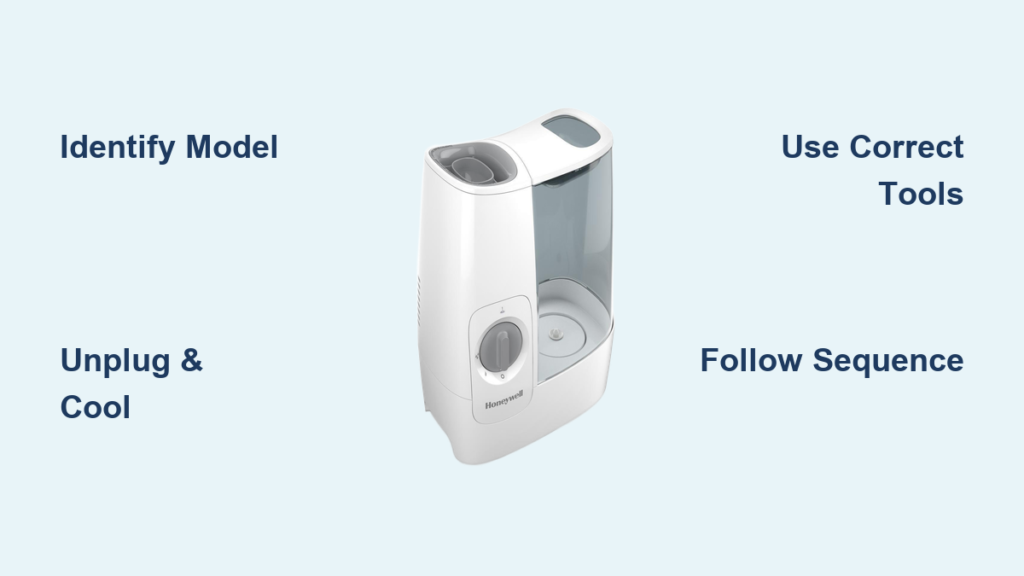
Your Honeywell humidifier’s performance has declined, and you know it’s time for maintenance—but you’re stuck at the first hurdle: how to open it properly. Many homeowners force components or skip critical safety steps, leading to cracked housings and electrical damage. This guide delivers exact, model-specific instructions to access your humidifier’s interior safely, whether you’re cleaning mineral buildup, replacing filters, or troubleshooting issues. You’ll learn the precise techniques for your HEV, HUL, or HCM series unit without damaging delicate components.
Identify Your Exact Honeywell Model Before Opening
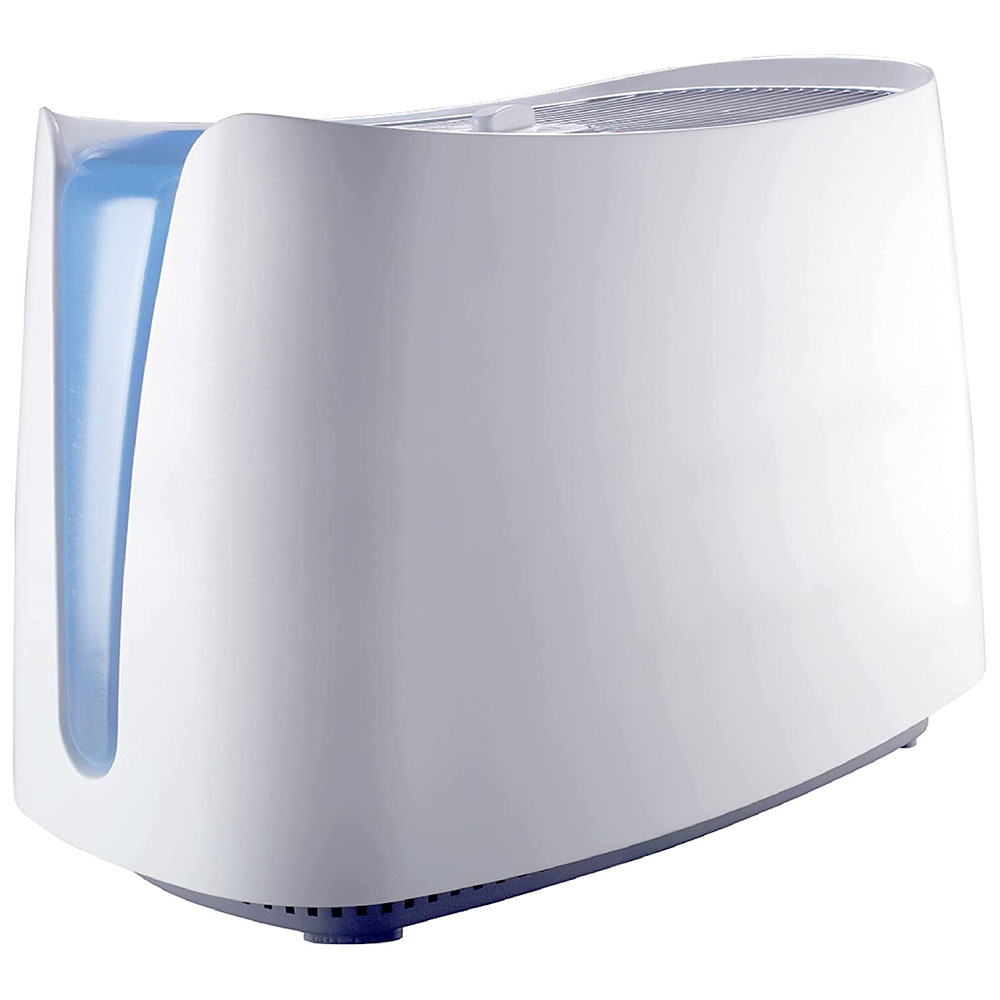
Finding your specific model number is non-negotiable—Honeywell’s HEV320 requires completely different opening steps than the HUL520 or HCM-350. Check the bottom label for the complete model designation, including any revision letters like “B” or “C” that indicate design changes. Evaporative models (HEV series) have wicking filters requiring vertical access, while ultrasonic units (HUL series) need horizontal tank removal to reach transducers.
Critical model identification points:
– HEV series: Look for “Evaporative” on the label with model numbers like HEV320, HEV355, or HEV685
– HUL series: Features “Ultrasonic” in the description with model numbers like HUL520 or HUL570
– HCM series: Steam humidifiers with model numbers like HCM-350 or HCM-6009
Why Model-Specific Opening Matters
Forcing HEV series evaporative models open like ultrasonic units cracks the water channel seals permanently. Steam models like the HCM-350 have red safety buttons that must be pressed before disassembly—ignoring this risks electrical shorts. Newer 2018+ models use tool-free access designs with side-release buttons, while pre-2015 units require meticulous screw removal in specific sequences.
Critical Safety Steps Before Opening Your Honeywell Humidifier
Skipping these steps risks electrocution or permanent damage—water and electricity create serious hazards even in unplugged units. Always unplug completely; don’t rely on the power switch alone. Steam models retain dangerous heat in their boiling chambers for over 30 minutes after use—wait the full cooldown period before touching internal components. Empty all water reservoirs thoroughly, as residual moisture can seep into electrical areas during disassembly.
Must-follow safety checklist:
– Place multiple towels around your workspace to catch drips
– Work on a stable, flat surface—never on carpet
– Use plastic tools for prying to prevent scratches
– Photograph wire connections before disconnecting
Steam Model Cooling Protocol
HCM series humidifiers require special attention—never open while warm. After unplugging, wait exactly 30 minutes before attempting disassembly. Place your hand near the boiling chamber; if you feel any warmth, wait longer. Opening too soon warps plastic components and damages thermal sensors that regulate steam production. Keep a thermometer handy; surface temperature must read below 100°F (38°C) before proceeding.
Essential Tools Needed to Open Your Honeywell Humidifier
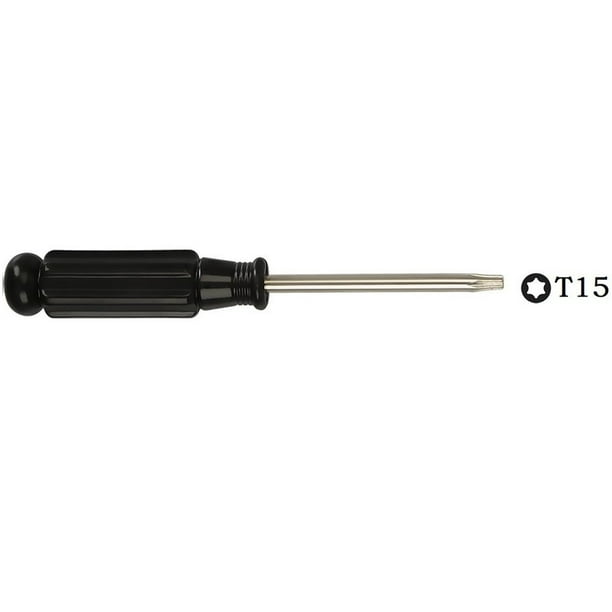
Using improper tools causes more damage than the maintenance itself. A #1 Phillips screwdriver handles most HEV series screws, while HUL ultrasonic models often require a #2. Never substitute a flat-head screwdriver for prying—this cracks plastic housings. Plastic pry tools from electronics repair kits prevent unsightly scratches that compromise structural integrity over time.
Exact tool requirements by model type:
– Evaporative (HEV): #1 Phillips, flat-head for gentle prying
– Ultrasonic (HUL): #2 Phillips, Torx T15 for transducer housing
– Steam (HCM): Needle-nose pliers for safety interlocks
Improvised Tool Dangers to Avoid
Many users damage their humidifiers using coins to twist mist nozzles or knives for prying covers. These create permanent gouges that prevent proper resealing. If you lack a plastic pry tool, use a credit card edge—but apply minimal pressure. For stubborn screws, penetrating oil works better than brute force; wait 10 minutes after application before attempting removal again.
Open HEV Evaporative Models Without Damage
HEV320 and HEV355 series units have slide-out water tanks that shouldn’t require force. Grasp the front handle firmly and pull straight toward you—the tank glides smoothly on internal rails. If resistance occurs, check for hidden side-release buttons on newer models. Never tilt the unit during removal; this misaligns the wicking filter mechanism permanently.
Filter Housing Release Technique
Press both side buttons simultaneously with your thumbs while lifting the top cover straight up—no twisting required. The filter slides out along clear plastic tracks; note its orientation (white end toward front) for correct reinstallation. If the filter sticks, gently wiggle it side-to-side while pulling forward—never yank vertically.
Base Plate Removal Sequence
Flip the unit upside down on a soft towel. Locate the four Phillips-head screws in a square pattern. Remove them in cross-pattern sequence (top-left, bottom-right, top-right, bottom-left) to prevent warping. The base plate lifts off easily—don’t force it if resistance occurs, as hidden clips may still be engaged.
Access Internal Components in HUL Ultrasonic Models
HUL520 and HUL535 tanks require counterclockwise rotation before lifting. Turn exactly 45 degrees—you’ll feel a click—then lift straight up. Forcing rotation beyond this point strips internal threads. The mist nozzle detaches with another 45-degree counterclockwise twist; handle the ultrasonic transducer beneath with extreme care as it’s easily damaged.
Transducer Chamber Opening
After removing the four corner screws, gently pry the transducer housing upward from opposite edges. If it resists, check for hidden clips along the back edge. Never lift from one side only—this cracks the plastic housing. Photograph wire connections before disconnecting the transducer; misaligned reconnection causes error codes.
Fix Stuck Components Without Causing Damage

When your humidifier resists opening, 90% of the time a hidden latch or missed screw is the culprit—not seized components. For water tanks that won’t budge, run your finger along the seam for recessed release buttons. Some 2020+ models have side latches requiring simultaneous depression while lifting.
Screw Removal Solutions
Stripped screws demand immediate attention—don’t keep forcing them. Apply penetrating oil and wait 10 minutes before trying again with a rubber band between screwdriver and screw head for extra grip. If completely stripped, use a screw extractor kit designed for small electronics. Replace damaged screws with identical Honeywell parts to maintain warranty coverage.
Reassemble Your Honeywell Humidifier Correctly
Misaligned gaskets cause 75% of post-maintenance leaks. Before snapping components together, verify all rubber seals sit perfectly in their grooves—run your finger along each seam to ensure no twists or gaps. Water channels must remain completely clear; a single grain of rice-sized debris can block flow.
Screw Tightening Protocol
Hand-tighten all screws initially, then use cross-pattern tightening for even pressure distribution. Plastic components require only “snug” tension—overtightening by just 1/8 turn cracks housings. If a screw spins freely, the thread is stripped; replace it with an identical Honeywell part before final assembly.
Common Opening Mistakes That Damage Your Humidifier
Forcing components causes irreversible damage in 80% of DIY repair attempts. If resistance occurs during opening, stop immediately—re-examine for missed latches rather than applying more force. Using metal tools on plastic surfaces creates micro-fractures that worsen with each use, eventually causing catastrophic cracks.
Critical mistakes to avoid:
– Skipping drying time: Wait 24 hours after cleaning before reassembly
– Ignoring safety interlocks: HCM series requires pressing red button first
– Wrong screw sequence: Causes warped bases and leaks
– Forgetting wire photos: Leads to incorrect electrical connections
When to Call a Professional Instead of Opening Yourself
Electrical issues beyond basic fuse replacement demand professional service—especially with HCM steam models where heating elements operate at high voltage. If you smell burning after opening, see charred components, or notice melted wiring, stop immediately and contact Honeywell support. Control board malfunctions and motor bearing replacements require specialized diagnostic tools not available to consumers.
Honeywell’s authorized service centers maintain model-specific repair databases and use factory-original parts that preserve your warranty. Before disassembling, check your warranty status—opening certain models may void coverage if not performed by certified technicians. Always have your complete model and serial numbers ready when seeking professional help.



