
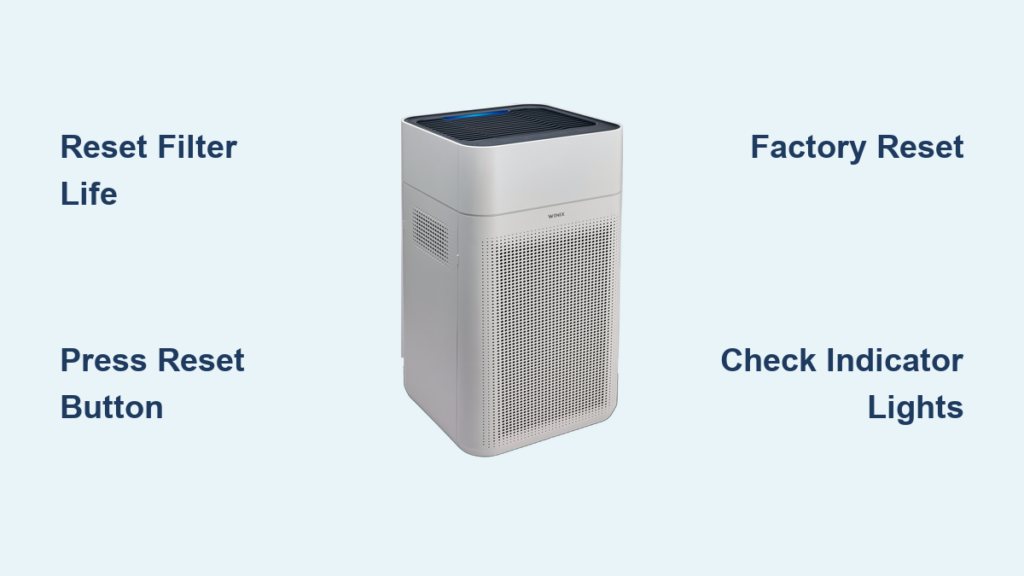
When your Winix air purifier stops responding correctly or displays persistent error lights, knowing the proper reset procedure can save you time and frustration. Whether you’ve just replaced filters, encountered mysterious error codes, or the unit suddenly won’t power on, a correctly executed reset often restores normal operation without needing professional service. Winix air purifiers require specific reset methods depending on your model and the issue you’re facing—using the wrong technique might worsen the problem or void your warranty. This comprehensive guide details every reset scenario you might encounter, from simple filter recalibration to full factory resets that clear stubborn errors. You’ll learn exactly when to reset, where to find hidden reset buttons, and how to interpret those confusing indicator light patterns that tell you whether your reset succeeded.
When Your Winix Air Purifier Needs Resetting
Ignoring reset requirements leads to inaccurate filter tracking and compromised air cleaning performance. The most critical reset scenario occurs immediately after replacing your HEPA filter—without resetting, your purifier continues counting down from the old filter’s remaining life, potentially leaving you with degraded air quality when it falsely indicates the filter still has months of use left. Models with washable pre-filters also require resets after cleaning to recalibrate the system’s understanding of filter efficiency.
Persistent indicator lights signal urgent reset needs you shouldn’t ignore. A solid red light that remains illuminated after addressing visible air quality issues (like smoking indoors or cooking smoke) typically means the sensor needs recalibration through a reset. Similarly, if your filter indicator shows “Replace” immediately after installing a new filter, a specific filter reset procedure will correct this common tracking error. Smart models displaying Wi-Fi connectivity issues despite correct network credentials often respond well to targeted resets that clear network configuration glitches without erasing all your settings.
Finding Your Winix Reset Button by Model

Winix C545 owners will find the reset button integrated into the top control panel, positioned to the right of the main operation buttons. This tiny recessed hole requires a paperclip or toothpick to activate—never force a thick object as this can damage the delicate internal mechanism. On Winix 530 and 550 series models, the reset button hides along the bottom edge of the control panel, partially obscured by the filter access compartment latch.
Older Winix models like the 5000 series lack dedicated reset buttons entirely, instead using specific button combinations that mimic reset functionality. For these units, press and hold both the power and sleep mode buttons simultaneously for five seconds. The Winix 9000 series takes accessibility further by placing the reset button behind the front grille—gently pull the grille outward about an inch to reveal the small circular reset icon. Always verify your specific model’s configuration before attempting resets, as pressing random buttons can accidentally activate child lock features or enter diagnostic modes that require additional steps to exit.
Standard Reset Procedure for Immediate Issues
Use this universal reset method when your Winix displays unexpected behavior but shows no specific error codes. With the unit plugged in but powered off (standby mode), locate the reset button and press it firmly with a paperclip for exactly 5 seconds—timing matters as shorter presses may not register while longer presses could trigger factory reset protocols. You’ll hear a single confirmation beep followed by all indicator lights flashing twice.
Watch the display panel closely during reset: successful standard resets show “rSt” briefly before returning to normal operation within 10 seconds. If your model lacks a display, observe the filter indicator light—it should blink rapidly three times then return to steady illumination. For button-combination models, press and hold both power and auto mode buttons until the air quality sensor lights cycle through all colors. Never attempt standard resets while the purifier runs on high speed, as internal airflow can interfere with electrical signals—always power down to standby mode first.
Resetting Filter Life After Replacement
Your Winix won’t automatically recognize new filters without proper recalibration. Start by powering off and unplugging the unit, then open the filter compartment using the side latch (models 530/550) or by pressing the front panel release (C545 series). Remove the old filter, noting the directional arrows that indicate proper airflow orientation—new filters must match this orientation exactly.
Install your replacement Winix filter, ensuring it clicks securely into place with no gaps around the edges. Close the compartment completely before restoring power. Now press and hold the reset button for 3 seconds until the filter indicator light flashes green rapidly. Models with digital displays will show “FLt rSt” followed by “100%” when successful. If the indicator shows less than 100% after replacement, repeat the reset while ensuring the compartment is fully latched—most filter recognition failures occur due to improper compartment closure rather than reset errors.
Factory Reset for Complete System Restoration
Execute a factory reset when standard methods fail to resolve persistent issues or when preparing your Winix for a new home. Unlike regular resets, this clears all custom settings including Wi-Fi networks, favorite fan speeds, and timer configurations. Begin by ensuring the unit is in standby mode (power light illuminated but no fan running), then press and hold both the power and ionizer buttons simultaneously for 10 full seconds.
Watch for the display to show “CLr” followed by “88”—this dual-digit confirmation indicates the reset sequence has initiated properly. Continue holding both buttons until all indicator lights flash in unison three times, then release. The entire process takes about 20 seconds, after which your Winix will reboot with default settings. Smart model owners must reconnect to Wi-Fi after factory resets; use the Winix app’s “Add Device” function rather than attempting manual network setup which often fails post-reset.
Interpreting Winix Indicator Light Patterns

Your Winix communicates reset needs through specific light behaviors that many users misinterpret. A slowly pulsing red light indicates normal auto-mode operation in poor air quality—not an error requiring reset. However, a solid red light that persists for more than 30 minutes after addressing air quality issues signals sensor recalibration is needed through a standard reset.
Filter-related indicators follow consistent patterns across models: three solid green bars mean optimal filter life, while one green bar with two red bars indicates immediate replacement necessity. After filter replacement, if the indicator shows two red bars immediately, this means the reset wasn’t successful—recheck compartment closure before attempting reset again. Smart models display Wi-Fi status through blue lights: solid blue means connected, slow blinking indicates setup mode, and rapid blinking after reset means the unit is searching for networks.
Fixing Unresponsive Reset Attempts
When reset buttons seem unresponsive, first verify you’re using the correct activation method for your model. Many users mistake the sensor cleaning button (often marked with a broom icon) for the reset button—these serve different functions and pressing the wrong one won’t trigger reset protocols. Increase press duration to 7 seconds for newer models, as firmware updates have lengthened required activation times.
Power cycling often resolves reset failures: unplug the unit, wait 60 seconds for capacitors to discharge, then plug into a different outlet before attempting reset. If the control panel remains completely unresponsive, remove the filter and inspect for debris blocking the internal safety switch located near the filter compartment—this common issue prevents electrical signals from registering button presses. For persistent problems, leave the unit unplugged overnight to fully discharge all components before making one final reset attempt.
Preventing Future Reset Needs Through Maintenance
Regular maintenance reduces reset frequency while extending your Winix’s lifespan. Clean the pre-filter monthly using a soft brush attachment on your vacuum—never wash electrostatic pre-filters with water as this destroys their static charge. Check air quality sensors quarterly by shining a flashlight into the sensor port; if dust obstructs the light beam, gently clean with a dry cotton swab.
Position your purifier at least 18 inches from walls and furniture to ensure optimal airflow, as restricted intake causes overheating that triggers error codes requiring resets. Replace carbon filters every 3 months in high-pollution environments, even if the indicator hasn’t triggered—delaying replacement strains the motor and creates reset-prone error conditions. Run your purifier continuously on auto mode rather than cycling on/off, as frequent power transitions wear internal components and increase reset necessity.
Final Note: Understanding these precise reset procedures ensures your Winix air purifier delivers optimal performance without unnecessary service calls. Bookmark this guide for quick reference when indicator lights confuse you or filters need replacement. For persistent issues that resist all reset methods, consult Winix’s official support site using your specific model number to access firmware updates that often resolve stubborn reset failures. Regular maintenance combined with proper reset knowledge keeps your indoor air clean while maximizing your investment’s lifespan.



