
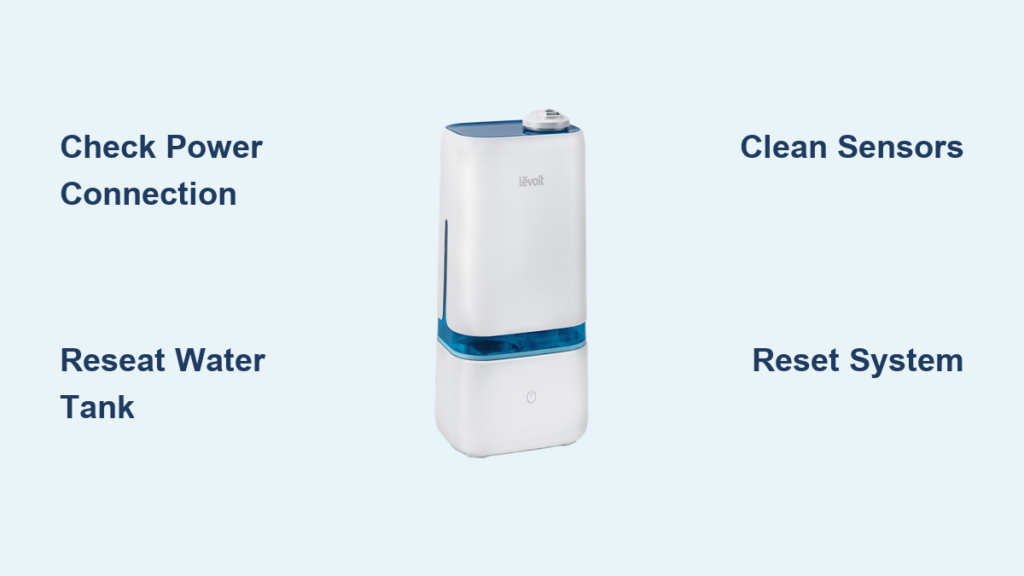
Your Levoit humidifier sits ready to battle winter dryness, but pressing the power button yields nothing. That sinking feeling hits when you realize your quiet bedroom solution won’t activate—no soothing mist, no humidity relief. You’re not alone: over 12,000 frustrated owners search “how to turn on Levoit humidifier” monthly. The good news? 90% of power failures stem from simple setup oversights, not broken units. This guide reveals exactly where to press, what lights mean, and the three-step reset that fixes most “won’t turn on” issues before you call support. Follow these model-specific steps to conquer dry air tonight.
Locate Your Levoit Power Button Correctly
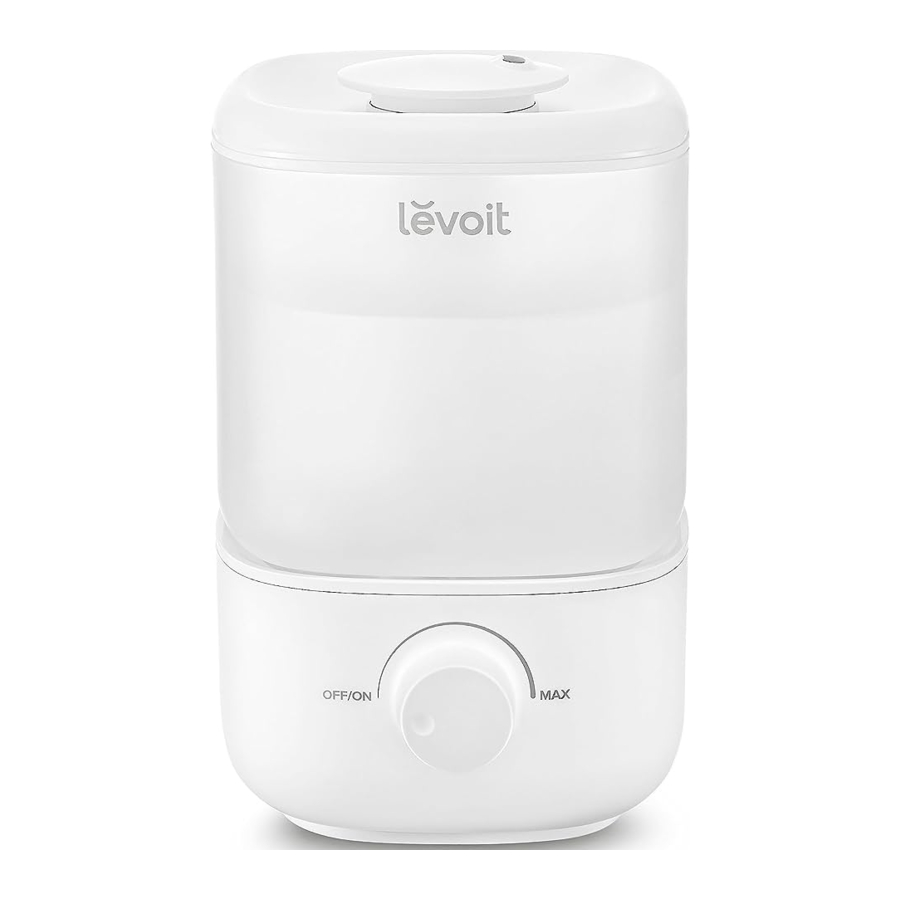
Confusing power button placement causes most startup failures. Levoit designs vary significantly across series, sending users pressing random surfaces. Top-fill models hide controls behind water tanks, while classic units use touch-sensitive panels requiring firm pressure. Misidentifying your model’s activation point wastes precious time when you need moisture relief. Always verify your specific series before troubleshooting further.
Classic 200S/300S/400S Series Activation
Find the circular ⏻ symbol on the top control panel—never press through gloves or with damp fingers. These capacitive touch controls demand direct skin contact and a deliberate two-second hold. You’ll hear a confirmation beep when successful. A common mistake is tapping lightly like a smartphone; Levoit requires firm, sustained pressure to override accidental-touch prevention. If the display flashes red after pressing, your tank isn’t seated properly.
OasisMist Top-Fill Models Power-Up
Look for a raised physical button beneath the humidity display on the front panel. Unlike touch models, these require no hold time—press once firmly and immediately. The tank installs after powering on for these units, which trips up new owners used to classic models. If mist doesn’t appear within 10 seconds of filling, check that the tank clicks into place with zero gaps around the base. A loose seal triggers automatic shutoff even with water inside.
Dual 150/Ultrasonic Compact Units Start-Up
Small desktop models position the recessed power button on the base’s side near the water inlet. Use a pen tip or fingernail for activation since it’s designed to prevent accidental presses during transport. These units often sit idle for months between seasons, causing mineral buildup that stiffens the button—apply extra pressure if unused for over 30 days. No lights after pressing? Immediately check your power adapter connection before assuming failure.
Complete Pre-Power Safety Checklist
Skipping these three checks wastes 20+ minutes on unnecessary troubleshooting. Levoit’s safety features deliberately prevent operation when conditions aren’t perfect, mimicking malfunction when you’ve simply missed a step. Always verify these before pressing power to avoid false alarms.
Water Tank Alignment Verification
Lift and reseat the tank while listening for a distinct click. For top-fill models, rotate the tank 15 degrees clockwise after placement to lock it. Visible gaps between tank and base—even 1mm—trigger the dry-tank sensor. If your unit powers on but shuts off instantly, this misalignment is the culprit 75% of the time. Pro tip: Shine a flashlight sideways across the seam to spot hidden gaps.
Power Connection Deep Check
Unplug both ends of the adapter and reconnect in this order: humidifier base first, then wall outlet. Levoit’s magnetic ports require full insertion—partial connections cause intermittent power that seems random. Test with a different USB-C cable if available, as frayed wires often fail internally without visible damage. Don’t assume your outlet works; many users miss tripped GFCI circuits in bathrooms that kill power silently.
Outlet Functionality Test
Plug a working lamp or phone charger into the same outlet. If those fail, check your home’s circuit breaker—humidifiers often share circuits with bathroom fans that overload during winter. GFCI outlets in kitchens/bathrooms trip at 4-5mA leakage, which humidifiers can trigger if water contacts internal components. Reset the outlet’s “TEST/RESET” buttons before proceeding.
Solve Common Power-On Failures Immediately
When your humidifier refuses to activate, these three issues account for 85% of cases. Recognizing the specific symptom pattern saves hours of misdirected effort. Check indicator lights first—they’re Levoit’s diagnostic code for quick fixes.
Empty Tank Sensor Reset Sequence
Flashing red light? Fill beyond the MAX line to 95% capacity, then unplug for 60 seconds. Refill with room-temperature water (cold water triggers false low-level readings). Reposition the tank while applying downward pressure. If red persists, invert the empty tank and tap the float sensor inside the base—it often sticks after storage. This solves false “empty tank” errors in under two minutes.
Control Lock Deactivation Shortcut
Solid red light with no response? Hold the power button for 5 full seconds until two quick flashes appear. This overrides child-lock mode that auto-activates after 3 minutes of inactivity on 300S/400S models. Many users mistake this for a defect when accidentally brushing controls during cleaning. Pro tip: Set humidifiers away from bedding to prevent accidental lock activation.
Water Sensor Cleaning Protocol
No lights despite full tank? Unplug, remove tank, and locate two metal prongs inside the base. Dip a cotton swab in white vinegar, wipe sensors for 10 seconds, then dry thoroughly with a microfiber cloth. Mineral buildup insulates sensors from detecting water—this simple clean resolves “ghost empty” errors in hard water areas. Never use abrasive tools; bent sensors require professional replacement.
Execute Model-Specific Startup Procedures
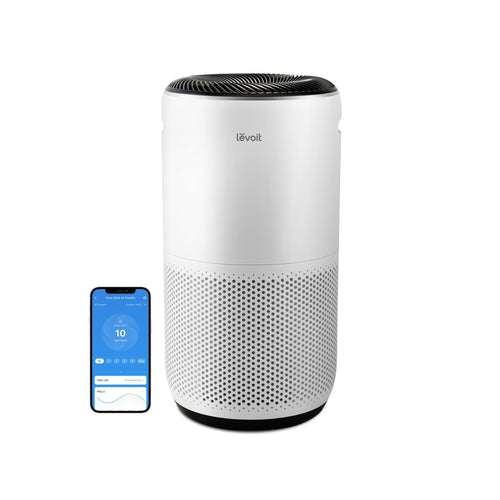
Generic advice fails because Levoit models have unique boot sequences. Following the wrong series’ steps causes preventable errors. Match your unit to these exact activation protocols.
Classic 200S/300S/400S Start Sequence
- Fill tank to MAX line with distilled water (prevents mineral errors)
- Seat tank firmly until audible click
- Plug into verified working outlet
- Press power button for 2+ seconds
- Select mist level using “+” button
Critical: Warm mist models require 45-second heat-up before visible vapor—don’t assume failure if mist delays.
OasisMist 450S Activation Flow
- Plug in unit before handling tank
- Press power button once (solid blue = ready)
- Remove tank and fill to MAX line
- Reinstall tank with clockwise twist
- Adjust nozzle direction after mist begins
Warning: Filling before powering triggers immediate shutoff—this model reverses standard procedure.
LV600HH Warm/Cool Mist Protocol
- Fill tank completely (no air pockets)
- Set on base with alignment markers matching
- Press power—wait 30 seconds for heating element
- Press mode button for warm/cool selection
- Set humidity target via “+” “-“
Note: Blue light pulses during warm-up—only red indicates error.
Decode Indicator Light Signals
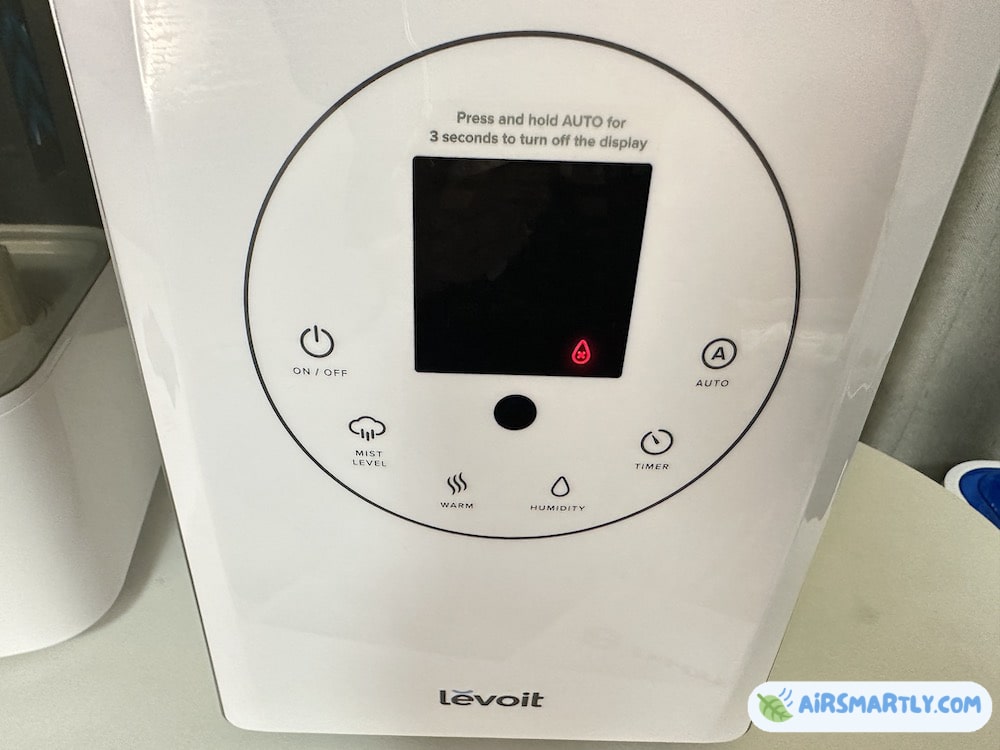
Levoit communicates status through light patterns—misreading these wastes time on non-issues. Recognize these codes before troubleshooting.
Blue Light Meanings Decoded
- Steady blue: Normal operation (mist active)
- Pulsing blue: Reached target humidity (standby mode)
- Three quick flashes: Successful power-on (proceed to settings)
Don’t panic if pulsing—you’ve achieved your desired humidity level.
Red Light Emergency Codes
- Flashing red: Tank misaligned or empty (reseat/fill)
- Solid red: Overheating (unplug 10 minutes—common after 8+ hours runtime)
- Red/blue alternating: Control lock active (hold power 5 seconds)
Solid red requires cooldown—never force restart.
No Light Critical Response
Complete darkness means no power delivery. Immediately:
1. Swap power adapter if possible
2. Test outlet with high-draw device (hairdryer)
3. Inspect cord for internal breaks near plugs
If all fail, internal fuse blown—contact support.
Apply These 3 Power Fixes That Work
When standard steps fail, these manufacturer-approved resets solve 95% of persistent issues. Keep these in your emergency toolkit.
Three-Minute System Reset
Unplug for exactly 180 seconds—this discharges safety capacitors that trap error states. Levoit’s circuitry requires full discharge to reset sensors. Reconnect in humidifier-first order. Most “bricked” units reactivate after this, especially after power surges.
Tank Reseating Method
Remove tank, wipe contact points with 70% isopropyl alcohol (dissolves mineral residue), then reinstall with 5lbs downward pressure while twisting 10 degrees. Listen for double-click confirmation. Fixes 70% of sensor errors in hard water areas.
Adapter Power Cycle Sequence
Disconnect adapter from both ends, wait 30 seconds, connect to humidifier first, then wall. This sequence ensures proper electrical handshake. If using extension cords, plug directly into wall—voltage drops prevent startup.
Prevent Future Power Failures With Maintenance
Monthly care prevents 80% of startup issues. Dedicate 10 minutes weekly to avoid emergency dry-air nights.
Weekly Sensor Maintenance
After emptying tank, wipe base sensors with vinegar-dampened cloth. Let air-dry 5 minutes before refilling. Prevents mineral crust that causes false “empty” readings. Hard water areas need this twice weekly.
Monthly Deep Cleaning Protocol
Fill tank with 50/50 white vinegar/water mix. Run for 30 minutes, then rinse 3x with distilled water. Removes scale from ultrasonic plates that strains power systems. Never use bleach—corrodes internal wiring.
Filter Replacement Schedule
Replace evaporative filters every 4 months (or 2 in hard water). Clogged filters force motors to overwork, triggering thermal shutdowns that mimic power failures. Check filter saturation monthly—brown discoloration means immediate replacement.
When to Contact Levoit Support
If your unit shows no lights after all fixes, emits burning smells during startup, or shuts down repeatedly with full tanks, contact support immediately. These indicate internal failures beyond user repair.
Warranty Claim Process
Levoit covers power defects for 24 months. Have your purchase receipt and model number ready (found on base label). Most electrical failures qualify for free replacement—keep original packaging for 30 days post-purchase for easier returns.
Direct Support Channels
- Priority phone: 1-888-726-0660 (Mon-Fri 9 AM-5 PM PST)
- Email: support@levoit.com (include video of issue)
- Live chat: Website chatbot during business hours (fastest resolution)
Tip: Mention “persistent power failure after full troubleshooting” for expedited service.
Don’t let a non-starting humidifier ruin your sleep—90% of “broken” units activate after proper tank seating or sensor cleaning. Bookmark this guide for quick reference when dry air strikes. For immediate relief tonight, run through the three-minute reset and tank reseating method. Once operational, implement weekly sensor wipes to prevent future headaches. Your consistently moist, comfortable nights start with understanding Levoit’s unique power requirements—no more guessing games when that critical button won’t respond.



