
That frustrating dry throat when you wake up, the static shocks from doorknobs, or your skin feeling tight and uncomfortable—these are all signs your air needs moisture. Your Canopy humidifier arrived to solve these problems, but those three buttons and blinking lights might leave you wondering exactly how to use Canopy humidifier properly. Don’t worry—within minutes, you’ll understand every feature and avoid the most common setup mistakes that leave humidifiers underutilized.
Unlike complicated models with confusing displays, the Canopy humidifier uses intelligent simplicity to maintain perfect humidity levels while preventing the mold and maintenance issues that plague other units. This guide cuts through the confusion, showing you exactly how the smart sensors work, what those lights mean, and why your humidifier sometimes turns itself back on—so you can enjoy consistently comfortable air without constant adjustments.
Master Your Canopy Humidifier’s One-Button Control System
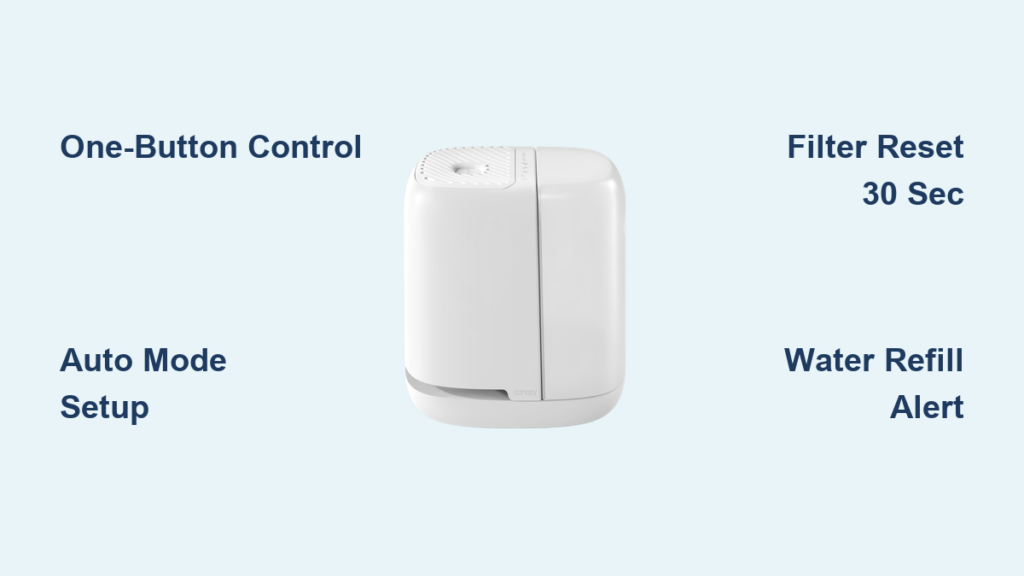
The Canopy humidifier’s single On/Off button on the top grate controls everything—no confusing menus or hidden settings. With deliberate presses, you cycle through all operational modes, making it the simplest humidifier to operate once you know the sequence.
Activate Auto Mode With One Press
A single press activates Auto Mode—the intelligent setting that automatically adjusts to your environment. This isn’t just convenience; it’s engineering that prevents the most common humidifier problems before they start. The embedded light sensor (farthest from the On/Off button) detects room brightness and adjusts output accordingly, ensuring optimal humidity day and night without manual intervention.
Power Down Properly With Five Presses
Press the button five times to completely power down your Canopy humidifier:
– 1st press: Auto Mode
– 2nd press: Low setting
– 3rd press: Medium setting
– 4th press: High setting
– 5th press: Off
Critical note: Your humidifier might restart automatically if water remains in the tray. This prevents stagnant water and mold growth—a built-in safety feature, not a malfunction. Let it finish evaporating the remaining water before final shutdown.
Decode Your Canopy Humidifier’s Indicator Light System

Two small lights on your humidifier’s top surface communicate everything you need to know about maintenance needs. Understanding these prevents unexpected shutdowns and ensures optimal performance—no guesswork required.
Respond to the Water Refill Signal Promptly
The Water Light illuminates solid when your tank needs refilling. Unlike other humidifiers that sputter and die mid-operation, Canopy gives you clear warning before running dry. Refill immediately when this light appears to maintain consistent humidity levels. The tank holds enough water for 12-24 hours of operation depending on settings, so check it daily during dry seasons.
Reset the Filter Replacement Alert Correctly
The Filter Light signals it’s time for a new filter based on actual usage—not just time. This smart tracking considers water quality and runtime to determine when your filter becomes less effective. After installing a new filter:
- Press and hold the On/Off button for exactly 30 seconds
- Watch for the Filter light to turn off
- Confirm reset by checking that the light remains off during operation
Pro tip: Set a reminder to check your filter monthly, even if the light hasn’t activated yet—especially if you notice reduced mist output.
Harness Auto Mode’s Intelligent Humidity Management
Auto Mode transforms your Canopy humidifier from a simple appliance into an intelligent companion that responds to your daily rhythms without any programming required. This is where the “how to use Canopy humidifier” question becomes effortless.
Let Light Detection Optimize Your Sleep Environment
The embedded light sensor automatically adjusts output based on room brightness:
During darkness:
– Automatically shifts to Medium mode
– Maximizes moisture output for overnight comfort
– Prevents morning dryness and congestion
With room lights on:
– Switches to Low setting
– Conserves water during occupied hours
– Reduces energy consumption
This intelligent cycling ensures you wake up refreshed without waking up to adjust settings in the middle of the night.
Trust the Mold Prevention Technology
The automatic cycling between day and night settings serves a crucial function: preventing mold growth. By ensuring water doesn’t sit stagnant for extended periods, your humidifier maintains peak performance and air quality without extra effort from you. This is why the unit sometimes restarts after you turn it off—it’s completing the evaporation cycle to protect your health and the unit’s longevity.
Choose the Right Manual Setting for Your Situation
Sometimes you need direct control over humidity output—perhaps during illness recovery or when hosting guests with different comfort needs. The Canopy humidifier’s manual settings give you precise control when Auto Mode isn’t ideal.
When to Use Low Setting
Perfect for maintaining gentle moisture without overwhelming small spaces. Use this setting when:
– Room already feels moderately comfortable
– You’re away for extended periods
– Energy conservation is your priority
Optimal Medium Setting Applications

The sweet spot for most residential use. Ideal for:
– Daily bedroom operation during sleep
– Average winter dryness conditions
– Balanced comfort and efficiency in 100-300 sq ft spaces
Deploy High Setting for Extreme Conditions
Maximum moisture output for challenging conditions. Use this setting when:
– Severe winter heating dries air excessively
– Cold or flu recovery requires extra humidity
– Large rooms need significant moisture boost
Important: High setting consumes water faster—check the tank every 8-12 hours during continuous use.
Unlock Bedside 2.0’s Bonus Comfort Features
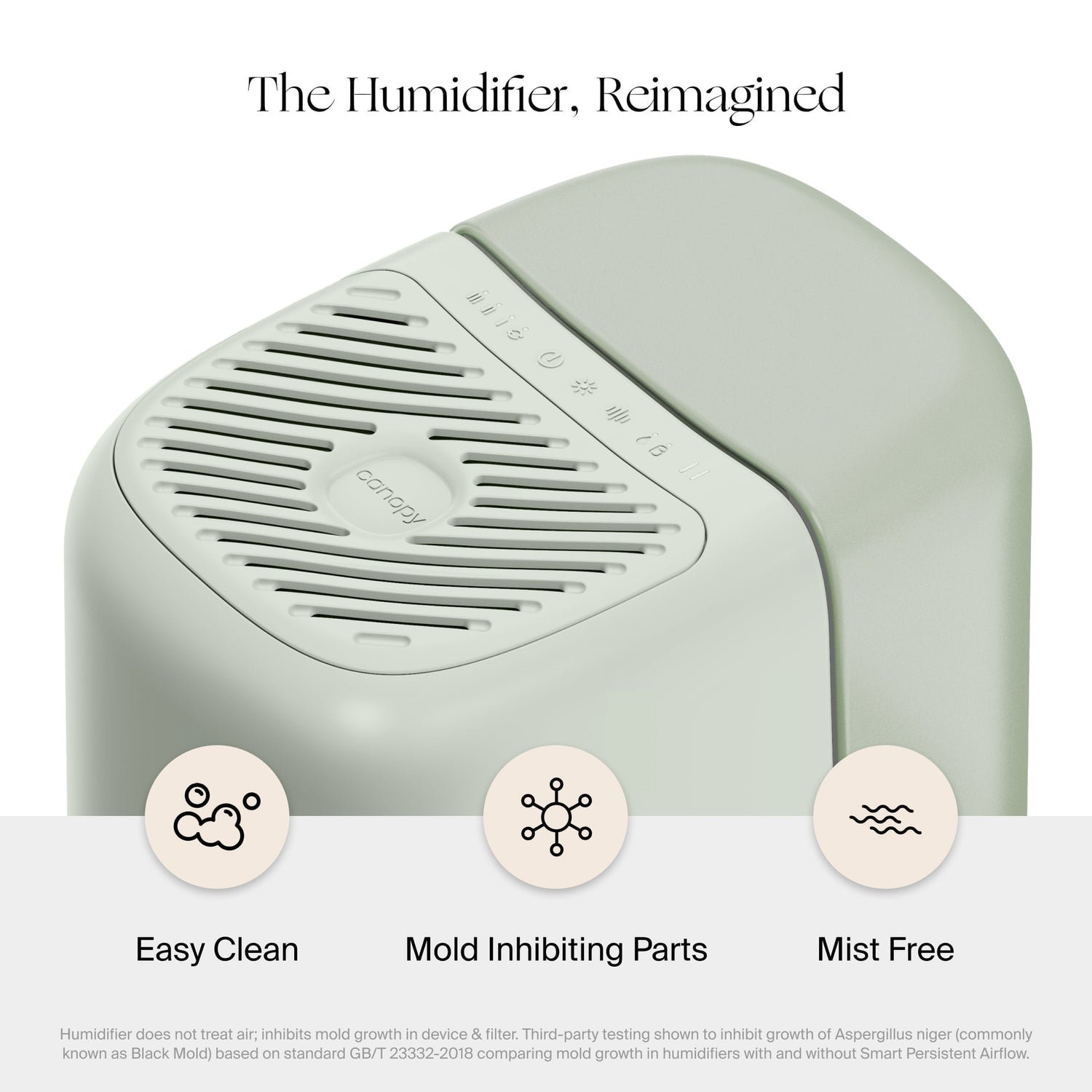
If you own the Bedside Humidifier 2.0 model, two additional buttons unlock comfort features beyond basic humidification. These operate independently, meaning you can use the night light or white noise without running the humidifier.
Customize Your Night Light Experience
The Night Light button near the base offers three distinct lighting modes:
Warm reading light: Single tap activates bright, warm white light—perfect for bedtime reading without harsh overhead lighting.
Sleep-promoting red light: Second tap switches to dim red spectrum, scientifically shown to support melatonin production for better sleep.
Complete darkness: Third tap turns all lights off—ideal for light-sensitive sleepers while the humidifier continues operating.
Brightness adjustment trick: Press and hold the Night Light icon to fine-tune brightness between minimum and maximum levels smoothly.
Create Your Perfect Sound Environment
The dedicated White Noise button creates soothing sound independently of humidification:
Volume cycling:
– First tap: Low volume (whisper-quiet)
– Second tap: Medium volume (conversation masking)
– Third tap: High volume (street noise blocking)
– Fourth tap: Off
Pro tip: Use white noise without humidification during summer months when humidity levels are naturally higher but outdoor noise remains problematic.
Prevent These 3 Common Canopy Humidifier Mistakes
Even smart humidifiers have quirks that frustrate new users. Understanding these prevents 90% of support calls and ensures you get the most from how to use Canopy humidifier properly.
Don’t Panic About Auto-Restart
Your humidifier restarting after manual shutdown isn’t broken—it’s protecting itself. This sensor-driven restart only occurs when water remains in the system, ensuring complete evaporation and preventing mold. Let it finish its cycle, then power down again if desired.
Reset Filters Correctly
If your Filter light won’t reset after replacement, you’re likely not holding the button long enough. Exactly 30 seconds of continuous pressure is required—count it out slowly. The light will extinguish precisely when reset completes.
Understand Night Mode Light Behavior
All humidifier indicator lights automatically dim in darkness. If you see no lights during operation at night, your room is dark enough to trigger Night Mode. This is normal operation, not a power issue—check in daylight to verify functionality.
Essential Maintenance for Years of Reliable Operation
Your Canopy humidifier’s smart features reduce maintenance needs, but simple habits ensure years of reliable operation and prevent the most common issues users face.
Weekly routine:
– Empty and rinse water tank with clean water
– Wipe down exterior surfaces with a damp cloth
– Check filter for visible discoloration or debris
Monthly deep clean:
– Remove and rinse filter housing
– Clean mist output area with soft brush
– Sanitize water tank with vinegar solution (1 part vinegar to 3 parts water)
Filter replacement schedule:
– Every 45-90 days depending on usage frequency
– Replace immediately when Filter light appears
– Stock 2-3 filters for uninterrupted operation
Never submerge the base unit in water or use harsh chemicals that could damage sensors.
Mastering how to use Canopy humidifier means more than pressing buttons—it’s understanding how intelligent design works with your lifestyle. Start with Auto Mode tonight to experience effortless humidity control, then experiment with manual settings as you learn your preferences. Within days, you’ll wake up without that dry throat or stuffy nose that plagues dry air environments. Your sinuses—and your sleep quality—will thank you tomorrow morning. For optimal results, place your humidifier on a raised surface away from walls, refill with distilled water to minimize mineral buildup, and enjoy consistently comfortable air that supports better breathing and restful sleep all year round.



