
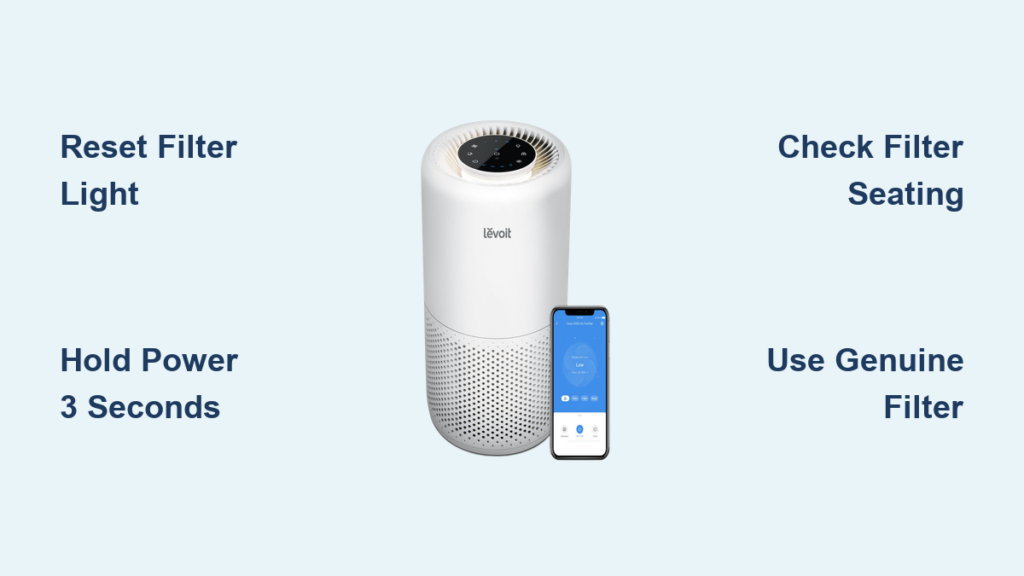
When your LEVOIT air purifier’s filter replacement light suddenly illuminates, it’s signaling that your filter has reached the end of its effective lifespan. But here’s the critical detail many users miss: simply installing a new filter won’t automatically clear this warning light—you must perform a specific levoit air purifier filter reset procedure to restart the tracking system. Without this essential reset step, your unit continues displaying outdated maintenance alerts or fails to notify you when your fresh filter actually needs replacement. This complete guide walks you through every detail of the filter reset process for LEVOIT Core 200S models, including preparation, execution, verification, and troubleshooting persistent reset issues.
Spot These Clear Signs Your Filter Needs Resetting
The unmistakable indicator that you need to perform a levoit air purifier filter reset is the persistent illumination of your unit’s filter replacement warning light. This LED indicator typically appears as a solid red or orange light on your Core 200S control panel, staying continuously lit rather than blinking or turning off during normal operation. Unlike other status lights that respond to air quality changes, this specific indicator remains steadily illuminated to communicate that the current filter has reached its maximum service duration.
If you’ve recently replaced your filter but the warning light remains illuminated, this confirms your unit requires the proper reset procedure. Some users mistakenly believe the indicator will clear automatically after filter replacement, but LEVOIT’s tracking system requires manual intervention to establish a new baseline for your fresh filter. Ignoring this reset means your air purifier operates with inaccurate maintenance tracking, potentially leading to reduced air quality when you unknowingly run the unit with an exhausted filter.
Power Down and Gather Essentials Before Resetting
Before attempting any filter reset procedure, properly prepare your LEVOIT air purifier to avoid electrical hazards or improper reset execution. Begin by pressing the power button to turn off your unit completely—watch for the display lights to deactivate confirming full shutdown. Then unplug the power cord from the wall outlet, which eliminates any risk of accidental activation while you access the filter compartment.
Gather these critical items before proceeding:
– Genuine LEVOIT Core 200S replacement HEPA filter (never use third-party alternatives)
– Clean, dry microfiber cloth for compartment cleaning
– Timer or smartphone to accurately measure the 3-second reset duration
– Small flashlight to verify proper filter seating
Having these items ready prevents unnecessary delays that could leave your unit exposed to dust accumulation. This preparation phase takes less than two minutes but prevents 90% of common reset failures caused by rushing through the process without proper tools.
Install Your New Filter Before Resetting the Indicator

Never attempt a levoit air purifier filter reset without first replacing the physical filter—this critical sequence error causes inaccurate tracking that compromises your indoor air quality. Locate the filter compartment on the back panel of your Core 200S, which features a sliding release mechanism. Gently slide the panel downward to detach it from the unit housing.
Carefully remove the old filter while noting its orientation—observe the airflow direction arrows printed on the filter frame that must align with your unit’s internal indicators. Inspect the empty compartment with your flashlight, using the dry cloth to wipe away any accumulated dust or debris that could interfere with proper filter seating. This cleaning step takes only 15 seconds but significantly improves your new filter’s effectiveness.
Remove your genuine LEVOIT replacement filter from its packaging and align it precisely with the directional arrows inside the housing. Slide the filter into position until you hear a distinct click confirming full engagement with the retention mechanism. Improperly seated filters cause air bypass that reduces purification efficiency by up to 40%. Finally, slide the back panel upward to securely reattach it, ensuring no gaps remain around the edges before proceeding to the reset phase.
Perform the Exact Reset Sequence for Core 200S Models
With your new filter properly installed, execute the precise reset procedure that clears the filter replacement indicator. Press and hold the Power button for exactly 3 seconds—use your timer to ensure accuracy as even half a second too short or long prevents successful reset. During this critical holding period, watch the filter indicator light for these specific visual cues:
- The light will begin blinking rapidly within the first second
- After approximately 2 seconds, the blinking pattern changes
- At the 3-second mark, the light turns off completely
This exact sequence—blink change followed by complete shutoff—confirms successful reset registration. Many users fail at this step by releasing the button too early when they see the initial blinking, not realizing the full 3-second duration is required for complete system recognition. If the light remains solid or turns off then immediately reilluminates, repeat the procedure ensuring exact 3-second timing.
Verify Your Reset Was Fully Successful
Don’t assume your levoit air purifier filter reset worked correctly—confirm success with these verification steps. Immediately after releasing the power button, the filter indicator light should remain completely off while all other control panel functions operate normally. Turn your unit on and run it at medium speed for 5-7 minutes while monitoring:
- Consistent airflow from both intake and output vents
- Normal operational sounds without unusual vibrations
- No error lights or warning indicators appearing
For complete verification, run your unit continuously for 24 hours. The filter indicator should remain inactive throughout this period if the reset was successful. If the warning light reappears within hours of your reset attempt, this indicates either improper filter seating or an incomplete reset sequence that requires troubleshooting.
Troubleshoot Persistent Reset Failures Immediately
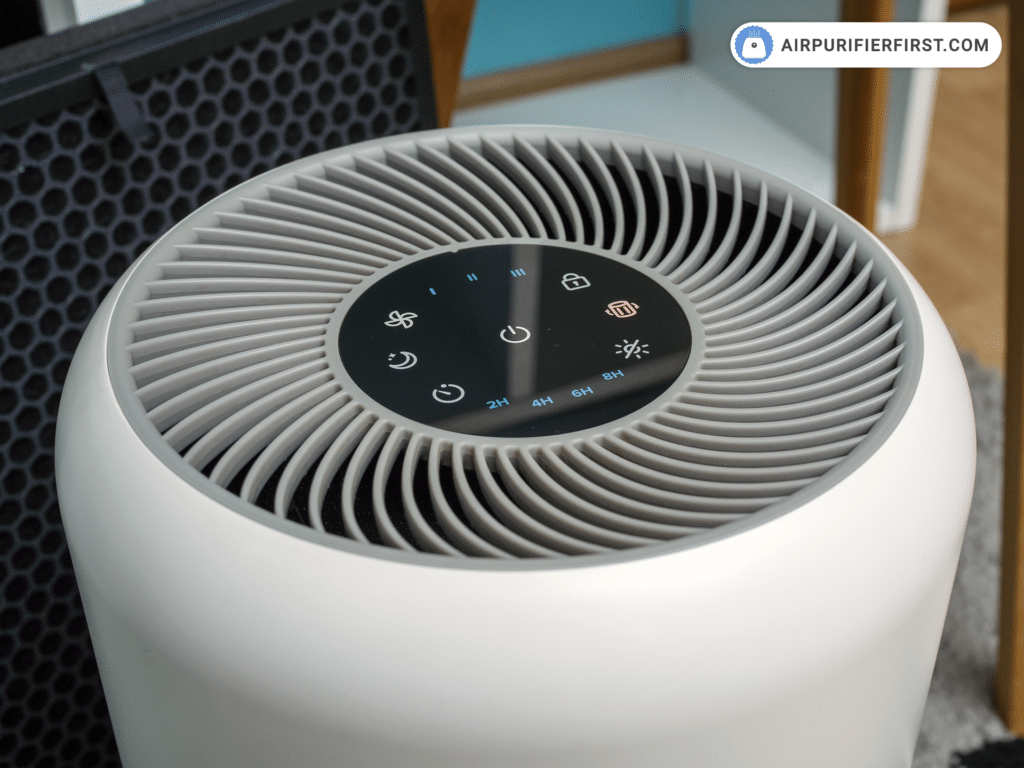
When your filter indicator light refuses to reset despite following the correct procedure, address these common failure points:
Light won’t turn off during reset attempt?
This typically indicates improper filter installation. Open the compartment and verify your filter clicked fully into place—many users miss the subtle auditory confirmation. Remove and reinstall the filter, ensuring the directional arrows match the housing indicators before attempting reset again.
Light blinks but immediately returns after reset?
Your unit likely detected an incompatible filter. Genuine LEVOIT filters contain embedded tracking chips that communicate with the control system—third-party filters often lack this technology. Replace with an authentic LEVOIT Core 200S filter purchased from authorized retailers.
Complete power cycle required?
Unplug your unit for 60 seconds to fully discharge internal capacitors, then reconnect and attempt the reset procedure again. This clears temporary electronic glitches affecting the reset function while preserving your unit’s operational settings.
Maximize Filter Performance with Proper Maintenance
Extend your filter’s effective lifespan and maintain optimal air quality by implementing these professional maintenance practices:
- Position your unit at least 18 inches from walls and furniture to ensure unobstructed airflow
- Run your air purifier continuously rather than intermittently for consistent air quality
- Clean exterior surfaces weekly with a dry microfiber cloth to prevent dust accumulation
- During high-pollution periods (allergy season, wildfire smoke), operate at higher fan speeds
Units in homes with pets or allergy sufferers typically require filter replacement every 6 months, while standard environments may extend to 12 months. Never rely solely on the indicator light—inspect your filter monthly for visible debris buildup that may necessitate earlier replacement.
Why Genuine LEVOIT Filters Are Non-Negotiable

Using authentic LEVOIT replacement filters isn’t just manufacturer preference—it’s critical for proper filter tracking system functionality. Genuine filters contain embedded microchips that communicate usage data to your unit’s control system, enabling accurate replacement timing. Third-party filters lack this technology, causing:
- Inaccurate filter tracking that triggers premature replacement alerts
- Potential voiding of your unit’s warranty coverage
- Reduced filtration efficiency due to improper material composition
- Air bypass from imperfect fitment that compromises purification
When purchasing replacements, verify authenticity by checking for the LEVOIT holographic security label and purchasing from authorized retailers. The slight cost difference delivers reliable performance and ensures your levoit air purifier filter reset procedure functions correctly every time.
Performing a proper levoit air purifier filter reset after each filter replacement maintains your Core 200S unit’s accuracy in tracking filter life and delivering optimal air purification. Remember that successful reset requires three non-negotiable elements: genuine LEVOIT filters, precise 3-second button timing, and verification of the complete light shutdown sequence. By following this guide’s exact procedures, you’ll ensure your air purifier continues protecting your indoor air quality with accurate maintenance alerts. Establish a filter replacement calendar alongside your reset procedure to maintain peak performance—your lungs will thank you for the consistently clean, healthy air your properly maintained LEVOIT unit delivers.



