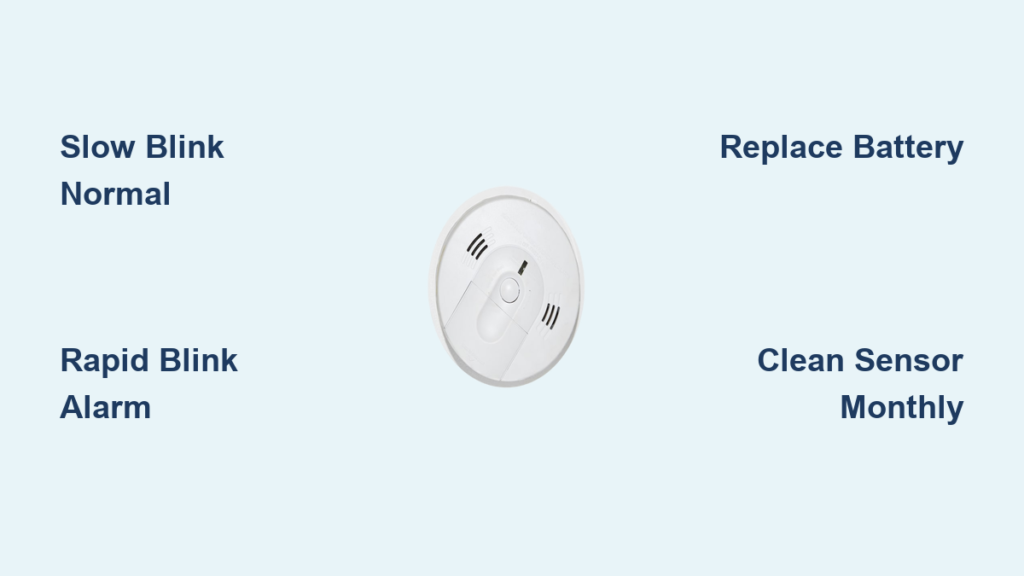
You glance up at the hallway ceiling and notice your smoke detector blinking red. Your first instinct might be panic—until you remember the device was silent just yesterday. A blinking red light can mean several things, from a perfectly normal status indicator to a low battery signal or even an active alarm condition. Understanding the difference helps you respond correctly without unnecessary stress.
This guide breaks down what a smoke detector blinking red actually means, how to interpret various blink patterns, and when troubleshooting is required. You will also learn proper maintenance habits and replacement guidelines to keep your home protected year-round.
Red Light Patterns Explained
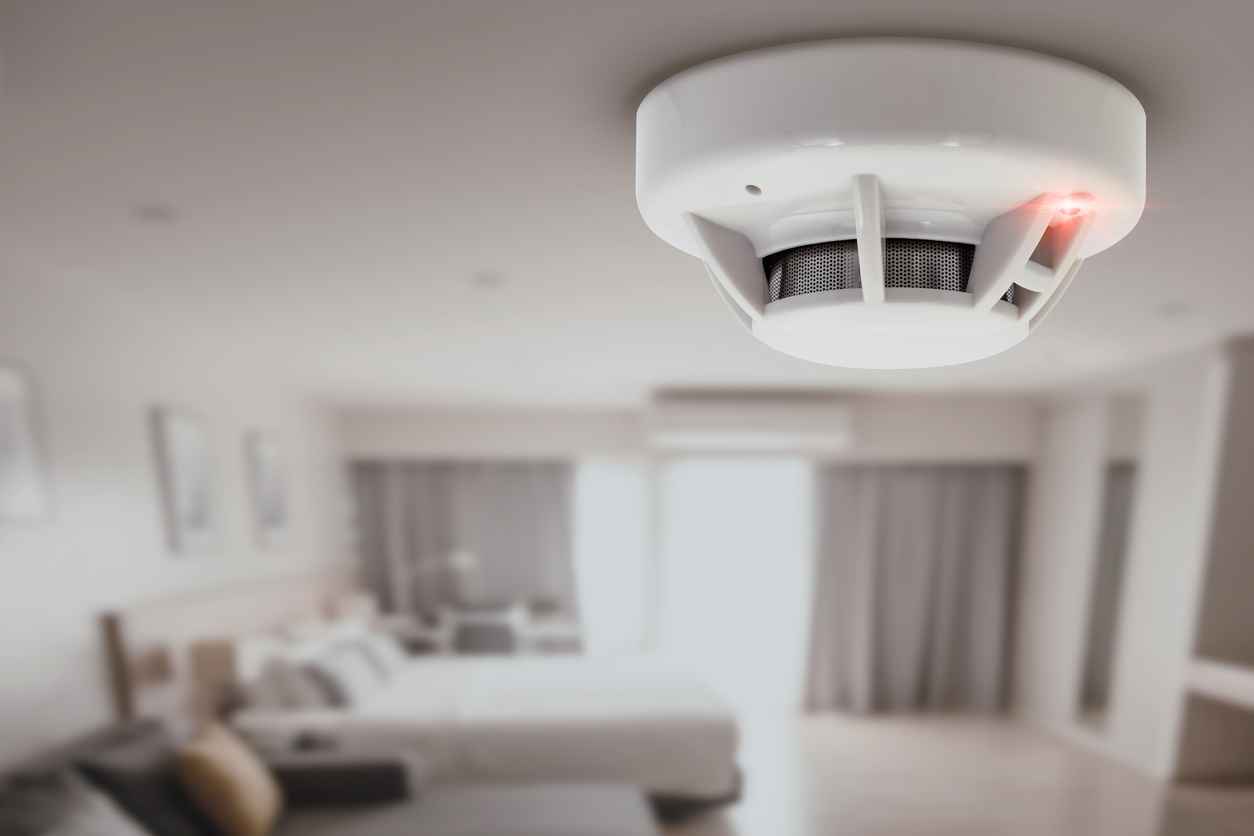
The timing and frequency of the red blink tell you exactly what your detector is communicating. Not every flash signals danger.
Normal Operation: Slow Blink Every 30–40 Seconds
A single red flash every 30 to 40 seconds indicates the detector is powered and actively monitoring for smoke. This pattern confirms the internal circuitry works and the unit stands ready.
✅ Pro Tip: If you see this slow, steady blink, your detector is doing its job. No action required.
Rapid Flashing: Multiple Blinks Per Second
When the red light flashes rapidly (2–3 times per second) alongside an audible alarm, smoke has been detected. Evacuate immediately and investigate the source of danger.
If the light flashes quickly without sound, the unit may still be clearing residual smoke or dust from its sensor chamber. Wait a few minutes in a well-ventilated area, and the light should return to its normal slow rhythm.
Why Is My Smoke Detector Blinking Red But Not Working?
A blinking light does not always confirm full functionality. If your detector fails to respond during testing, deeper issues may exist.
Check the Power Source First
Even active blinks can occur while the detector lacks enough power to sound an alarm.
Battery-Powered Units
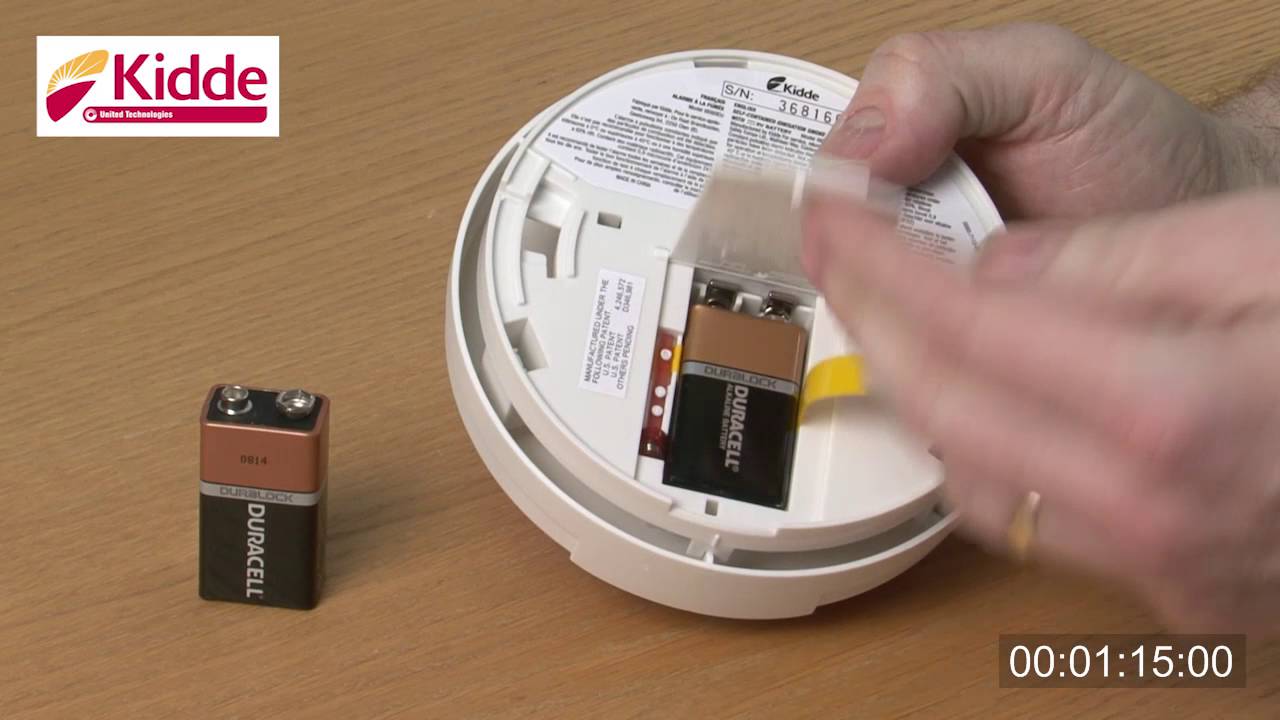
- Confirm the battery is fresh and seated correctly
- Replace with the recommended type (typically 9V or AA)
- Wipe battery contacts with a dry cloth if corrosion appears
Hardwired Detectors
- Verify power at the circuit breaker
- Note that some models only blink when receiving AC power, not when the backup battery is dead
- Test both AC power and battery backup monthly
⚠️ Warning: A blinking red light does not guarantee your backup battery is functional. Always run a manual test.
Low Battery vs. Normal Blink: How to Tell
Many homeowners confuse a low battery signal with regular operation. Here is how to distinguish the two.
| Light Pattern | Sound | Meaning |
|---|---|---|
| Red blinks every 30–40 sec | None | Normal operation |
| Red blinks every 30–40 sec | Chirps every 30–60 sec | Low battery |
| Red flashes rapidly | Continuous alarm | Smoke detected |
When you hear intermittent chirping paired with the red blink, replace the battery right away—even if the light rhythm appears normal.
✅ Expert Note: Some First Alert models flash red every 40 seconds during normal operation and add a chirp only when the battery runs low. The sound is the deciding factor.
False Alarms Triggered by Sensor Issues
Routine red blinks do not prevent false alarms caused by environmental factors or poor maintenance.
Clean the Detector Monthly
Dust buildup, insects, and cooking residue can interfere with the sensor chamber.
- Turn off power at the breaker (for hardwired units)
- Remove the detector cover or detach from the mounting base
- Use a vacuum with a soft brush attachment on the vents
- Skip water, chemical sprays, or compressed air
❌ Never paint over a smoke detector. Paint blocks sensors and may void the warranty.
Avoid Problem Locations
Install detectors at least 10 feet from kitchens and bathrooms. Steam, grease, and humidity can trigger false alarms or cause erratic behavior—even when the red light appears normal.
Resetting a Blinking Red Smoke Detector
Odd blinking behavior or repeated false alarms often resolve with a proper reset.
How to Reset Your Detector
- Turn off power at the circuit breaker for hardwired models
- Twist or slide the detector off its mounting base
- Press and hold the test button for 15 seconds
- Reattach the unit and restore power
After resetting, the red light should settle back into a slow, periodic blink.
✅ Pro Tip: Reset after every battery replacement or power outage to clear stored error codes.
Interconnected Detectors: Syncing the Signal
Interconnected units communicate through wiring, so one detector’s behavior can influence the rest.
Confirm All Units Are Compatible
- Pair same-model units or manufacturer-recommended sets
- Follow wiring instructions precisely (white wires typically carry the interconnect signal)
- Test the full system after installation so all units respond together
Troubleshoot Miscommunication
When one detector blinks rapidly while others stay silent, check for loose interconnect wires, confirm all units receive power, and reset each device individually before retesting.
🔁 Monthly Test: Press the test button on one unit. Every interconnected alarm should sound. If not, inspect the wiring or check compatibility.
Installation Best Practices
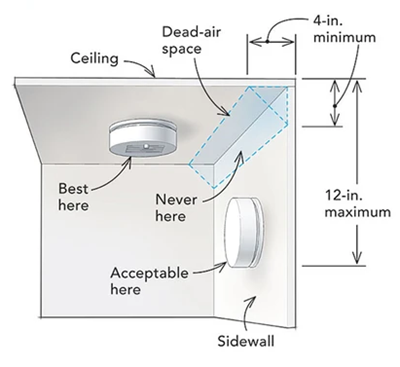
Placement affects both performance and the reliability of the red light indicator.
Mount on the Ceiling or Upper Walls
Smoke rises, so install detectors on the ceiling at least 4 inches from any wall. Wall-mounted units should sit 6–12 inches below the ceiling. Avoid corners where airflow stagnates.
Keep Detectors Away from Drafts and Obstructions
Stay clear of windows, vents, ceiling fans, and air conditioning units. Drafts can redirect smoke away from the sensor, delaying detection even when the red light confirms power.
When to Replace Your Smoke Detector
A blinking red light does not mean the unit lasts indefinitely. Every detector has a service life.
Replace Every 10 Years
Even fully functional detectors lose sensor sensitivity over time. Replace the entire unit every 10 years from the manufacture date stamped on the back of the housing.
✅ Example: A detector manufactured in 03/2015 should be replaced by 03/2025.
Some newer models include an end-of-life warning—chirping every 30 seconds that battery replacement cannot silence.
Maintenance Schedule for Reliable Protection
Stay ahead of problems with these simple habits.
Test the Alarm Monthly
- Press and hold the test button
- Confirm a loud audible signal
- Verify the red light returns to a slow blink afterward
Replace Batteries Annually
- Swap batteries every year, even without chirping
- Use the Daylight Saving Time change as a reminder
Replace the Entire Unit Every 10 Years
- Do not wait for total failure
- Consider upgrading to sealed-battery or smart models for added convenience
Frequently Asked Questions About Smoke Detector Blinking Red
Is a blinking red light on a smoke detector normal?
Yes. A slow blink every 30–40 seconds indicates normal operation. The detector is powered and actively monitoring for smoke.
What does a rapidly blinking red light mean?
Rapid flashing (2–3 times per second) typically signals an active alarm condition. If accompanied by sound, evacuate immediately. Without sound, the detector may be clearing residual smoke or dust.
Why is my smoke detector blinking red with no sound?
This usually means normal operation or a brief reset period after battery replacement. If the light stays rapid without alarm, clean the sensor chamber or reset the unit.
How do I know if the battery is low?
A chirping sound every 30–60 seconds, paired with the regular red blink, signals a low battery. Replace it immediately with the recommended battery type.
Can dust cause a smoke detector to blink red?
Dust buildup inside the sensor chamber can trigger false alarms or erratic blinking. Clean the vents monthly using a vacuum with a soft brush attachment.
When should I replace the entire smoke detector?
Replace the unit every 10 years from the manufacture date, regardless of performance. Some models also chirp to indicate end-of-life.
Final Thoughts on Smoke Detector Blinking Red
A smoke detector blinking red is rarely cause for alarm, but it always deserves attention. A slow blink every 30–40 seconds means the unit is on duty. A chirp with that blink signals a low battery. A rapid flash with sound demands immediate evacuation.
By following a consistent routine—monthly testing, annual battery swaps, and full replacement every 10 years—you keep every blink meaningful. Your detector’s red light is more than an indicator. It is a silent guardian that protects your home when properly understood and maintained.
For model-specific troubleshooting or replacement recommendations, visit the First Alert Support Website or contact their customer service team directly.