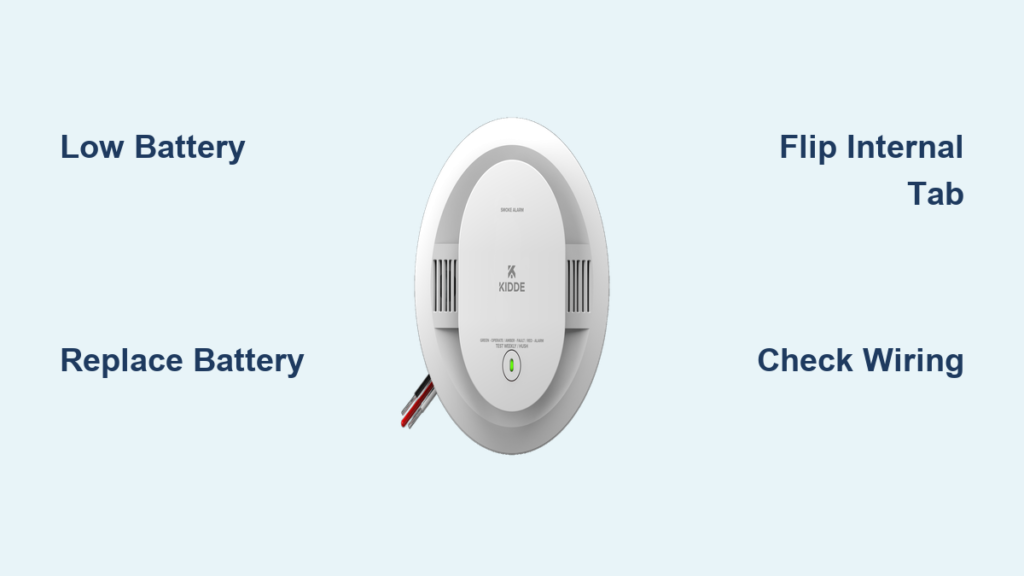
You’re trying to sleep, and then it happens: a sharp chirp every minute. Your Kidde smoke detector is beeping, and ignoring it feels impossible. You’re definitely not alone. Thousands of homeowners deal with this exact problem every year, and the good news is that most causes take just minutes to fix. With the right steps, you can restore quiet and keep your home properly protected.
The most common reason a Kidde smoke detector beeps is a low battery. But not every chirp means the same thing. Some beeping patterns signal wiring issues, a firmware update, or even the end of the unit’s lifespan. Misreading the pattern can lead to wasted time or worse, a dead alarm that fails when you need it most. In this guide, you’ll learn how to identify each beeping pattern, replace the battery the right way, clean the sensor, and know exactly when it’s time to buy a new detector.
Decode the Beeping Pattern
Match the Sound to the Problem
Before grabbing a screwdriver or a new battery, listen closely. Each chirp pattern points to a specific cause.
- Loud, continuous alarm: Signals smoke or combustion. Evacuate first, then investigate.
- Single chirp every 30 to 60 seconds: Classic low battery warning.
- Random, irregular chirps: Weak battery or loose wiring.
- Two short chirps, pause, two more: Firmware update on a smart model.
Identifying the pattern saves you time and prevents unnecessary disassembly.
Understand Low Battery Chirping
A consistent chirp every 30 to 60 seconds means the battery is failing. This sound will continue for at least seven days before the battery dies completely. The chirp is doing exactly what it should: warning you before protection is lost.
Pro Tip: Newer Kidde models include a low battery hush feature. Press and hold the test/hush button for a few seconds to silence the chirp for up to 12 hours. Use that time to grab a replacement battery, but do not delay the actual swap.
Replace the Battery the Right Way
Remove the Detector Safely
No tools are needed for this job. Here’s how to take the unit down:
- Stand on a stable step stool.
- Turn the detector clockwise about a quarter turn.
- Gently pull it down from the mounting base.
- If hardwired, squeeze the sides of the wire connector and pull it straight out.
Warning: Clockwise releases the unit. Turning counterclockwise will tighten it further.
Install the New Battery
Once the detector is in hand:
- Flip open the battery cover on the back.
- Pull the tab to remove the old battery.
- Check the polarity diagram for correct + and – placement.
- Critical step: Flip the small plastic tab inside the compartment upward. If it stays down, the cover will not close.
- Slide the new battery in, matching the polarity.
- Make sure the ribbon cable lies flat under the battery.
Common Mistake: Skipping the internal tab flip. This is the top reason beeping continues even after a brand new battery is installed.
Reinstall and Test
Put everything back together in reverse order:
- Align the wire connector pins with the slots.
- Snap the connector into place.
- Twist the detector counterclockwise until it clicks.
- Look at the front. A small opening should be visible, confirming a secure lock.
Press the test button. A full alarm sound means the beeping is gone and the unit is ready to protect.
Fix Intermittent Chirping
Replace the Battery Early
Random chirps without a steady rhythm usually mean the battery is starting to weaken. Replace it now, even if the battery is relatively new. Temperature swings, poor storage, or low-quality cells can cause early drain.
Use only the recommended battery type for your model (usually 9V or AA). Avoid expired or generic brands.
Check the Wire Connection
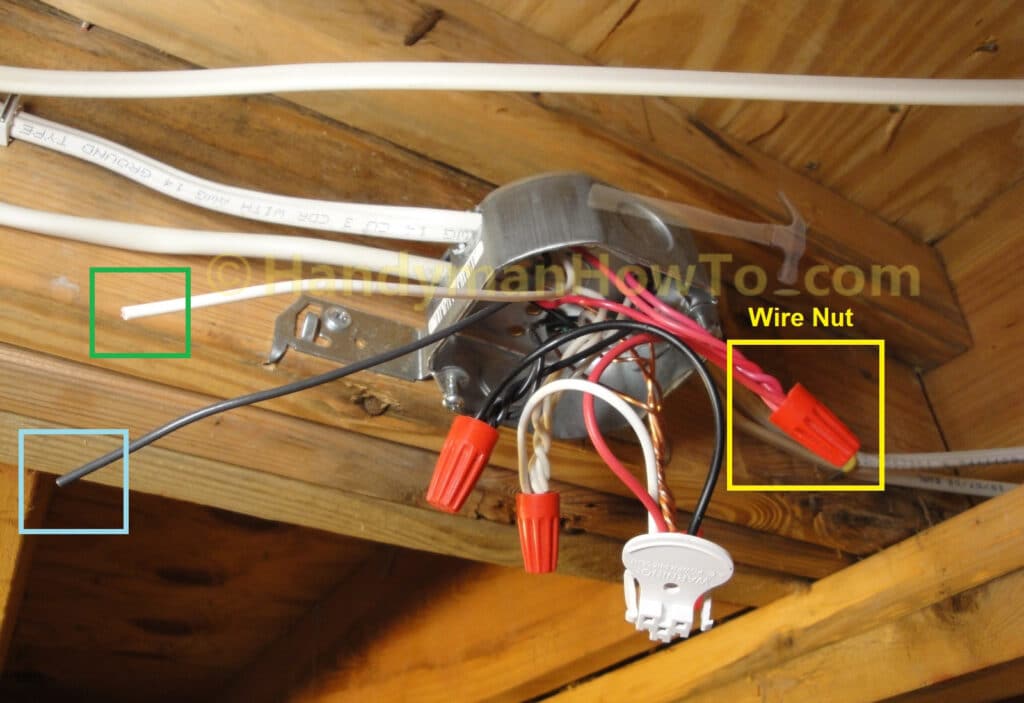
For hardwired Kidde alarms, a loose white wire in the wire nut is a common culprit behind random chirps.
To inspect:
- Turn off power at the breaker.
- Remove the detector.
- Gently tug the white wire to check for looseness.
- Tighten the wire nut and confirm all wires are secure.
- Restore power and monitor for silence.
Safety First: Always cut power before touching wiring. If you are unsure, call a licensed electrician.
Stop False Alarms
Clean the Sensing Chamber
Dust, steam, and cooking residue can trick the sensor into alarming. A quick cleaning often solves the problem.
For ionization models (i12060) and photoelectric models (P3010):
- Remove the detector from the ceiling.
- Use compressed air (like a keyboard duster).
- Spray into the slots indicated by arrows on the unit.
- Never use water, vacuum cleaners, or chemicals.
Cleaning every six months prevents buildup and false alerts.
Address Environmental Triggers
Common triggers include:
- Steam from showers
- High humidity
- Cooking smoke or grease
- Dust during renovations
Solutions:
– Install the detector at least 10 feet from kitchens or bathrooms.
– Use the hush button to silence nuisance alarms temporarily.
– Improve ventilation in steamy or humid areas.
Handle Smart Alarm Firmware Updates
Recognize Update Chirping
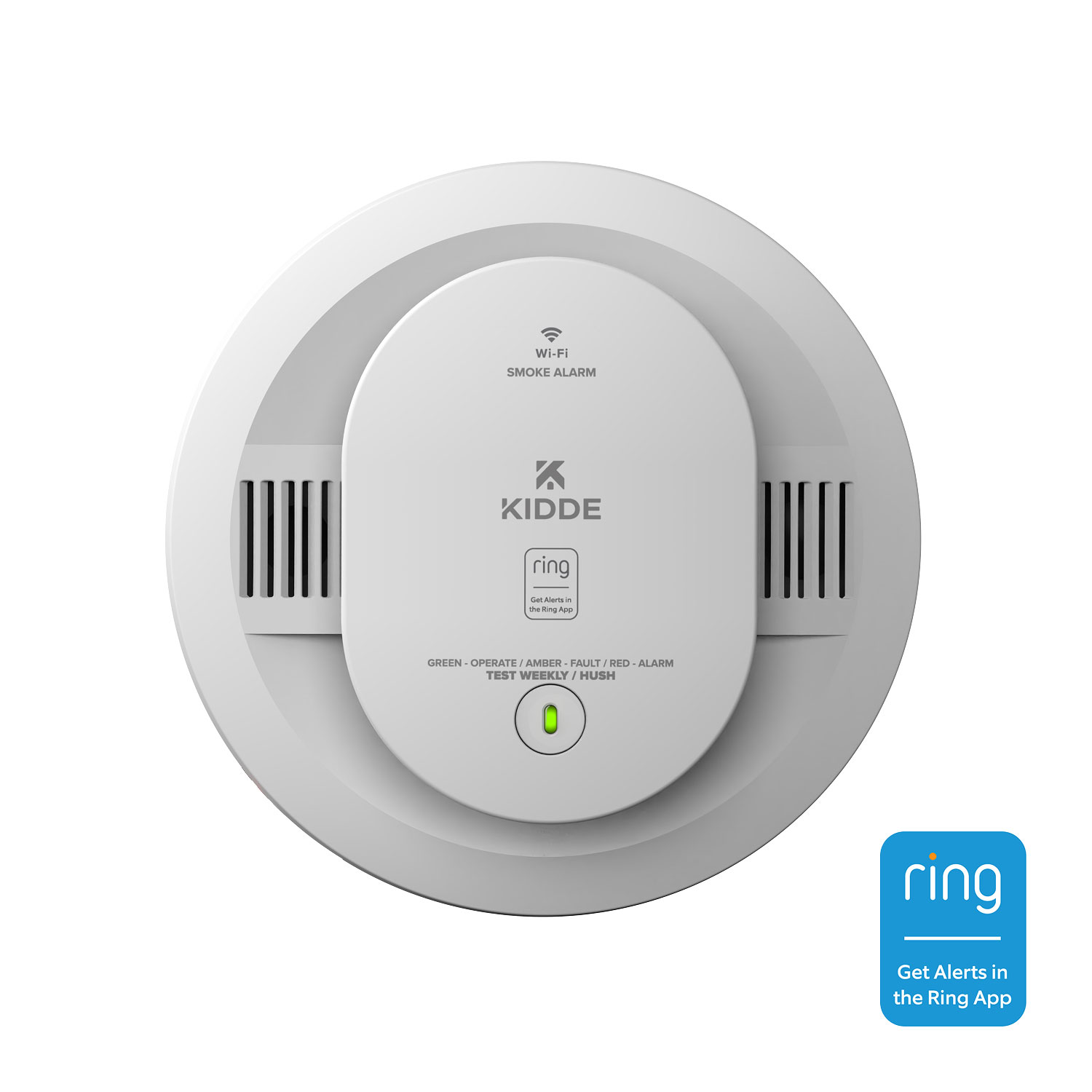
If you own a Kidde | Ring Smart Smoke Alarm, two short chirps followed by silence means a firmware update is running. Another pair of chirps signals completion. The process takes 2 to 3 minutes.
This is normal behavior. Do not remove the battery or reset the unit during the update.
Recover from Interrupted Updates
If Wi-Fi drops mid-update, the alarm will retry within four hours of reconnecting. Keep the unit powered and within network range to avoid delays.
Pro Tip: Schedule updates during daytime hours to avoid chirps at night.
Know When to Replace the Detector
End of Life Warning
Kidde smoke detectors are built to last about 10 years. After that, internal sensors degrade and reliability drops. Some models emit a distinct end-of-life chirp, often every 30 seconds, even with a fresh battery.
Action: Replace the entire unit. No battery swap will revive an expired detector.
Upgrade for Better Protection
Consider moving to a newer model with features like:
- Dual sensors (ionization plus photoelectric)
- Smart alarms with mobile alerts
- Sealed 10-year batteries (no annual replacements)
Modern units reduce false alarms and respond faster to real threats.
Quick Troubleshooting Reference
| Beeping Pattern | Likely Cause | Fix |
|---|---|---|
| Continuous loud alarm | Smoke, steam, or dust | Evacuate if real fire; clean sensor if false |
| Chirp every 30 to 60 sec | Low battery | Replace battery; flip internal tab |
| Random chirps | Weak battery or loose wire | Replace battery; check white wire |
| Two short chirps | Firmware update | Wait 2 to 3 minutes; confirm Wi-Fi |
| Chirping after new battery | Tab not flipped or cable misaligned | Reopen, check alignment, reinstall |
Safety Best Practices
Verify Real Emergencies First
Never assume a beeping alarm is a false alarm. If you hear a continuous loud sound, treat it as a real fire until proven otherwise. Evacuate and call emergency services. Only silence or troubleshoot the unit after confirming everyone is safe.
Test Monthly
Press the test button once a month. A full alarm sound confirms the detector is working. No sound means it’s time to check the battery, wiring, or replace the unit entirely.
Track Expiration Dates
Write the install date on the back of each detector with a marker. Set a calendar reminder for 10 years later and replace without delay.
Frequently Asked Questions About Kidde Smoke Detector Beeping
Why does my Kidde smoke detector chirp every 30 seconds?
This almost always means the battery is low. Replace the battery immediately and make sure the internal tab is flipped upward before closing the cover.
How long will a Kidde detector chirp before the battery dies?
The low battery chirp continues for at least seven days before the battery fully drains. Use the low battery hush feature on newer models to silence it for up to 12 hours while you buy a replacement.
How do I stop my Kidde alarm from beeping after I changed the battery?
Check three things: the internal tab is flipped up, the ribbon cable is flat under the battery, and the polarity matches the diagram. If everything looks correct and the chirp continues, check for loose wiring or replace the unit.
Why does my Kidde smart alarm chirp twice in a row?
Two short chirps on a Kidde | Ring Smart Alarm usually means a firmware update is in progress. The update takes 2 to 3 minutes and finishes with another pair of chirps. Do not remove the battery during this time.
When should I replace my Kidde smoke detector instead of fixing it?
Replace the unit if it is more than 10 years old, if it chirps even with a new battery, or if it fails the monthly test. End-of-life chirping cannot be fixed with a battery swap.
Key Takeaways for Fixing Kidde Smoke Detector Beeping
A beeping Kidde smoke detector is a safety signal worth taking seriously. The good news is that most issues are resolved in minutes with a fresh battery and proper reinstallation. Start by identifying the chirp pattern, then follow the matching fix from this guide. Flip that internal tab, align the ribbon cable, and confirm the visual lock before testing.
Set a monthly reminder to press the test button, write the install date on every unit, and retire any detector over 10 years old. These small habits keep your alarms reliable and your home protected. Stop the beep for good by acting today.